Import a PDF
Import PDF, in the toolbar, opens a PDF as a document to edit. A PDF made here and kept editable comes back as it was; any other PDF is rebuilt with AI.
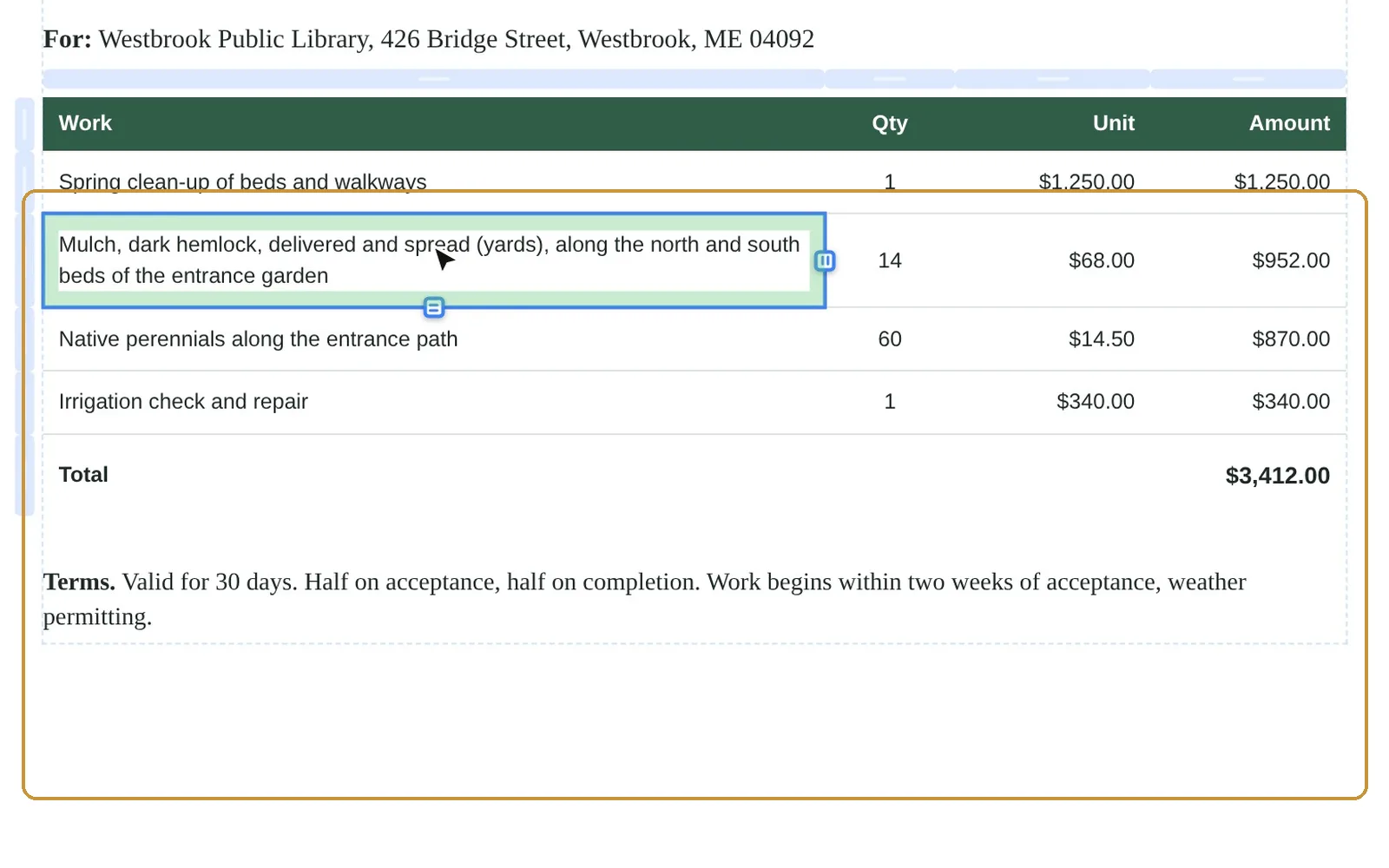
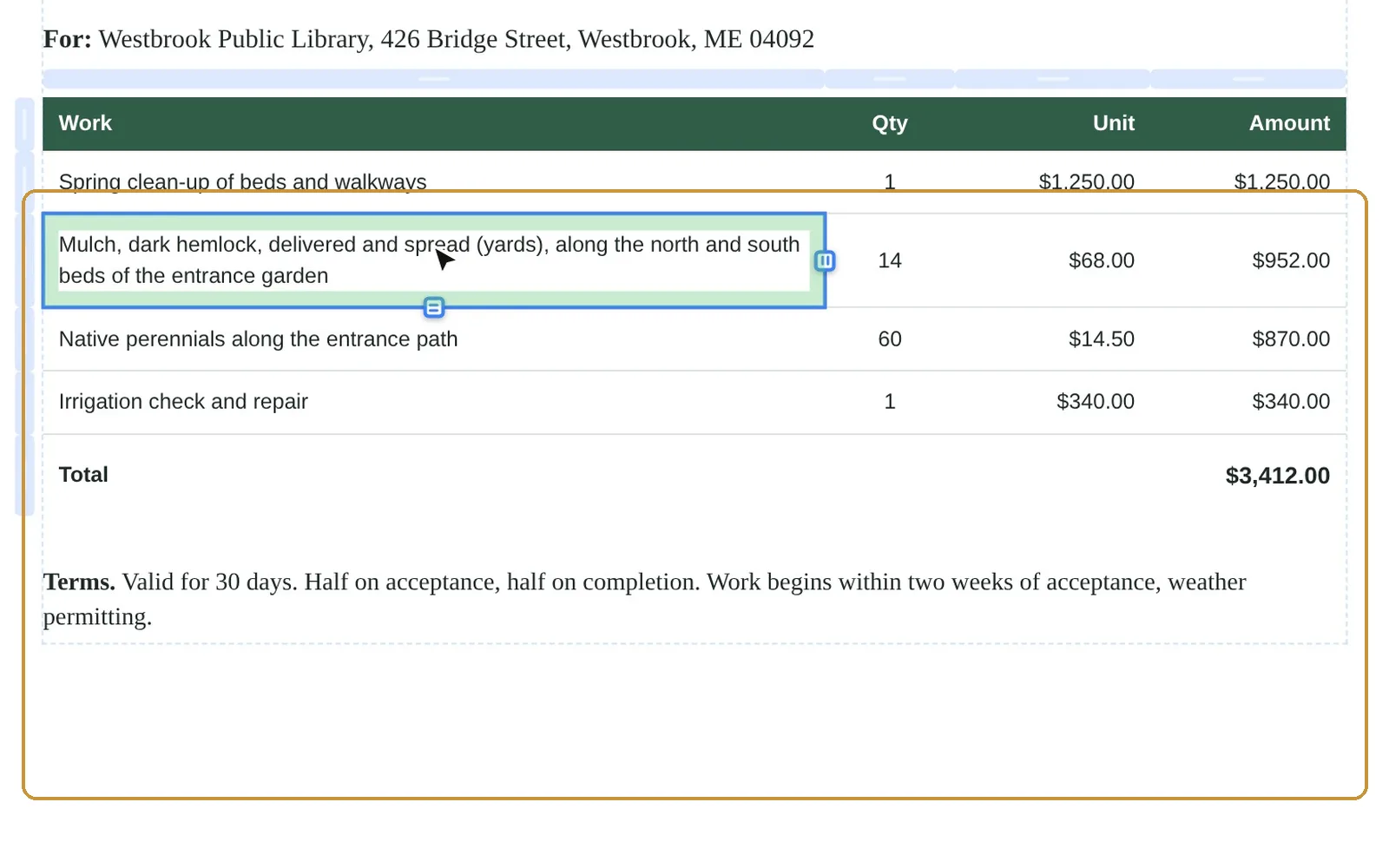
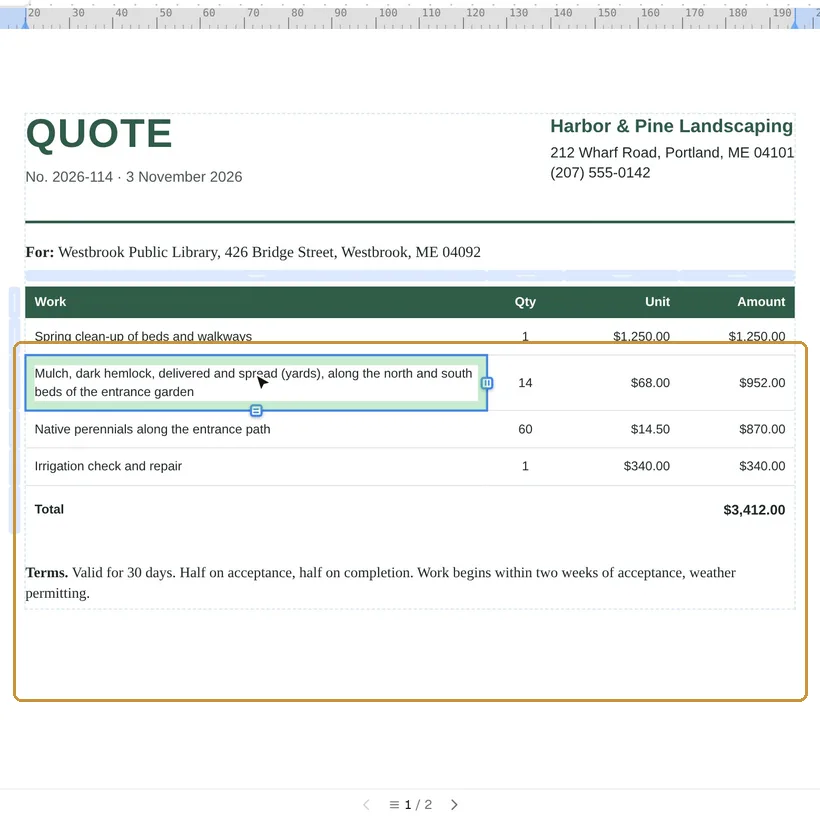
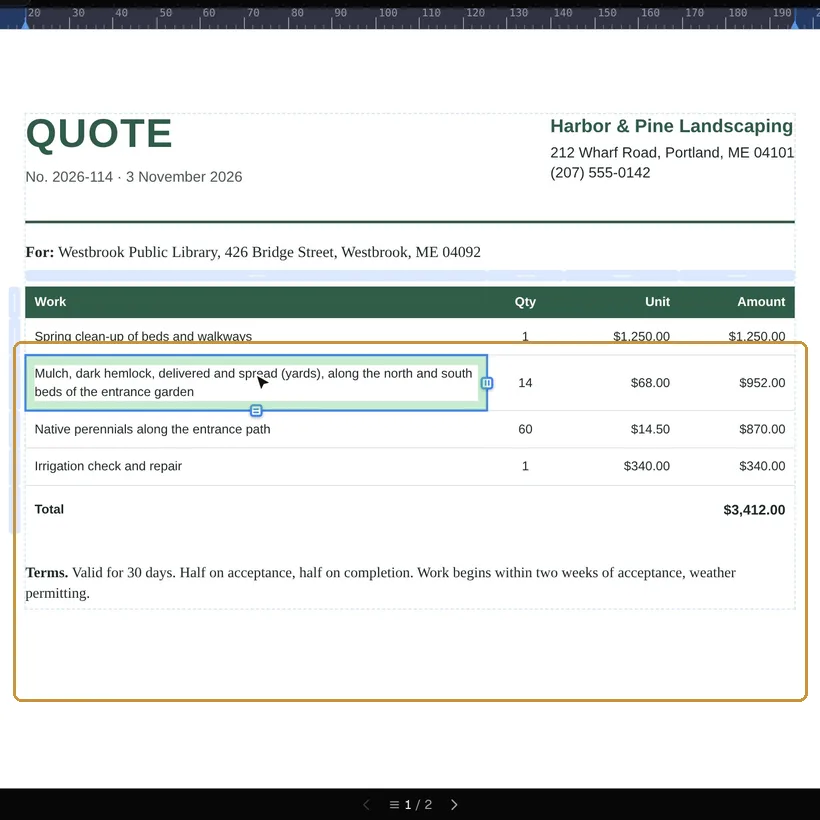
The dialog also opens from New ▸ From a PDF…, and on a phone from More ▸ Import a PDF. Drop a PDF of up to 20 MB on it, or click to choose one.
A PDF made somewhere else
AI reads the pages and writes them back as a document: headings, paragraphs, lists, tables and pictures, which you then edit like any other. It works best on structured documents such as invoices, reports and CVs. Fonts and layout can differ from the original, so compare the two before you send it. Import with AI is in beta.
- It needs a free account with a confirmed email.
- Each page of the PDF uses one AI page: 10 a month on Free, 150 on Pro and 1,000 on Max, and extra pages at $8 for 100 on Pro and Max. See Pricing.
A PDF made here
Download with Keep the PDF editable turned on in the Download menu, and the document travels inside the PDF. Imported here again, it comes back as the same document, with its text, fonts, pictures, charts and codes, without AI and without using AI pages. The switch is off by default, because it makes the file larger; a PDF downloaded without it is imported like any other.
Where the file goes
The PDF is uploaded for import. It is not kept; the document rebuilt from it, with its pictures and fonts, is kept for 180 days after it was last opened, and with an account it is in your Library. The details are on the privacy page.