Templates and your documents
New, in the toolbar, starts another document. With an account, every document is kept in your Library as you work, with its earlier versions.
A new document
- Blank document: an empty page to type on.
- From a template…: one of 97 documents to start from, such as invoices, CVs, contracts, reports and letters, also listed under Templates on the left. Each opens as a document, with its text, tables and pictures to change. See them on the templates page.
- Describe a document…: say what it is (an invoice, a price list, a report, a statement, a brochure, a proposal, a letter, a contract, one page per row, or something else) and describe it, and the assistant writes and lays it out. Give it a spreadsheet or a data file (Excel, CSV, TSV or JSON) and its rows go in as they are in the file. It needs a free account and uses AI pages; the dialog says how many you have left.
- From a PDF…: see Import a PDF.
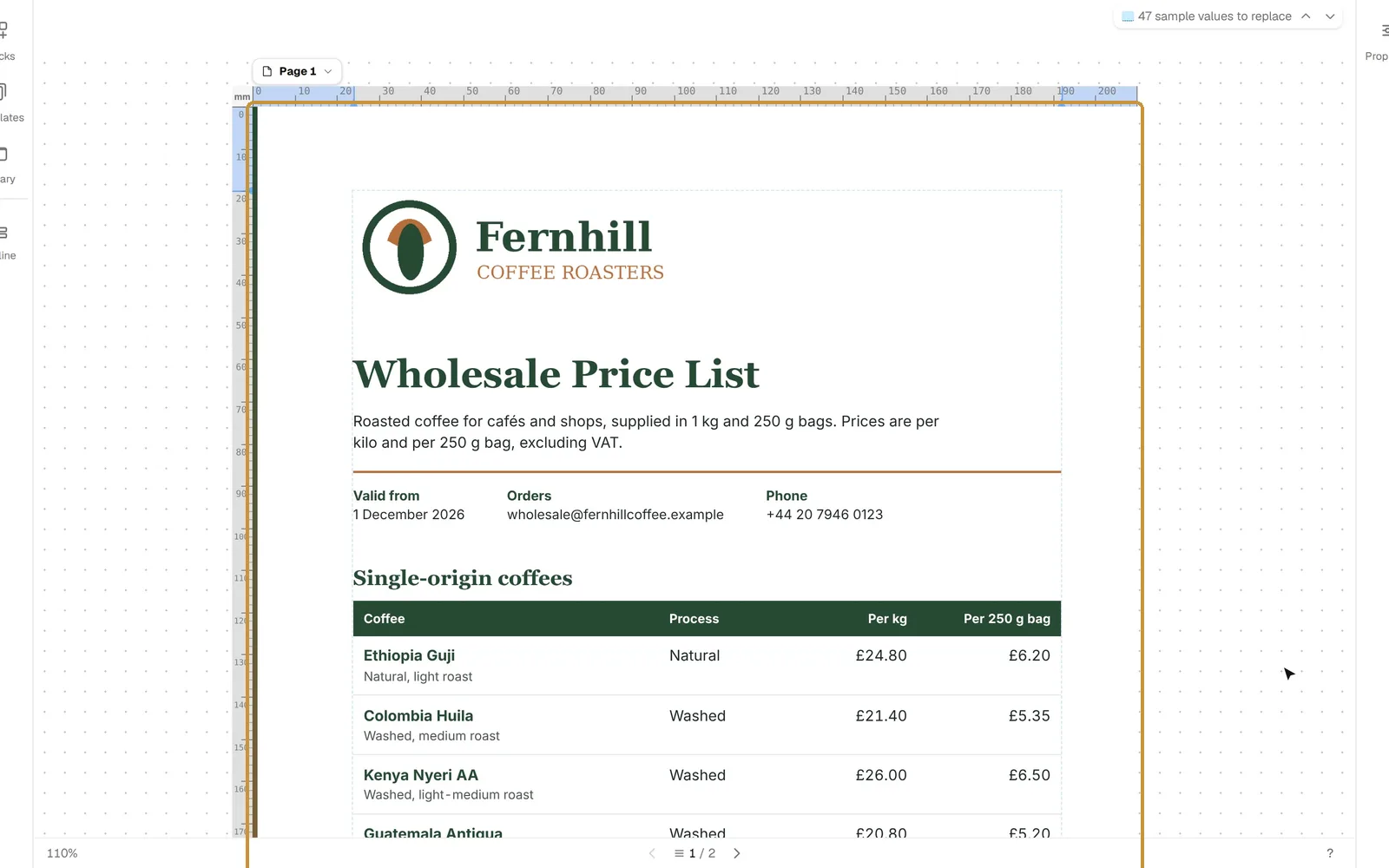
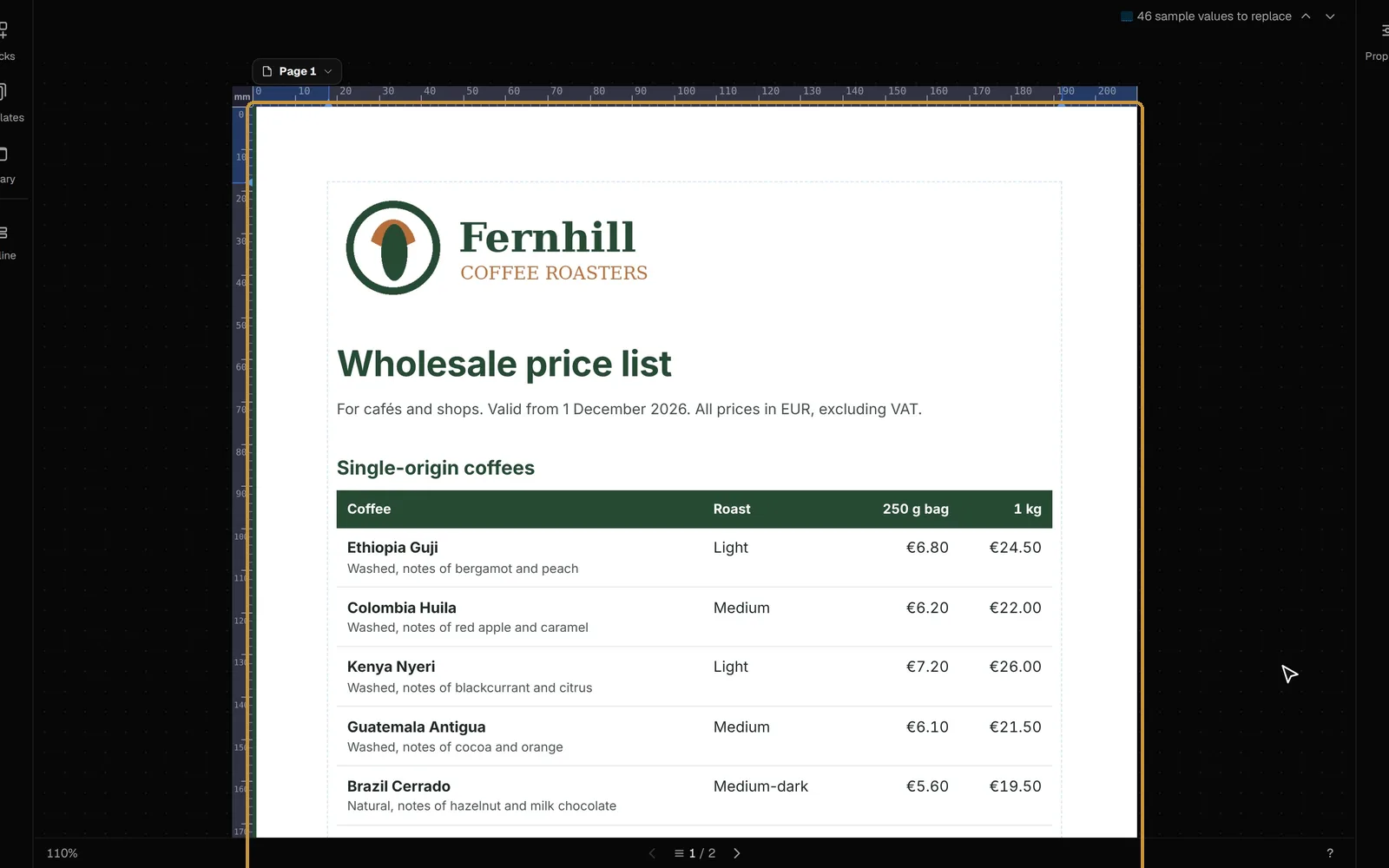
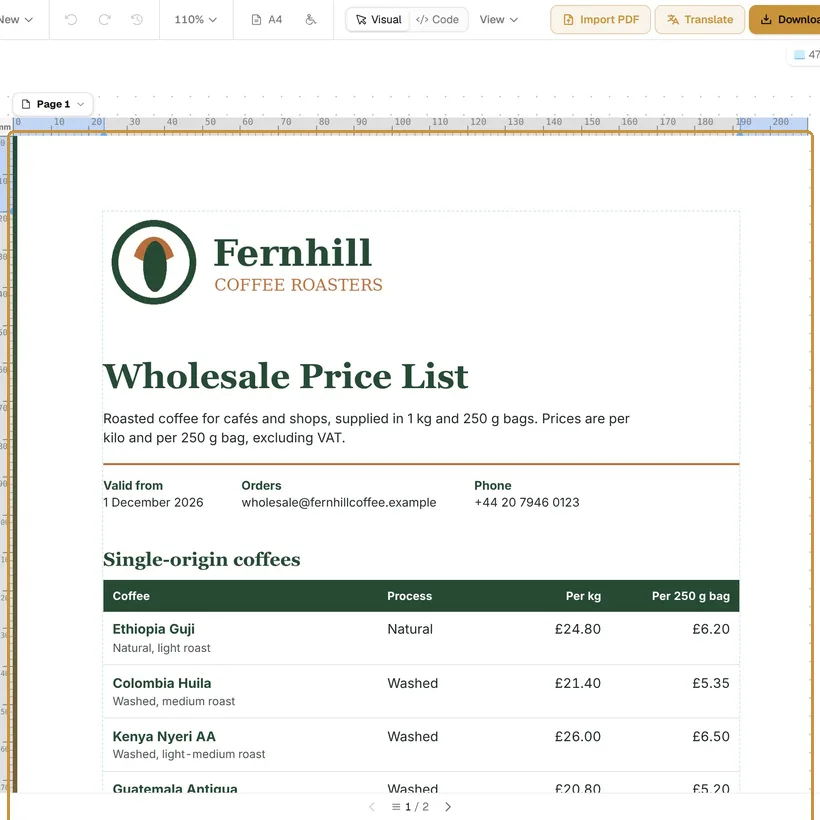
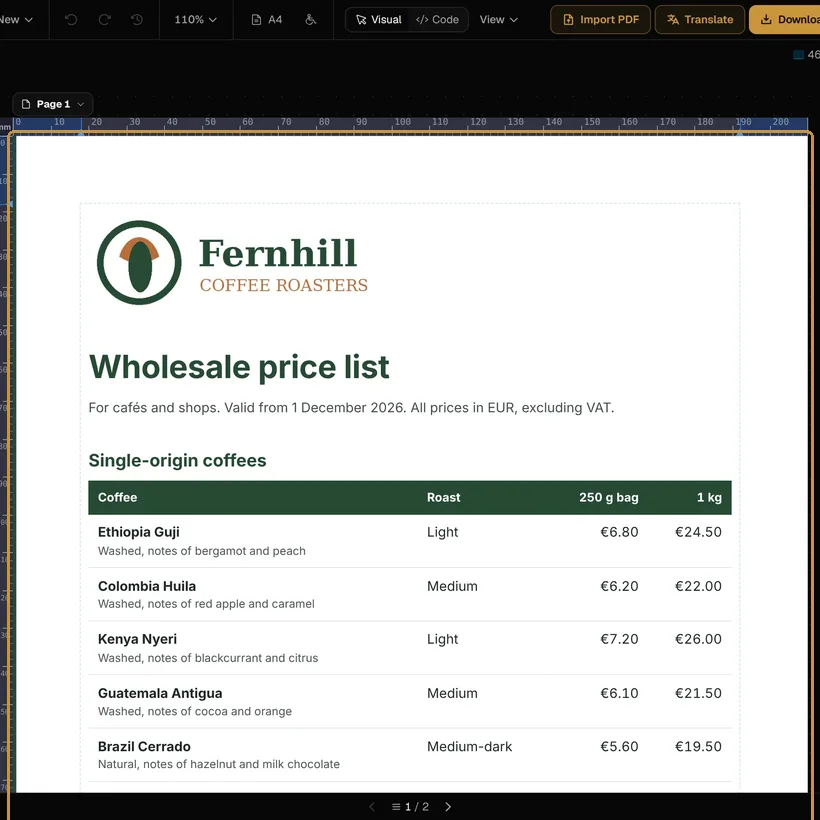
In Brand, the dialog takes your website (Use its brand reads its logo, colours and fonts), or a logo, a main, an accent and a page colour, and the fonts of headings and text. In Data it takes the file whose rows fill the document:
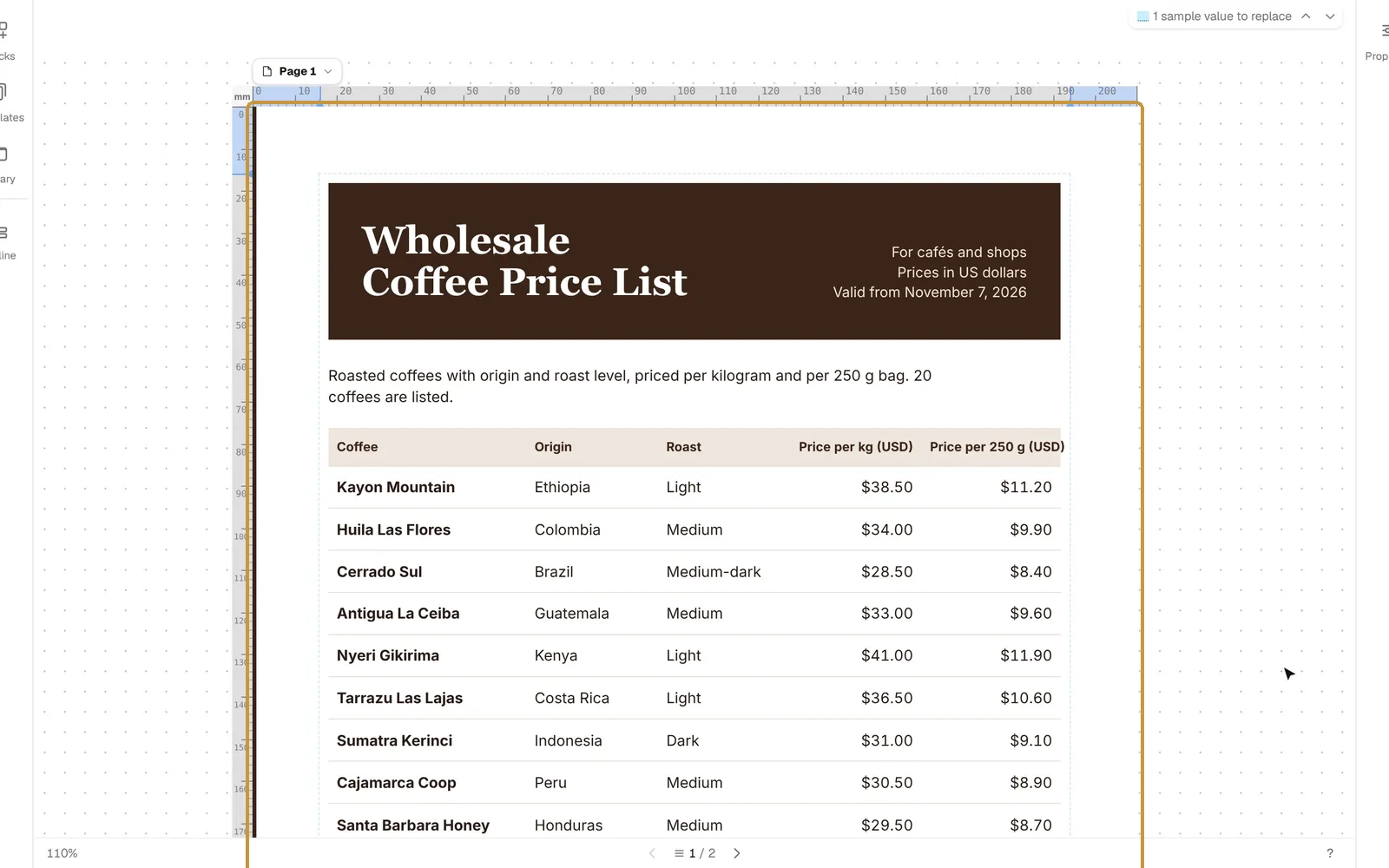
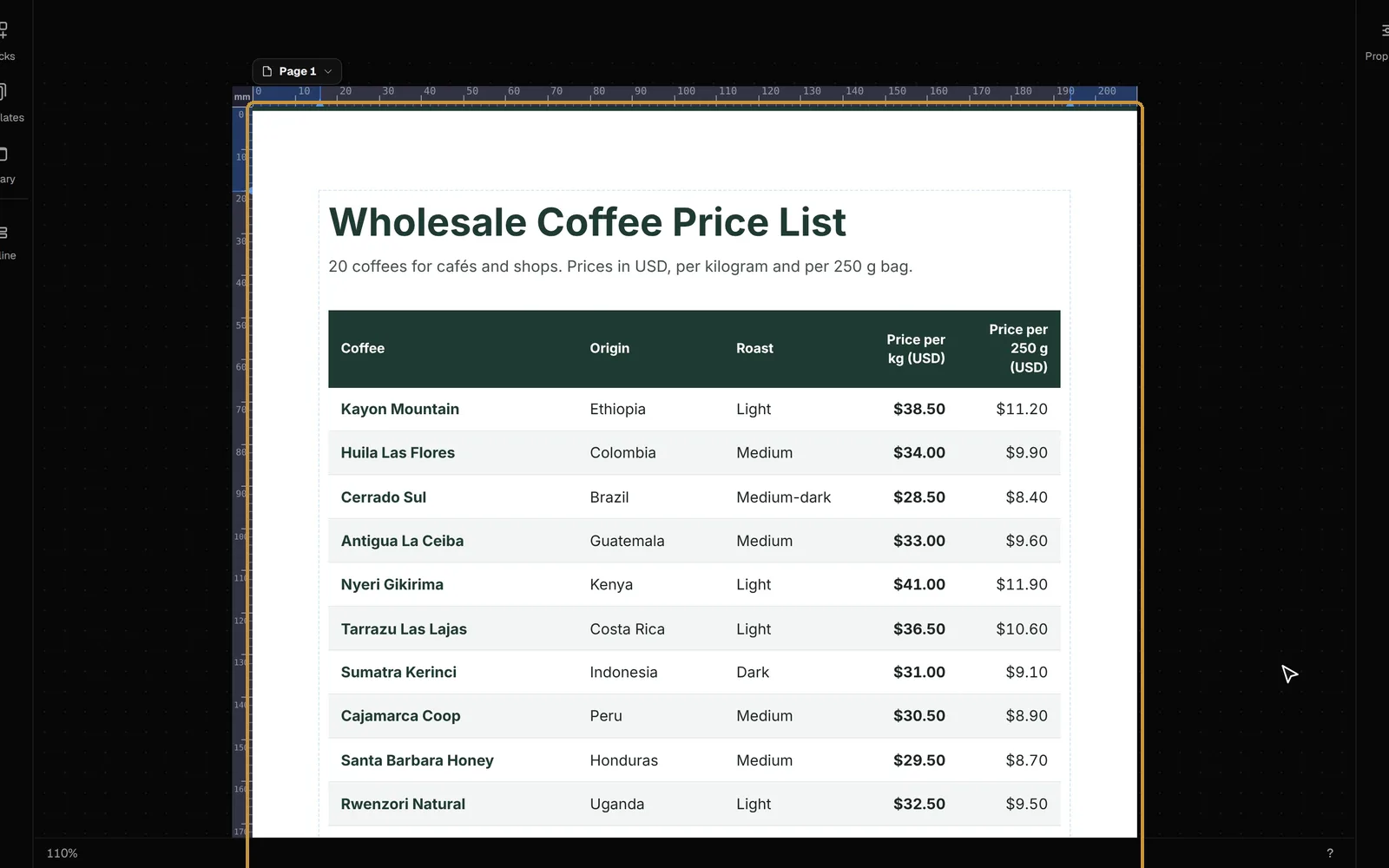
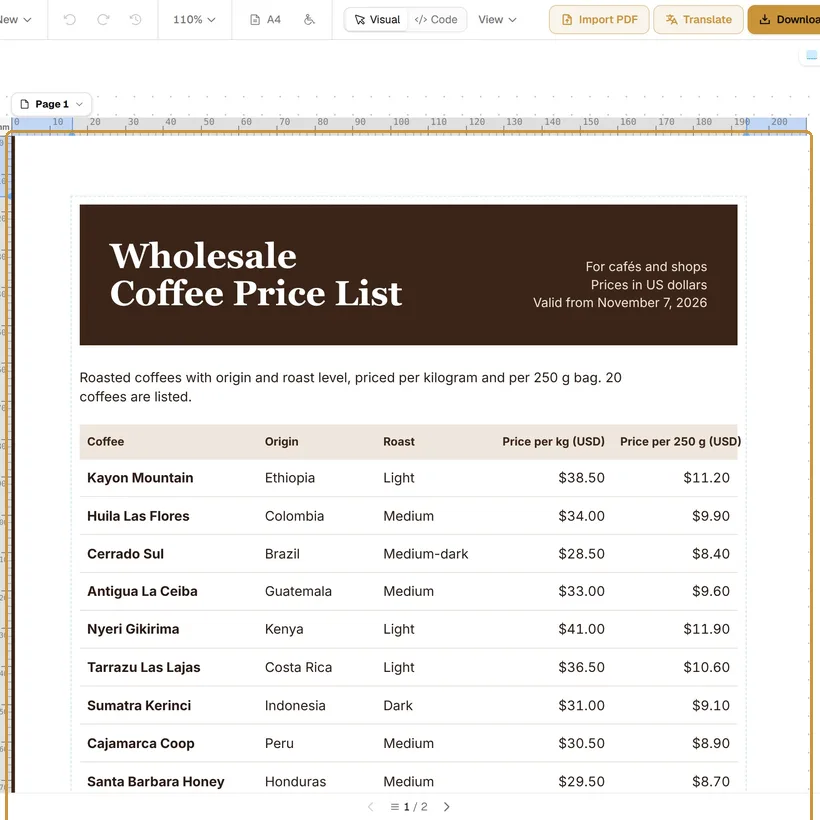
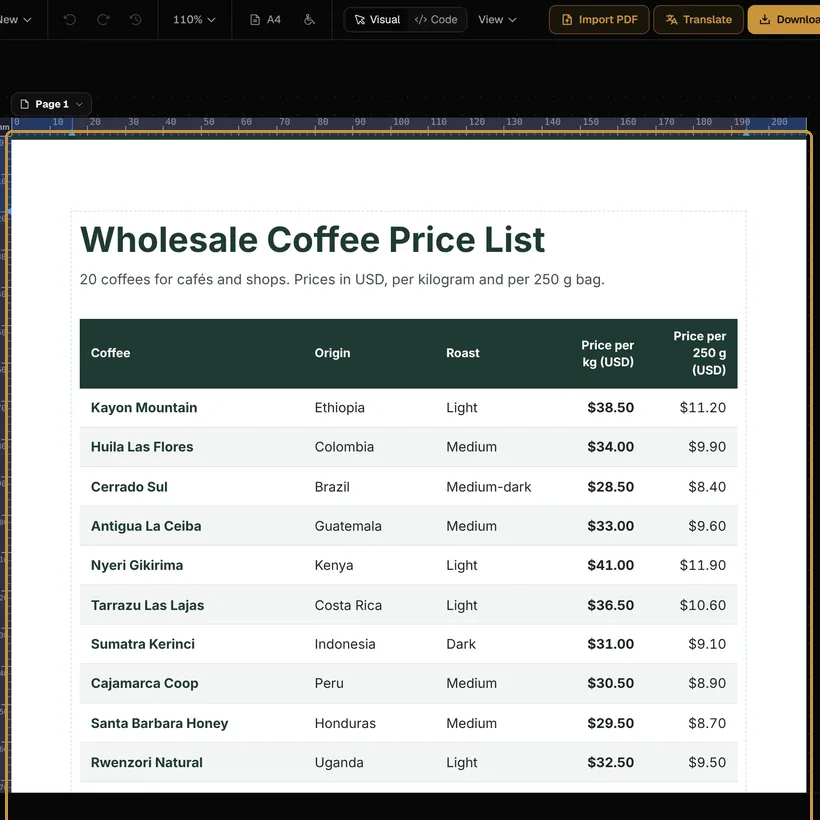
The new document takes the place of the one open. With an account, that one stays in your Library; without one, the editor asks first, because it is not kept anywhere else.
The Library
Library, on the left, lists your documents with the first page of each, its name and when it last changed, and a second tab of the Images you have used. A document’s menu has Rename, Duplicate and Delete, and two more:
- Keep as a template: it is listed under Your templates, at the top of Templates, to start new documents from.
- Earlier versions: a version is kept for each stretch of work. Restore makes an earlier one the current version and keeps the others; Open as a copy opens it beside them.
Free keeps 50 documents in 25 MB, with 5 earlier versions of each; Pro 5,000 in 5 GB, with 50; Max 20,000 in 20 GB, with 200. The space used is at the foot of the Library. On Free, documents stay on this device until you confirm your email; then they are kept online and open on any device.
Without an account
The document is kept in this browser, and only the one open. Download it with Keep the PDF editable on to take it elsewhere: imported again, it comes back as the same document. A free account keeps your documents online.