Export to PDF
What you see on the canvas is what you get — margins, headers, decorations and all. Export produces a clean PDF, and that PDF is also a file you can re-open and edit later.
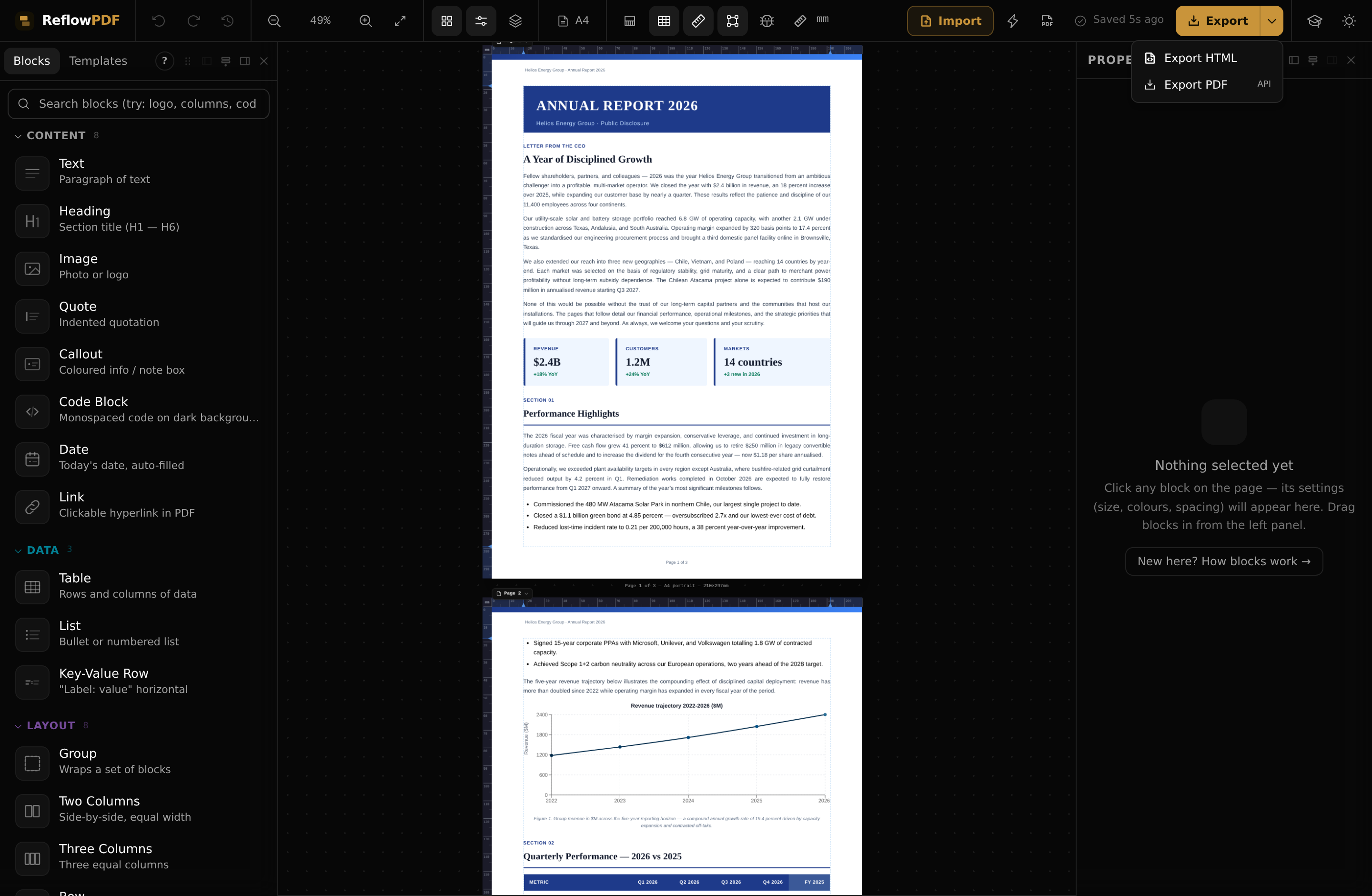
Exporting
Click Export (or press ⌘/Ctrl+E) to download a PDF. The caret next to it opens the menu with both options:
- Export PDF — a pixel-accurate PDF, rendered by ReflowPDF's own layout engine.
- Export HTML — the document as clean HTML, if you want the markup.
Your PDF is its own source
Every PDF you export embeds its own editable source, encrypted, inside the file. Re-open that PDF in ReflowPDF later — tomorrow or next year — and it comes back fully editable, exactly as you left it. No AI, no re-upload, no conversion guesswork. That's the round-trip, and it's the reason an exported file is never a dead end.
Saving & privacy
Your draft auto-saves to this browser as you work, and rendering happens on the server only when you export. We don't store your documents — the exported PDF is your durable copy, and it's the thing you re-open to keep editing.
Note