Ask AI and Translate
Ask AI changes one block, or the section or table around it, as you describe, and shows the change before you apply it. Translate puts the whole document into another language at once, and can put it back. Both need a free account.
Ask AI
Select a block and press Ctrl J, or choose Ask AI from the bar above the page or the block’s menu. A small window opens beside the block. It names what will change, and can take in the section or table around it instead.
- Describe the change, or start from a suggestion for that kind of block: reword or shorten a heading; rewrite a paragraph or change its tone; sort a list or turn it into a table; add a row, a column or totals to a table.
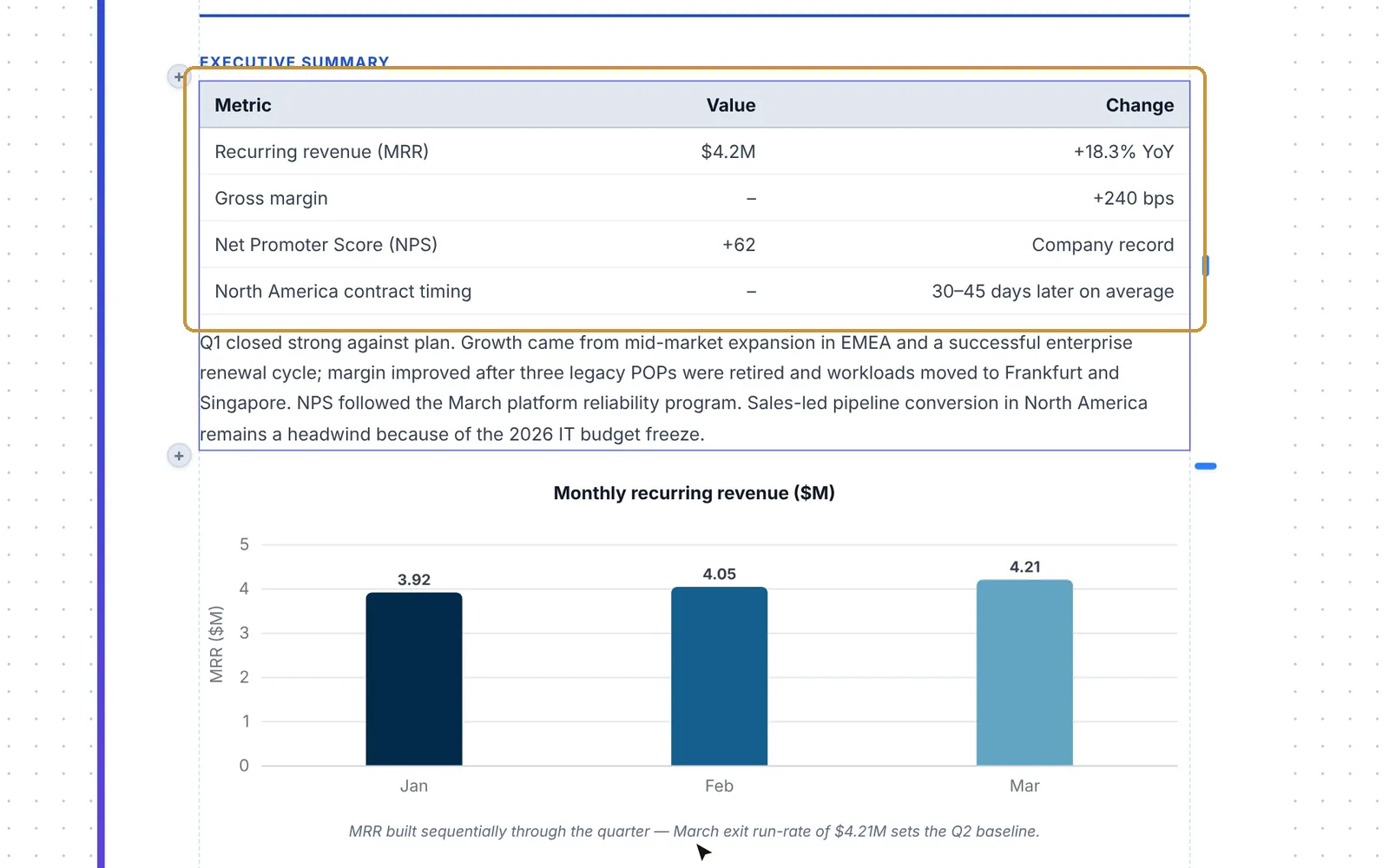
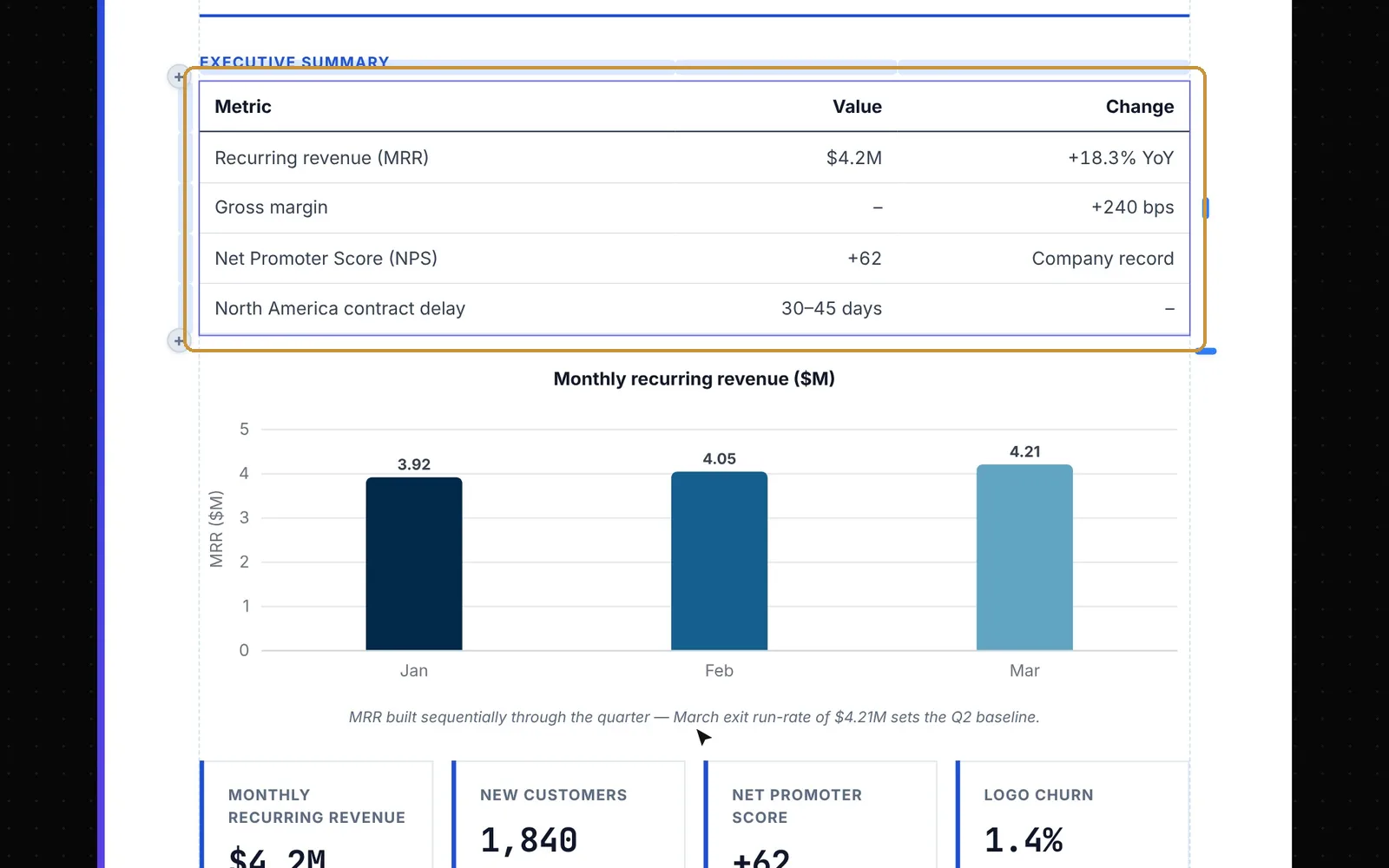
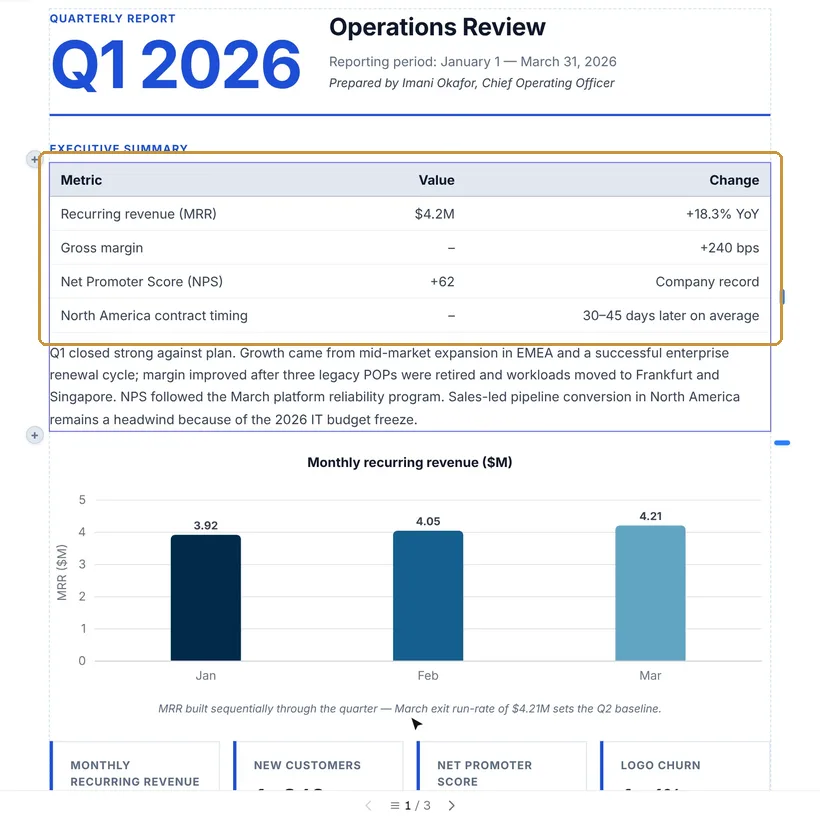
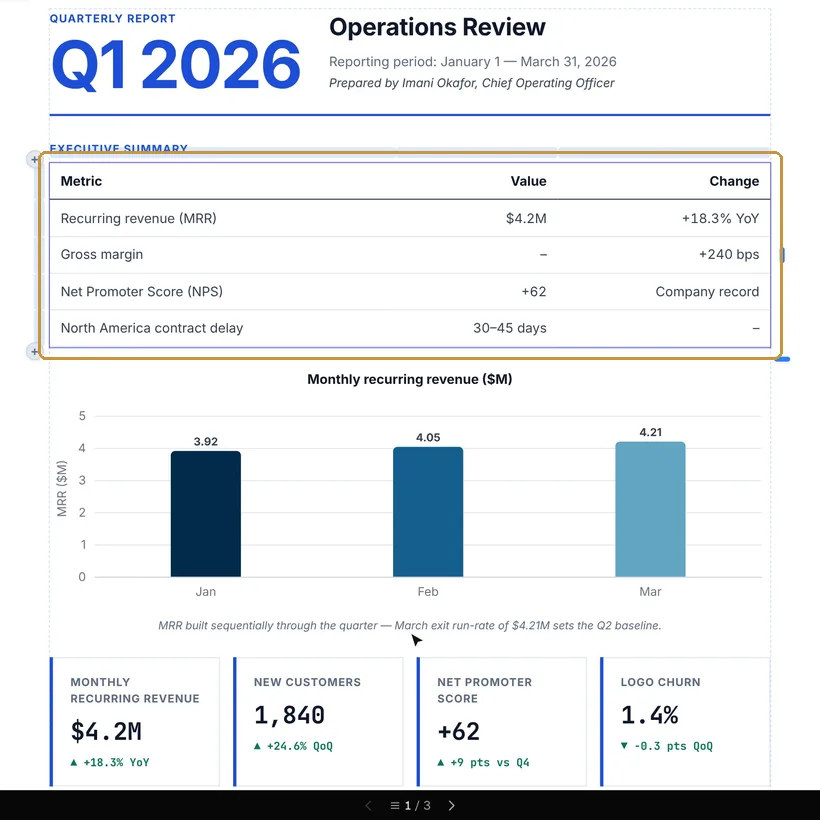
- The change is shown on the page. Before and After switch between the page as it is and as it would be, with the changed places outlined. Apply keeps it; Discard or Try again do not.
- When the request leaves something open, Ask AI asks you first, and the question uses no AI pages.
Translate
Translate, in the toolbar, puts the whole document into another of the 23 languages it knows. Only the text changes: the layout, styles and pictures stay as they are. The document’s name gets the language added, as in “Invoice (French)”.
- Formality: as the language usually has it, formal or informal.
- Glossary & fixed terms: words to keep as they are, or to translate your way.
- Keep all languages in this document: the document keeps every language it was translated into, and you switch between them later without AI. The downloaded PDF gets a little larger.
The translation replaces the document at once, and Undo cannot take it back: Revert to original, in the same window when it is done, brings back the document as it was.
AI pages
Translating uses one AI page for each page of the document, and the dialog says before it starts if you have too few. An Ask AI change uses what its model costs: about two pages on average, counted in whole pages. Describe a document and importing a PDF use AI pages too. Free has 10 a month, Pro 150 and Max 1,000; editing and downloading never use them. See Pricing.