Loading…
Every feature for accessible, compliant PDF
Tagged PDF, PDF/UA-1 and PDF/A-3a that pass veraPDF — built on a structural editor where the document adapts to your changes, not the other way around.
Tagged PDF/UA-1 — validated in veraPDFPDF/A-3a archival exportRound-trip — re-edit any exportLive reflow as you typeTagged PDF/UA-1 — validated in veraPDFPDF/A-3a archival exportRound-trip — re-edit any exportLive reflow as you typeTagged PDF/UA-1 — validated in veraPDFPDF/A-3a archival exportRound-trip — re-edit any exportLive reflow as you typeTagged PDF/UA-1 — validated in veraPDFPDF/A-3a archival exportRound-trip — re-edit any exportLive reflow as you type
Core Feature
Structural PDF editing with full content reflow
Add a row — content below shifts down. Delete a column — the table restructures. Change a paragraph — text reflows across pages. Page breaks adjust automatically.
Content shifts automatically
Edit one element, everything below adapts. No manual repositioning.
Page breaks adjust
Add content — new pages appear. Remove content — they merge back.
Multi-page tables
Tables split across pages with repeated headers on every page.
ReflowPDF
✓ Page break, header repeatedPage 1
| Description | Qty | Rate | Amount |
|---|---|---|---|
| Web Design | 40 | $150 | $6,000 |
| SEO Audit | 20 | $120 | $2,400 |
| Project Mgmt | 10 | $100 | $1,000 |
| Total | $9,400 | ||
Page 2 of 2
| Description | Qty | Rate | Amount |
|---|---|---|---|
| Content Str. | 3 | $80 | $240 |
| Total | $9,640 | ||
Accessibility · PDF/UA-1 · PDF/A-3a
Accessible, compliant PDF that passes veraPDF
Most HTML-to-PDF tools export untagged files a screen reader can't read. Because ReflowPDF works on real document structure, every export is a Tagged PDF — structure tree, image alt text, headings, tables and language — that validates clean as PDF/UA-1 (ISO 14289). The bar the EU Accessibility Act and US Section 508 require — and it's free on every plan.
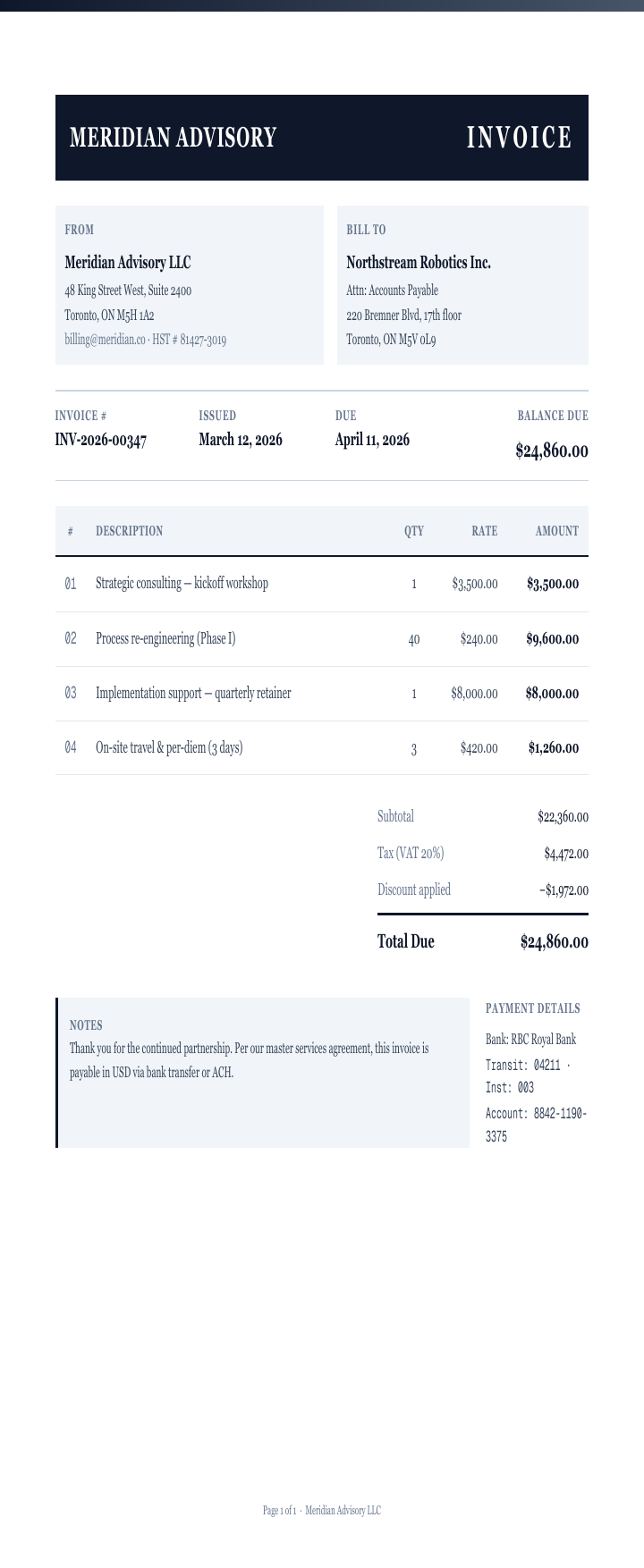 PDF/UA-1 ✓
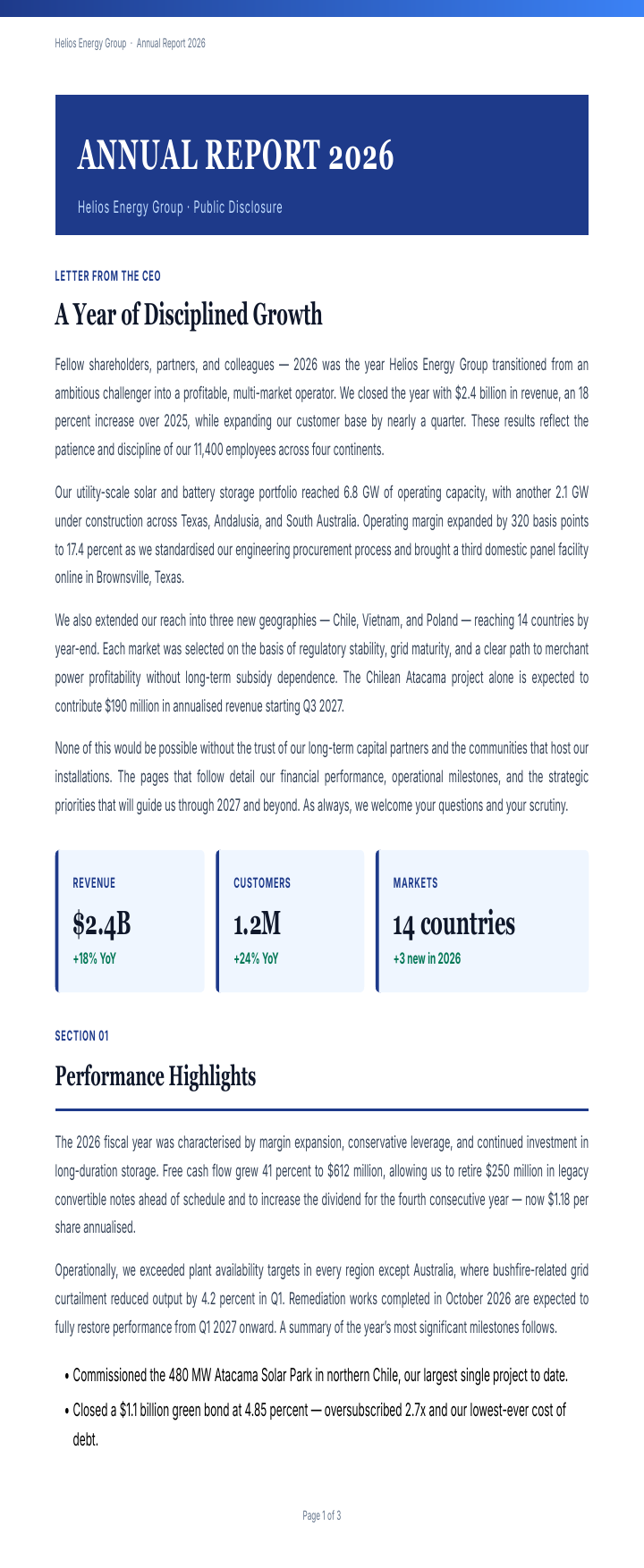 PDF/UA-1 ✓
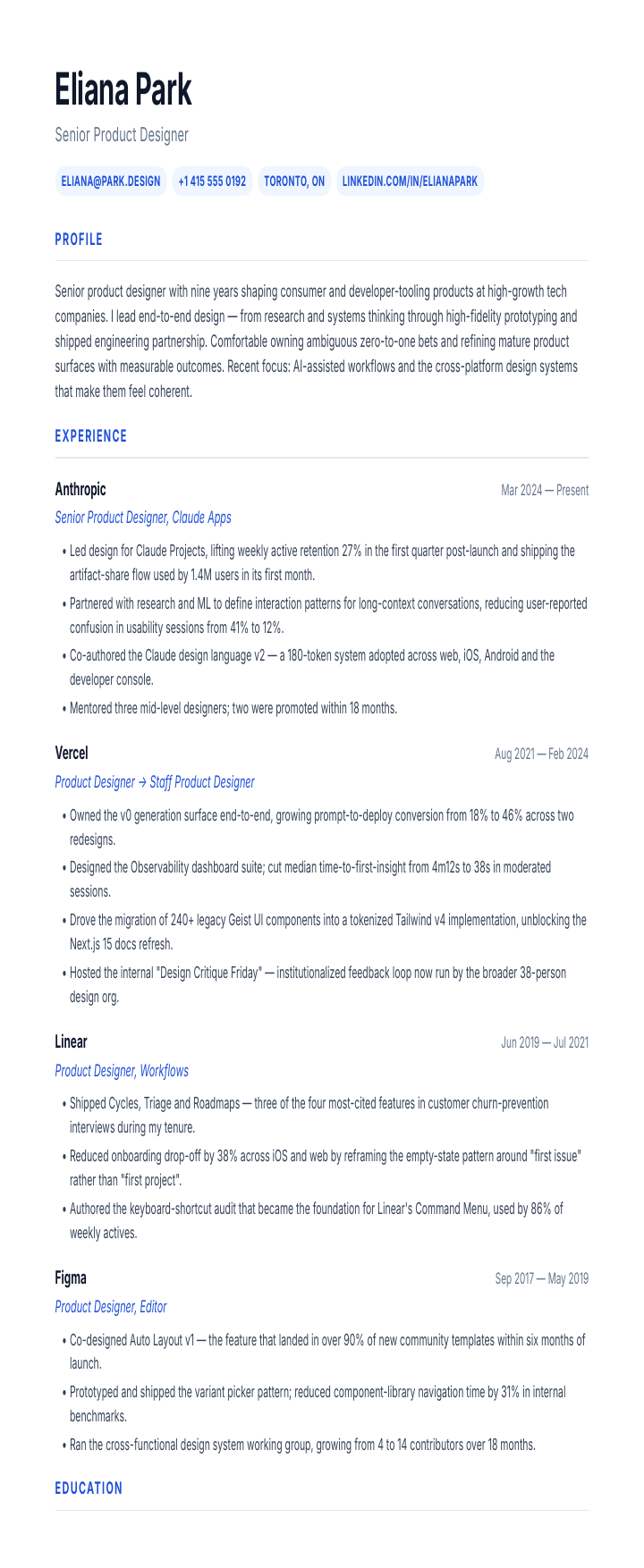 PDF/UA-1 ✓
Don't take our word for it — download a sample and run it through veraPDF or any PDF/UA checker: zero failures. How we did it →
Tagged, not flattened
A full structure tree with marked content — headings, lists, tables with header scopes, figures and links — so assistive tech can navigate it.
Readable by screen readers
Set alt text, document language and title in the editor; the engine emits the correct PDF/UA tags automatically.
Validated, not just claimed
All 51 built-in templates pass the veraPDF reference validator with zero structural failures — no manual remediation in Acrobat.
PDF/A-3a · ISO 19005-3Pro & Max
Need an archive? Export PDF/A-3a — and keep editing it
One toggle adds the archival layer for long-term and regulated submissions: every font embedded, an sRGB OutputIntent baked in, no encryption — and your editable source rides inside as an Associated File, so the compliant archive still re-opens fully editable. The same file validates at all three PDF/A-3 conformance levels — 3b (visual), 3u (Unicode) and 3a (accessible) — which are checked separately, not assumed.
PDF/UA-2 · ISO 14289-2Pro & Max
The second edition, when you need it
PDF/UA-2 is not PDF/UA-1 with fixes — it is re-based on PDF 2.0: structure namespaces, FENotefootnotes, and destinations that point at structure instead of page coordinates. One file cannot satisfy both editions, so it is a toggle, not an upgrade. Exports stay PDF/UA-1 by default — the edition compliance language names today, and the one that pairs with PDF/A-3a.
ReflowPDF
Adding a row…
PDF
invoice-2026-042.pdf
142 KBSource embedded
INVOICE#2026-042
| Service | Qty | Amount |
| Web Design | 1 | $2,400 |
| SEO Audit | 2 | $800 |
| Content Str. | 3 | $1,500 |
Total: $3,200
Payment due within 30 days.
Emailed
→Saved to cloud
→3 months pass
Round-trip editing
Your file is its own source — edit it forever, privately
Anything you create or export in ReflowPDF carries its own editable source inside the file. Re-open it and it's exactly as you left it: text, colours, backgrounds, sizes, positions, order — all editable, all still reflowing. No re-conversion, no AI, nothing sent anywhere.
Your data stays yours
Files you create or re-open in the editor are never sent to AI or stored on our servers. We don't keep your documents.
The file is the source
Every export embeds its own editable structure. Open it months later — instant, fully editable, no processing.
More accurate than AI
No re-conversion guesswork — you get back exactly what you built, pixel-for-pixel, every time.
ReflowPDF
1
Upload PDF2
AI Analysis3
EditableINVOICE#2026-042
TABLE · 3 rows × 3 cols
| Service | Qty | Amount |
|---|---|---|
| Web Design | 1 | $2,400 |
| SEO Audit | 2 | $800 |
| Content Str. | 3 | $1,500 |
PARAGRAPH
Optional add-on
Starting from an existing PDF? AI import brings it in
ReflowPDF is at its best when you build or edit with real structure — that's what makes the compliant export possible. But if all you have is a PDF made elsewhere, AI import is the on-ramp: it rebuilds the layout once — tables become real tables, paragraphs become editable text. Not OCR. After that one pass it's round-trip, and it exports as the same Tagged / PDF/UA-1 / PDF/A-3a output.
Structural reconstruction
Recognizes tables, headers, paragraphs, and images — not just text.
Preserves styles and layout
Multi-column layouts, font styles, and colors carry over from the original.
Secure processing
Files processed on our servers, deleted immediately after conversion.
Editor
Visual drag-and-drop PDF editor with block-based editing
Click “+” between any two elements to insert a new block — text, heading, table, image, divider. Type directly in the document, drag to reorder, resize with handles. Everything you change reflows the rest of the page.
Insert anything, anywhere
Click "+" between elements — text, tables, images, headings, dividers, and more.
Layout overlays
See flex/grid structure, padding guides, and alignment helpers while you edit.
Full undo/redo history
50-state history — step back to any previous version of your document instantly.
ReflowPDF
Layout overlays on
flex
INVOICE#2026-042
table
| Service | Qty | Amount |
|---|---|---|
| Web Design | 1 | $2,400 |
| SEO Audit | 2 | $800 |
| Content Str. | 3 | $1,500 |
p
Layers
History
▽Page
▬Headerflex
▽Table3×3
─Row 1
─Row 2
─Row 3Content Str.
¶Paragraph
Try it free — edit a real PDF in 30 seconds
No install, no credit card. Upload a PDF and see it reflow.
Tables
PDF table editing that actually works
Right-click any cell — add rows, delete columns, the table and everything around it restructures. Colspan, rowspan, header repetition on every page, five border presets.
Rows and columns
Insert, delete, reorder — via context menu or keyboard shortcuts.
Colspan and rowspan
Merge cells across rows or columns. The table stays editable.
Multi-page tables
Header row repeats on every page. No manual duplication.
ReflowPDF
✓ Row added, content reflowed| Description | Qty | Rate | Amount |
|---|---|---|---|
| Web Design | 40 | $150 | $6,000 |
| SEO Audit | 20 | $120 | $2,400 |
| Management | 10 | $100 | $1,000 |
Content Strategy | 3 | $80 | $240 |
| Subtotal | $9,400 | ||
| Tax (10%) | $940 | ||
| Total | $10,340 | ||
ReflowPDF
✓ Column removed, table restructured| Description | Qty | Rate | Amount |
|---|---|---|---|
| Web Design | 40 | $150 | $6,000 |
| SEO Audit | 20 | $120 | $2,400 |
| Management | 10 | $100 | $1,000 |
ReflowPDF
New documentBlocks
Templates
Components
⬜
Blank
Empty A4 page
📋
Invoice
Header, table, totals
📊
Report
Sections, charts, data
✉
Letter
Letterhead, body, signature
📄
Contract
Numbered clauses, terms
👤
Resume
Name, experience, skills
🧾
Receipt
Items, totals, payment
📝
Proposal
Scope, timeline, pricing
INVOICE
Acme Design Studio
#INV-2026-042
Mar 15, 2026
| Service | Qty | Amount |
| Web Design | 40h | $6,000 |
| SEO Audit | 20h | $2,400 |
| Content Strategy | 10h | $1,500 |
Payment due in 30 days
Total: $9,900
Templates
PDF templates — start fast, customize everything
Pick a template — invoice, report, letter, or blank page. Every template is fully editable: change text, swap tables, adjust layout.
Built-in and custom
Start from a template or save your own designs for repeat use.
Headers, footers, watermarks
Add repeating headers and footers with automatic page numbers.
Page size and orientation
A4, Letter, Legal, custom — portrait or landscape per page.
Export
Professional PDF export — what you see is what you get
Export standards-compliant PDFs with embedded fonts, optimized images, and proper typography. The PDF looks exactly like your editor — kerning, ligatures, colors, everything.
Font embedding with subsetting
TTF and WOFF fonts embedded and subsetted — text renders perfectly everywhere.
Pixel-perfect fidelity
Editor and PDF output match exactly. No surprises after export.
Watermark-free pages
50 watermark-free pages/month on Free. Pro & Max — unlimited.
ReflowPDF
Export settings
INVOICE
Acme Design Studio
#INV-2026-042
Mar 15, 2026
| Service | Amount |
| Web Design | $6,000 |
| SEO Audit | $2,400 |
| Content | $1,500 |
Net 30 days
$9,900
Export as PDF
FormatPDF
FontsEmbed (subset)
ImagesOptimized
SourceEmbedded
Export PDF
Round-trip editing
The PDF you export tomorrow is the PDF you edit again next year
Every other editor freezes content the moment you save — re-editing means re-running the file through OCR or AI and losing your structure. ReflowPDF embeds an encrypted editable source right inside the PDF, so re-opening it is just opening it. Same structural model, same reflow, no second AI bill.
| Capability | ReflowPDF | Adobe Acrobat | pdfFiller | Smallpdf | Sejda | DocHub |
|---|---|---|---|---|---|---|
Re-edit your exports forever Open last week's export → edit again. No second AI run, no quality loss, no "frozen" file. | ||||||
Editable source embedded in the PDF AES-256-encrypted HTML rides inside the PDF. Re-opens in the editor instantly — no second AI run. | ||||||
Structural model (real DOM, not overlay) The editor knows what's a row, a paragraph, a header — not just shapes on a page. | ||||||
Layout reflows on every edit Add a paragraph → columns resize. Delete a row → page breaks shift. Like a real document. | ||||||
Table cells & columns reflow Type into a cell — the row height, column width, and content below all adapt. | ||||||
AI converts PDF → editable structure Auto-detects tables, columns, headers, lists. Outputs a real editable structure, not pixel positions. | ||||||
Free tier without trial expiry Use the editor every month — no countdown timer, no "upgrade to keep your work". | 7-day trial | 30-day trial | 7-day trial | 3 tasks/hour |
Verified against each product’s public docs and UI as of May 2026. Spotted an error? Email hello@reflowpdf.com — we’ll fix it.
Frequently asked questions
Can I edit tables in a PDF for free?
Yes. Full table editing — add rows, delete columns, resize, merge cells — is included in the free tier. Tables reflow automatically. No watermark on exports.
Does ReflowPDF work without installing anything?
Yes. It runs entirely in the browser. Upload a PDF or create from scratch — no download, no plugins. Works on any device with a modern browser.
Can I edit any PDF or only ones created in ReflowPDF?
Both. Upload any existing PDF — the AI converts it to an editable structure. Or create documents from scratch with templates. PDFs exported from ReflowPDF contain embedded source for instant re-editing without AI conversion.
How is this different from Adobe Acrobat?
Acrobat uses overlay editing — text placed on top of a frozen page. ReflowPDF uses structural editing — the document adapts to your changes. Add a row and content below shifts. Change a paragraph and page breaks adjust. Acrobat can't do this.
What happens to my documents? Are they stored on your server?
Documents uploaded for AI conversion are processed on the server and deleted immediately after. Nothing is stored, logged, or used for training. Editing happens in your browser. See the Privacy Policy for details.
Can I create PDFs from scratch, not just edit existing ones?
Yes. Start from a template (invoice, report, letter, blank page) or build from nothing. Add text, tables, images, headers/footers, page numbers. Export as a professional PDF.
All of this — free in your browser
Tagged PDF/UA-1 export, structural reflow, round-trip editing, table operations, templates, professional export — plus PDF/A-3a and AI import when you need them. No install. No credit card.
Tagged PDF/UA-1 — free, every planPasses veraPDF — 0 failuresPDF/A-3a archival (Pro & Max)AI import — optional
Pro $10/mo · Max $29/mo. Founding rate locked for early members.