Ask for the PDF in your chat.
Connect ReflowPDF to Claude, ChatGPT or another assistant. It prints what it writes as a paged, tagged PDF and gives you the same document in the editor, where you change it on the page. Ask for more in the chat, and it works on your version.
The connector’s address
https://app.reflowpdf.com/mcpIt works as soon as it is added, without an account. How to add it
Made in the chat, changed on the page, changed again in the chat.
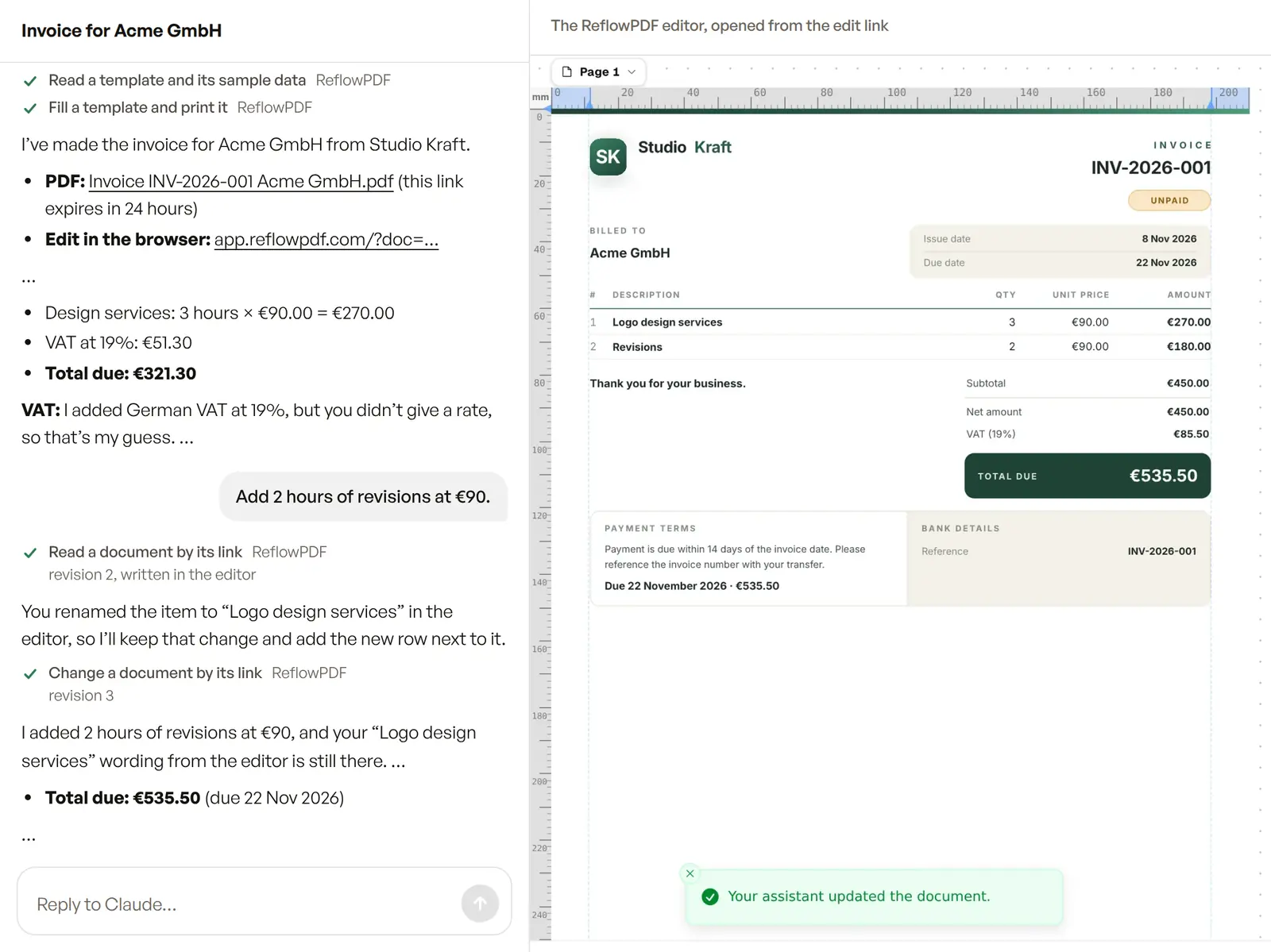
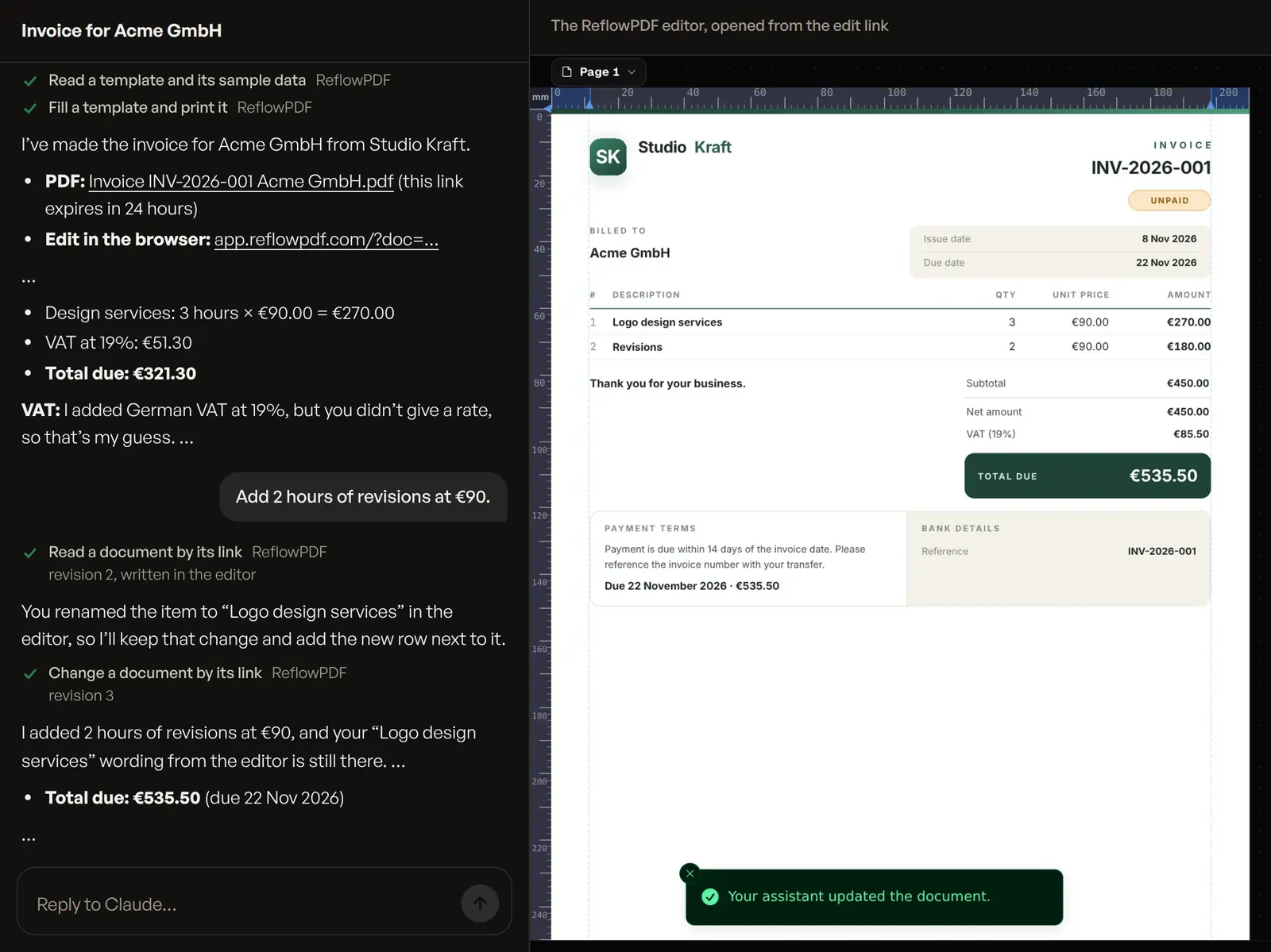
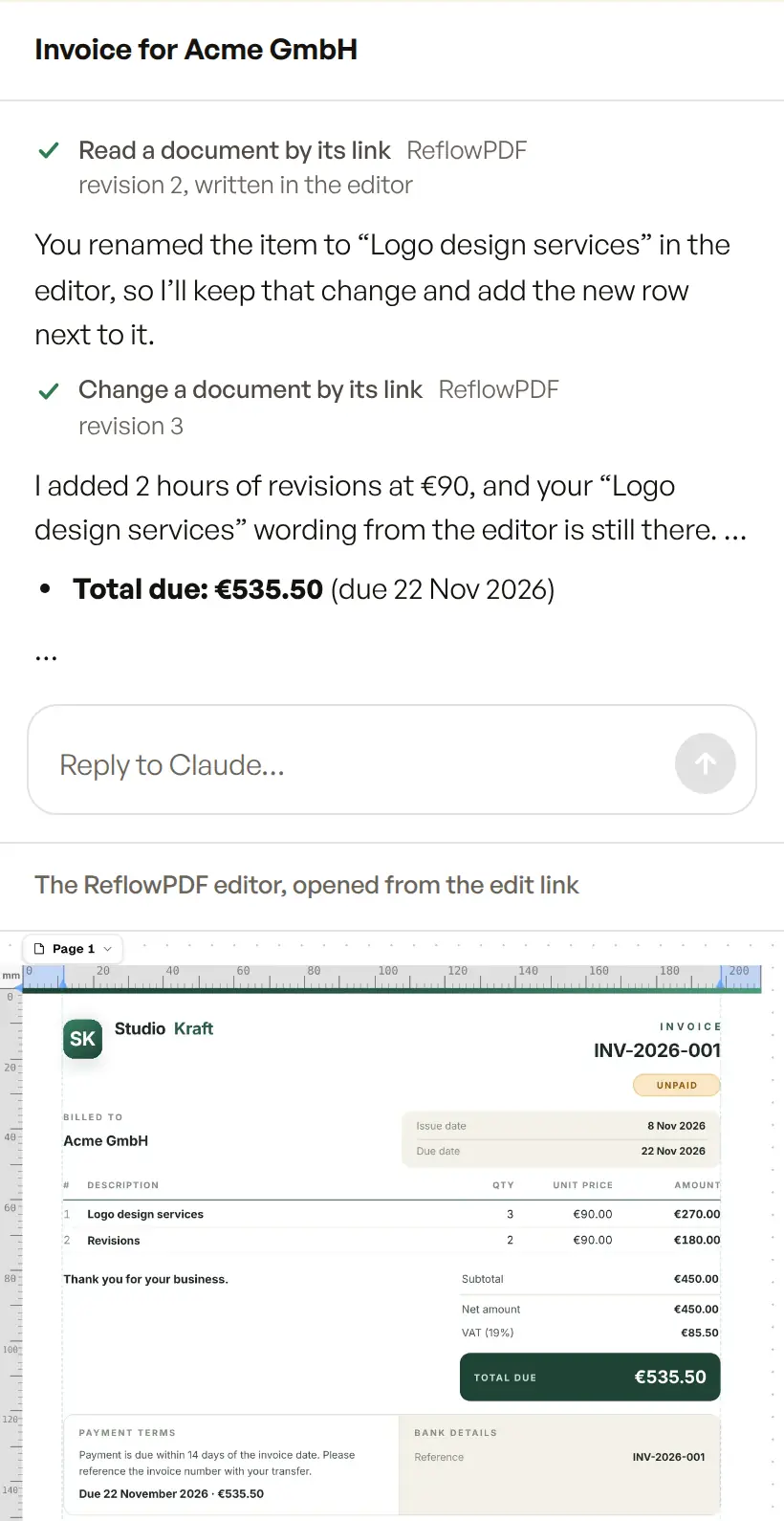
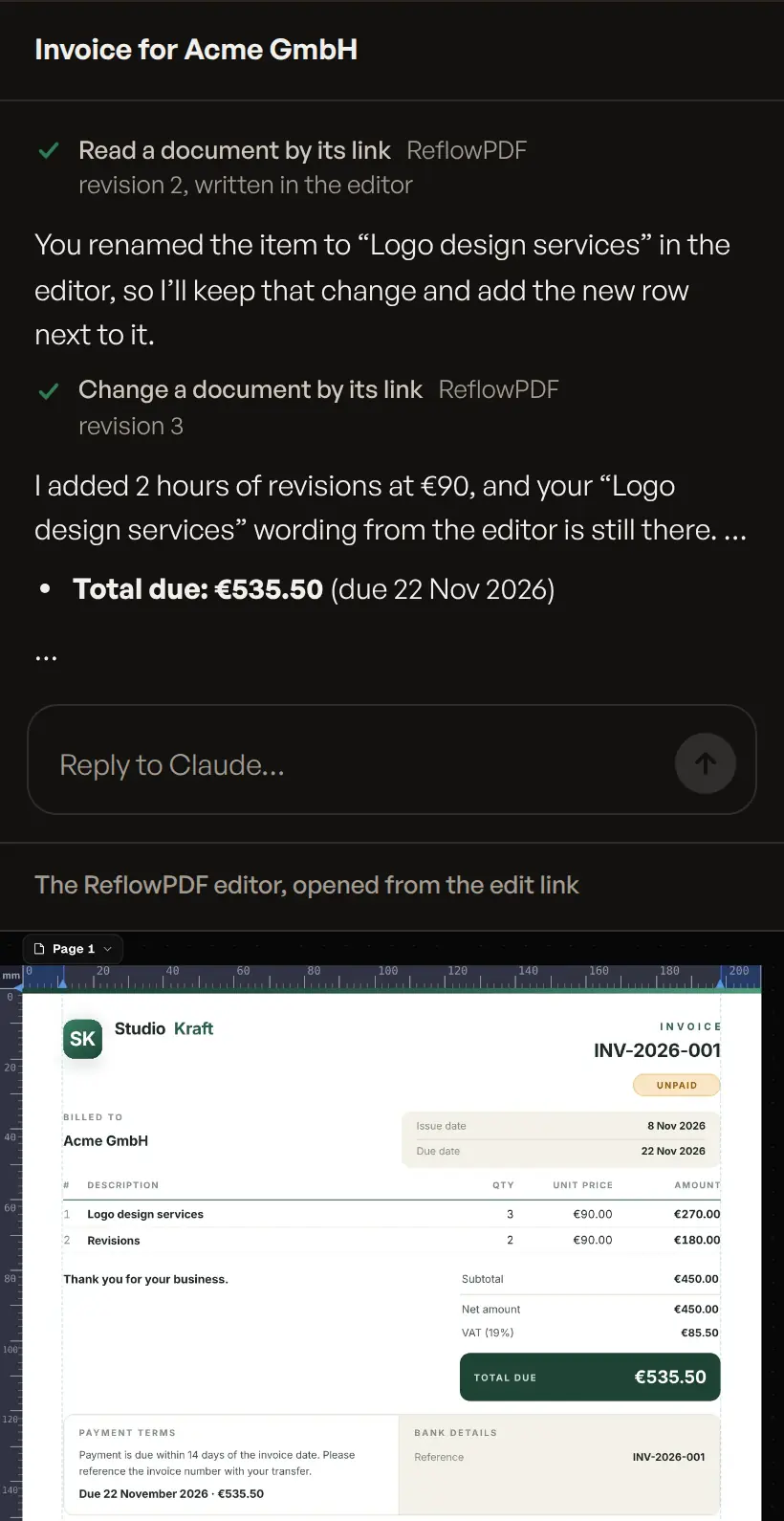
One request, as it went
Asked
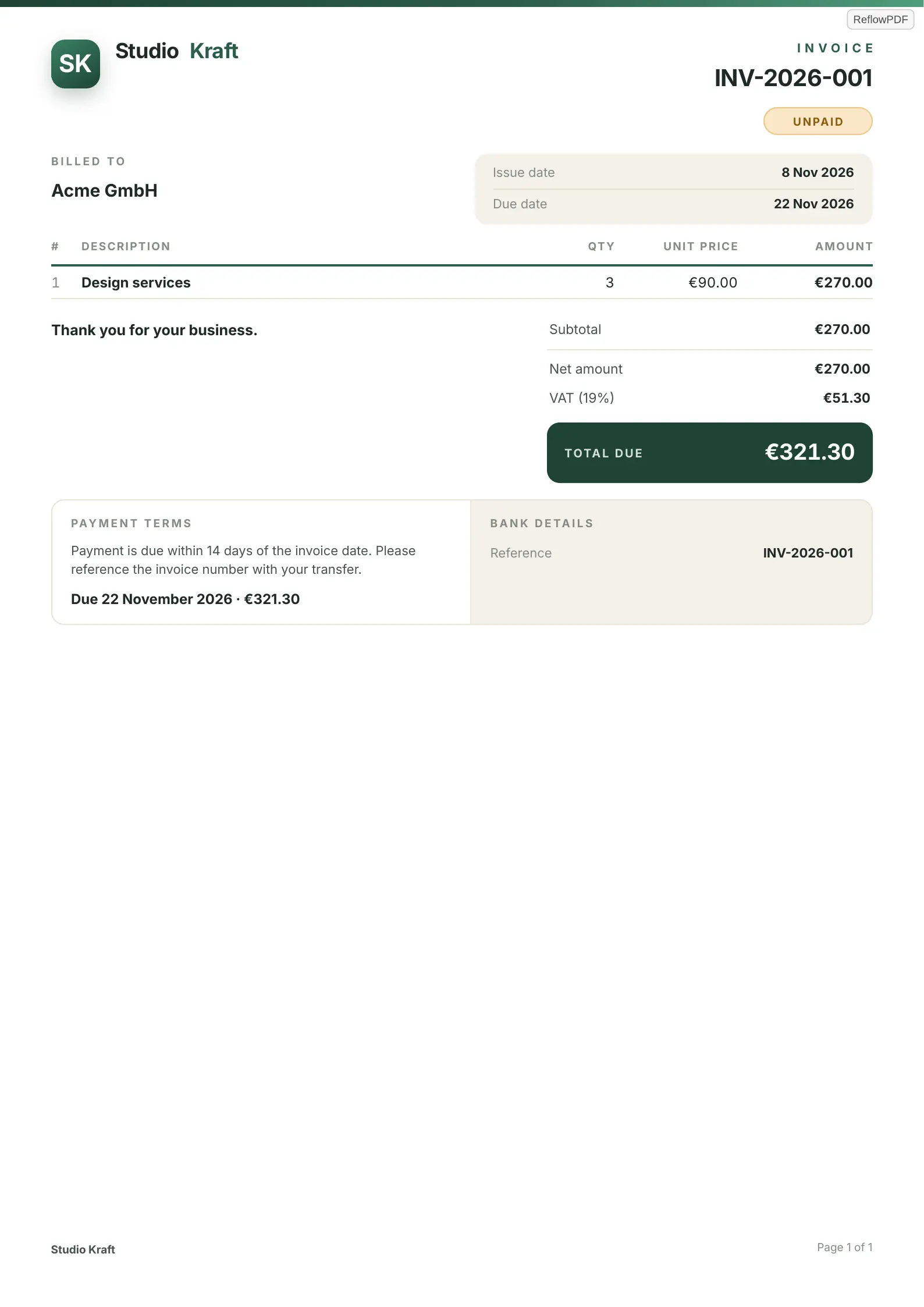
“Make an invoice for Acme GmbH from Studio Kraft: 3 hours of design at €90, due in 14 days.”
What the connector answered the assistant
PDF ready: https://app.reflowpdf.com/mcp/files/…/Invoice%20INV-2026-001%20Acme%20GmbH.pdf
Edit it in ReflowPDF: https://app.reflowpdf.com/?doc=…
Invoice INV-2026-001 Acme GmbH.pdf — 1 page, 28 KB.
Printed in 147 ms.
…
Printed as a guest: every page, each with a small ReflowPDF mark. …
It found the gallery’s invoice, read its fields and filled in what the request said: Acme GmbH, three hours at €90, due 14 days from the day it was asked. It added German VAT at 19% and said that was its guess; the addresses, VAT ID and bank details it was not told it left out and asked for. You fill those in on the page, or tell it in the chat.
Add it to your assistant
The address is https://app.reflowpdf.com/mcp. The menus below are as they were in November 2026; the connector’s documentation has each client’s settings in full.
- Claude
- On claude.ai, in Claude Desktop or the app: Customize → Connectors → Add custom connector, then paste the address.
- ChatGPT
- Settings → Apps → Advanced, turn on Developer mode, Create app, paste the address. No authentication uses it as a guest; OAuth signs in to your account.
- Claude Code
claude mcp add --transport http reflowpdf https://app.reflowpdf.com/mcp- Cursor, VS Code and others
- A remote server over Streamable HTTP at the address:
~/.cursor/mcp.jsonor.vscode/mcp.json.
What it does
- Print what it writes
- HTML and CSS as paged PDF: paper sizes, running headers, page numbers, tables of contents, footnotes, columns, charts, QR codes and barcodes, fillable forms. Tagged for screen readers (PDF/UA).
- Fill a template with data
- An invoice, a quote, a statement, a contract, a certificate, a ticket, a menu: one of the templates with data, filled from what you told it.
- Give you the document
- Every answer has two links: the PDF, and the same document in the editor, which opens without an account.
- Work on your version
- What you change on the page is what it reads next. A version you changed after it read it is never overwritten: it reads again first.
- Take your pictures
- Images you attach in the chat, or a link it gives you to upload them from your phone or computer.
- Open a PDF you have
- It opens in the editor’s import: a PDF made with ReflowPDF and kept editable comes back as it was; any other is rebuilt with AI (a free account, one AI page per page).
Its tools
What the assistant can call. As a guest it needs no sign-in; to print on your account, the assistant signs in with OAuth (connect_account), and you can revoke its key at any time.
| Tool | What it does | Effect |
|---|---|---|
render_pdf | Prints an HTML document with its CSS as paged PDF, and gives the PDF and the edit link. | makes |
render_template | Fills a gallery template, or the assistant’s own, with JSON data and prints it. | makes |
list_templates | Lists the gallery’s templates. | reads |
get_template | Returns a template’s source and its sample data. | reads |
open_in_editor | Opens a document in the editor without printing it. | makes |
get_document | Reads a document as it is now, with the person’s changes. | reads |
update_document | Writes a new version of a document and prints it again; refused if it changed since it was read. | changes |
upload_image | Keeps an image for a document. | makes |
ask_for_images | Gives the person a link to upload pictures from their device. | makes |
import_pdf | Opens a PDF in the editor’s import. | makes |
connect_account | Signs the person in to their ReflowPDF account from the chat. | changes |
read_guide | The engine’s guide for the assistant: paper, headers, footnotes, charts, forms. | reads |
An account, and what is kept
Without an account, every page carries a small ReflowPDF mark in its corner. A free account prints 50 pages a month without it; Pro and Max never add it (Pricing). Ask the assistant to connect your account, or open an edit link while signed in and choose Make it mine.
The PDFs it prints are kept for 24 hours, at a link only the assistant receives. The document behind each one is kept for 30 days after it last changed, so that its edit link opens it and the assistant can change it later; images it uses, as long; a PDF sent for import, 24 hours. Anyone with an edit link can open that document: share it as you would a private link. What you write in the chat itself is governed by the company that provides your assistant. Keys you give assistants are listed under Account → Connect AI assistants, where you can revoke them. The details are in the privacy policy and the terms; questions to hello@reflowpdf.com.