Loading…
Documentation
How the ReflowPDF editor works
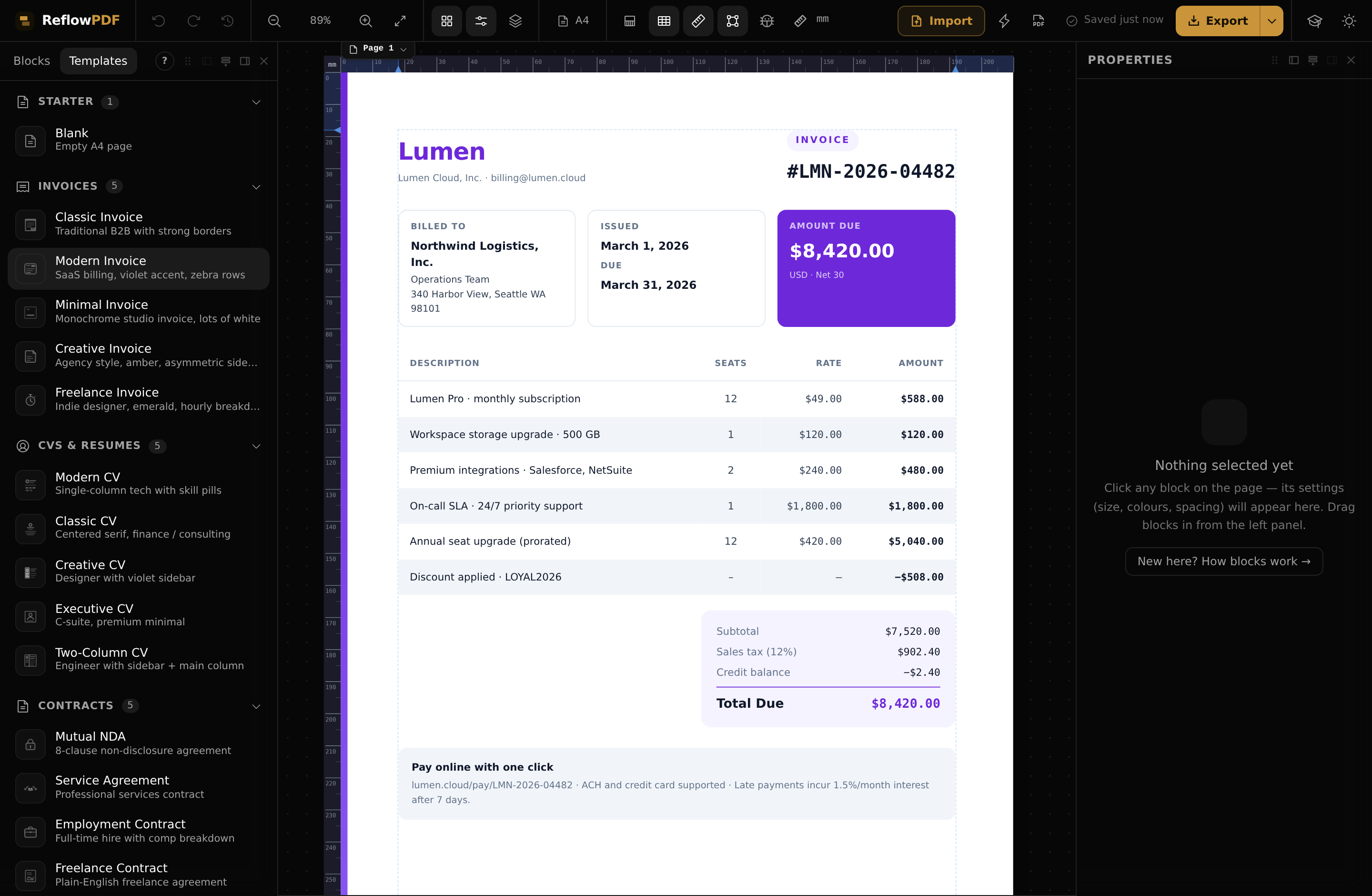
A complete, plain-English guide to the editor — every panel, every block, and how a document flows from a blank page (or an imported PDF) to a clean export. Each page uses real screenshots from the editor.
Getting started
Building a document
Blocks
Every building block: text, tables, images, charts, QR, signatures and more.
Layout modes
Flex, grid, block, absolute, float and table — with live visual overlays.
Properties panel
The Layout, Style and Data tabs that drive every selected block.
Layers
The document tree: reorder, re-nest, lock and hide any element.
Pages & reflow
How content flows across pages, and the page badge, margins and limits.
Headers, footers & decorations
Running headers/footers, page numbers, backgrounds, frames and watermarks.
PDF in & out
More
Common questions
Do I need an account to use the editor?
No — the demo runs in your browser with no sign-up. An account adds AI import for any PDF and watermark-free, full-length exports; editing and the round-trip are the same.
How do I bring an existing PDF in?
Use Import. A PDF you made in ReflowPDF round-trips back fully editable with no AI; any other PDF is rebuilt into editable blocks by AI, once.
Can I re-edit a PDF I already exported?
Yes. Every export embeds its own editable source, so re-opening that PDF brings the whole document back exactly as you left it — no AI, no re-upload.
How do pages work — do I add them manually?
Content flows across pages on its own as you edit. The page badge adds, duplicates, locks and moves pages, and ⌘/Ctrl+Enter forces a page break after the selected block.
How do I move or re-nest a block?
Drag it on the canvas, or use the Layers panel — drag a row, or Alt+↑/↓ to reorder and Alt+→/← to nest in or out. On touch, use the Move menu in the selection toolbar.
Does the editor work on a phone?
Yes. On phones and tablets it switches to a touch layout with a bottom navigation bar, a floating selection toolbar, and a Move menu for reordering (canvas drag is off on touch by design).