The Code view
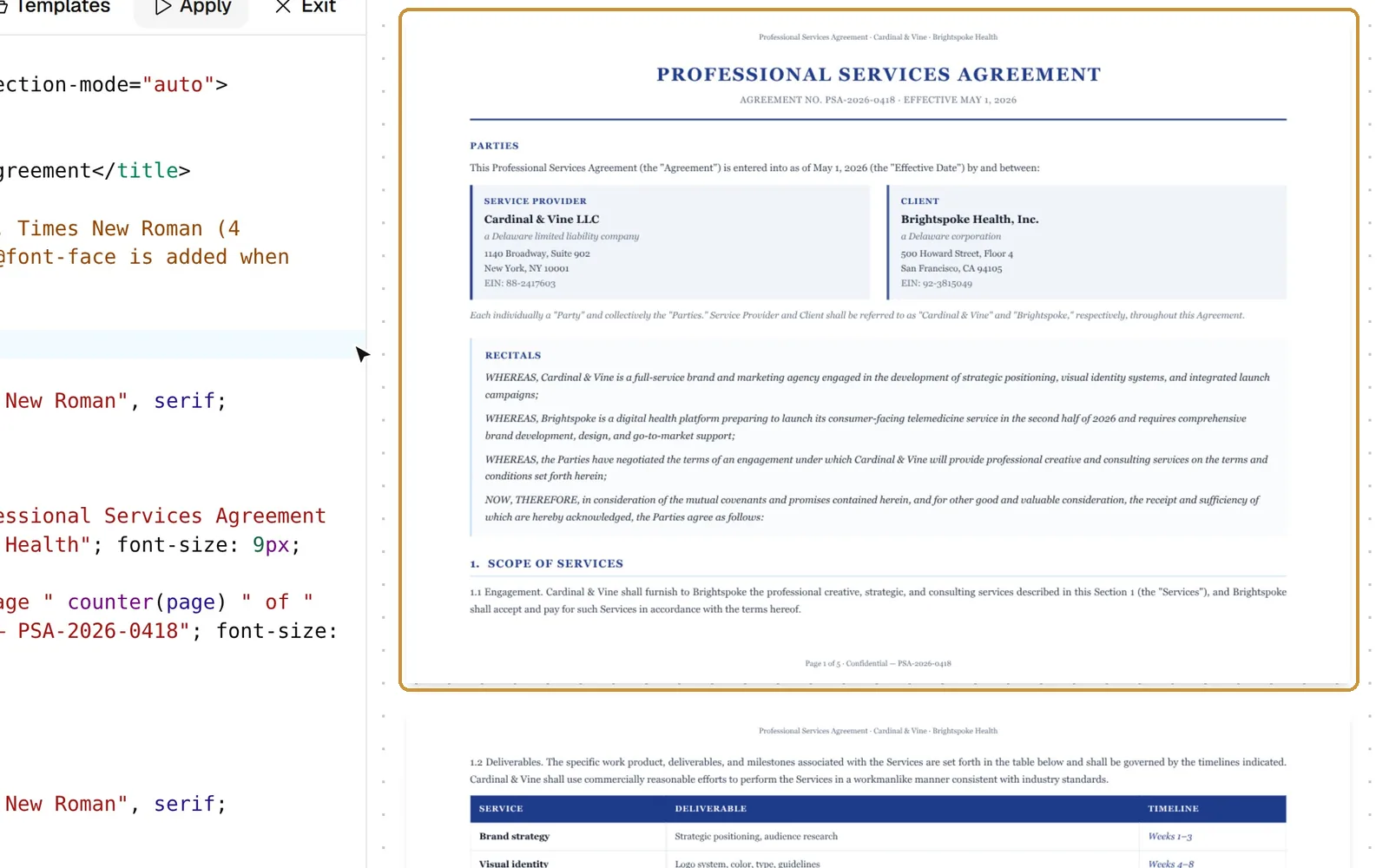
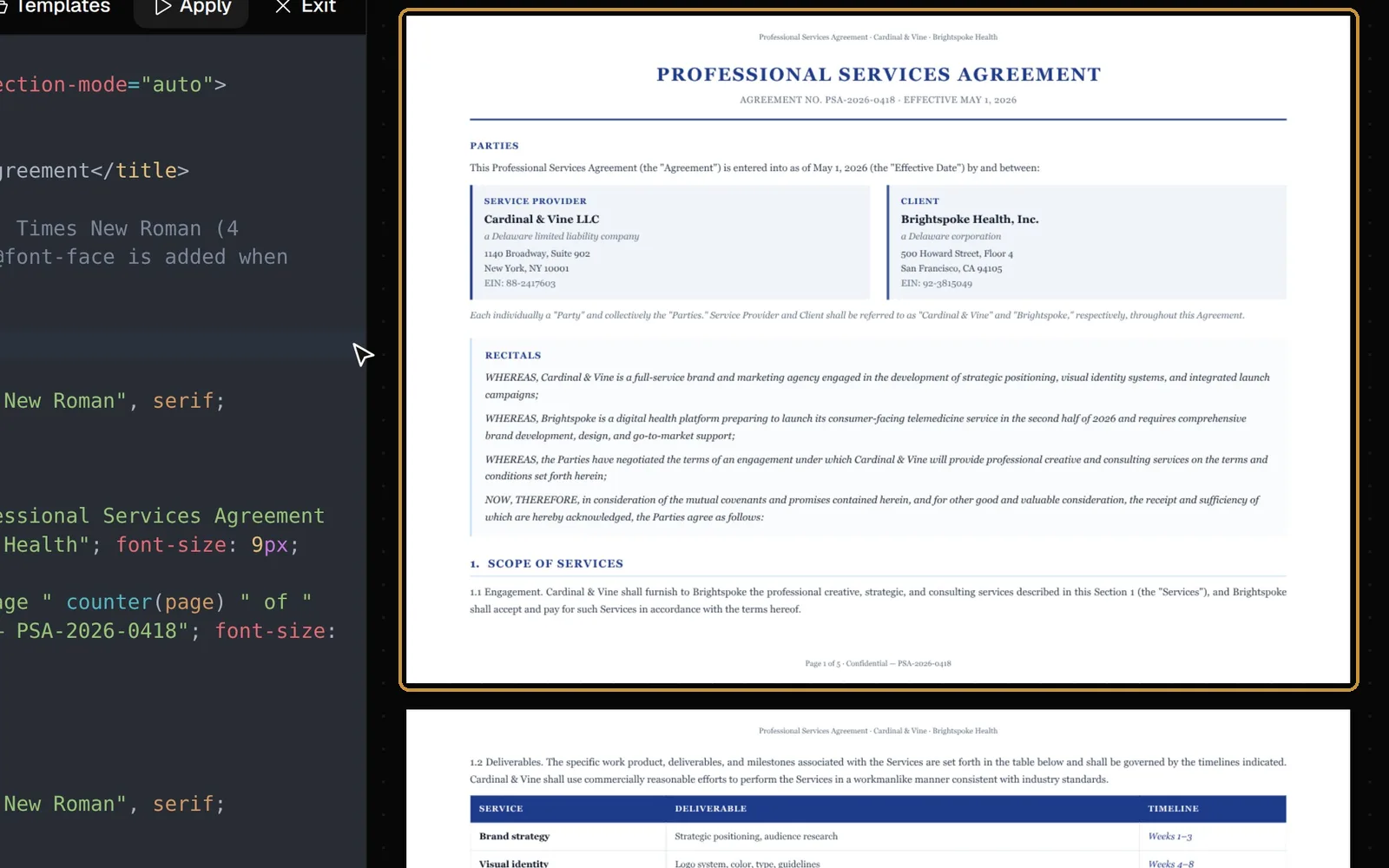
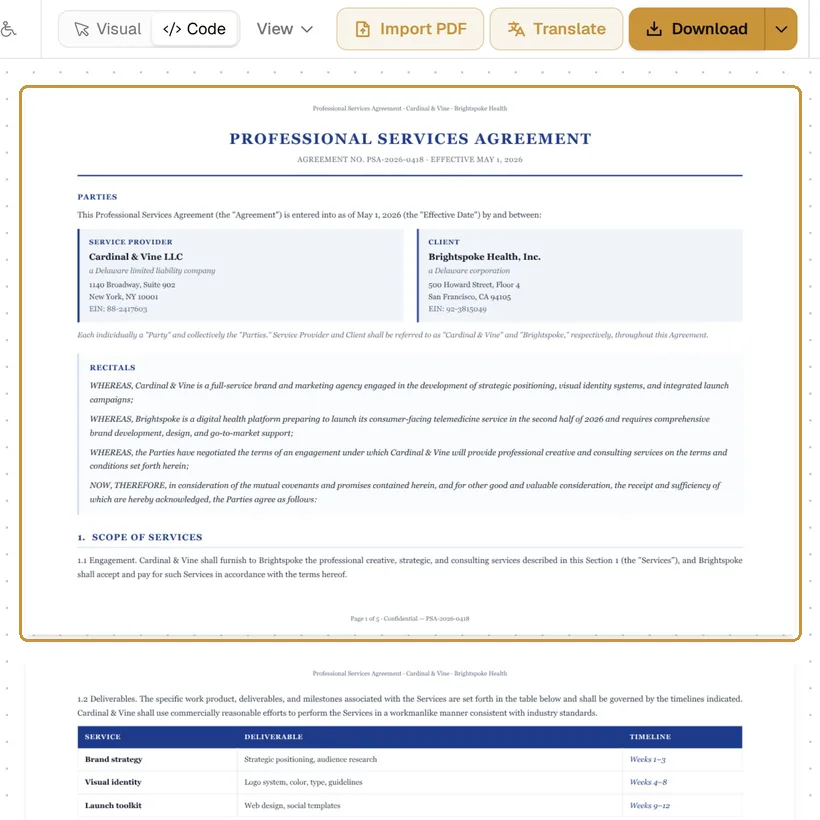
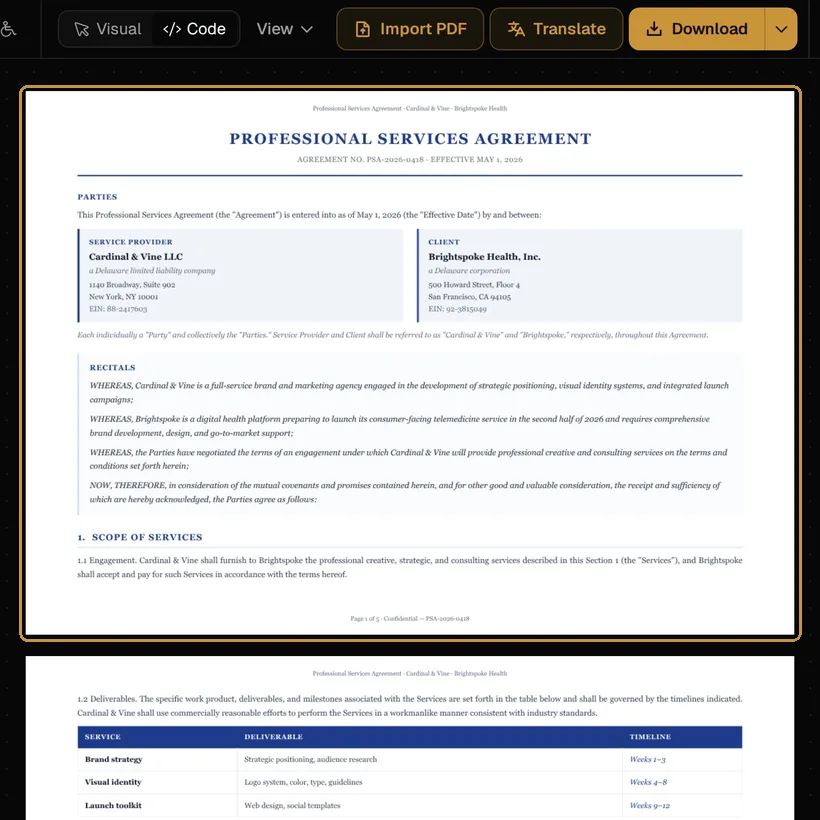
Code, beside Visual in the toolbar, shows the document as HTML and CSS, with its pages next to it as the engine lays them out. Edit either the code or the data, and the pages follow.
Ctrl ` switches between the two views. Click a block on the pages and the cursor goes to its tag in the code; put the cursor in a tag and the block is outlined on the pages.
Template, Data and Problems
- Template: the document’s HTML and CSS.
- Data: JSON that the template reads, for a document filled from data. On this tab, Load JSON… takes it from a file, Format lays the JSON out, and Variables adds every name the template reads, so you see what it expects.
- Problems: errors in the template, with a click to the place; what the editor could not keep from the code; and properties the PDF will not show.
A change is applied after a short pause, or at once with Apply (Ctrl Enter); until then the bar at the foot says Not applied yet. Exit goes back to the visual editor.
Templates with data
A template writes the data into the document with a small language, a subset of Twig, the same as the playground’s:
<h1>Invoice {{ invoice.number }}</h1>
{% for row in rows %}
  <tr><td>{{ row.item }}</td><td>{{ row.amount|number_format(2) }}</td></tr>
{% endfor %}
{% if paid %}<p>Paid, thank you.</p>{% endif %}
Values are escaped unless passed through |raw. Templates opens Templates with data: 53 documents, from invoices and statements to reports and certificates, each with its data.
From the API
The same template and data, sent to the developer API, come back as the PDF the editor would download. A document made in the editor can be printed from your own system that way, with new data each time.