Accessible and archival PDF
Every PDF the editor downloads is tagged for screen readers and declares PDF/UA-1, on every plan and without an account. Whether a document meets the standard depends on its content too: the Accessibility check shows what in it would still get in a reader’s way.
Tagged PDF
The tags are the document’s structure written into the PDF: headings and their levels, paragraphs, lists, tables with their header cells, pictures with their alternative text, links, footnotes and form fields, in the order they are read. A screen reader follows them; so does reflow on a small screen, and copying text out of the PDF. The editor writes them from the blocks you used, so a heading block is a heading in the PDF.
Tagged PDF is on by default in Page settings; the Language set there is the language the PDF declares, and the document’s name is its title, which a screen reader announces in place of the file name.
PDF/UA-2 and PDF/A-3a
On Pro and Max, Page settings has two more switches:
- Claim PDF/UA-2: the PDF declares the second edition of the standard (ISO 14289-2, 2024), which builds on PDF 2.0.
- Export as PDF/A-3a: an archival PDF (ISO 19005-3) whose fonts, colours and structure are all inside the file, for records kept for years.
The Accessibility check
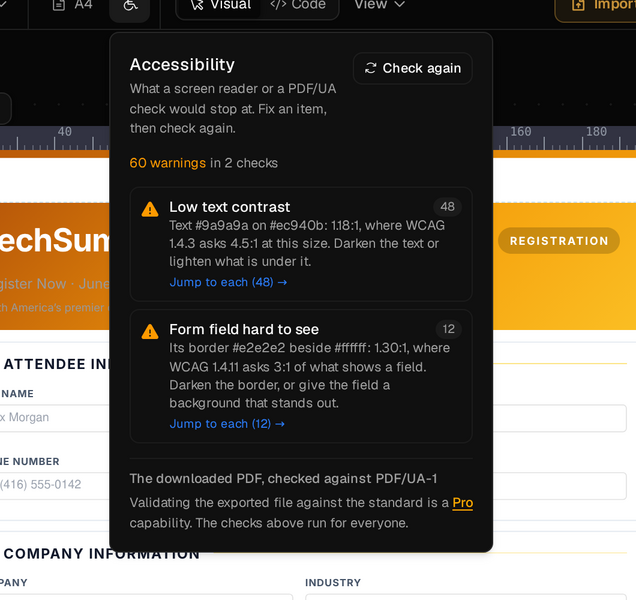
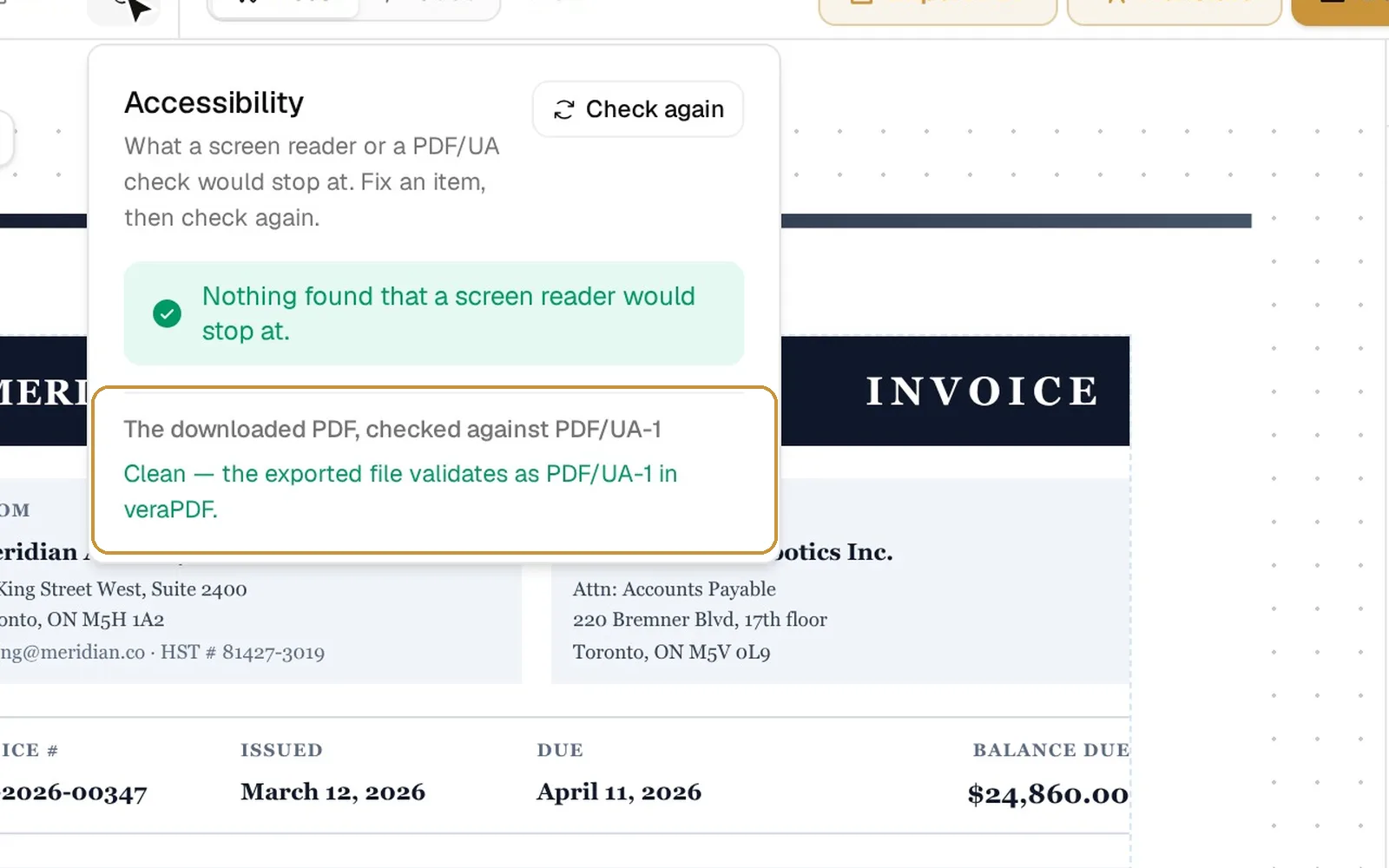
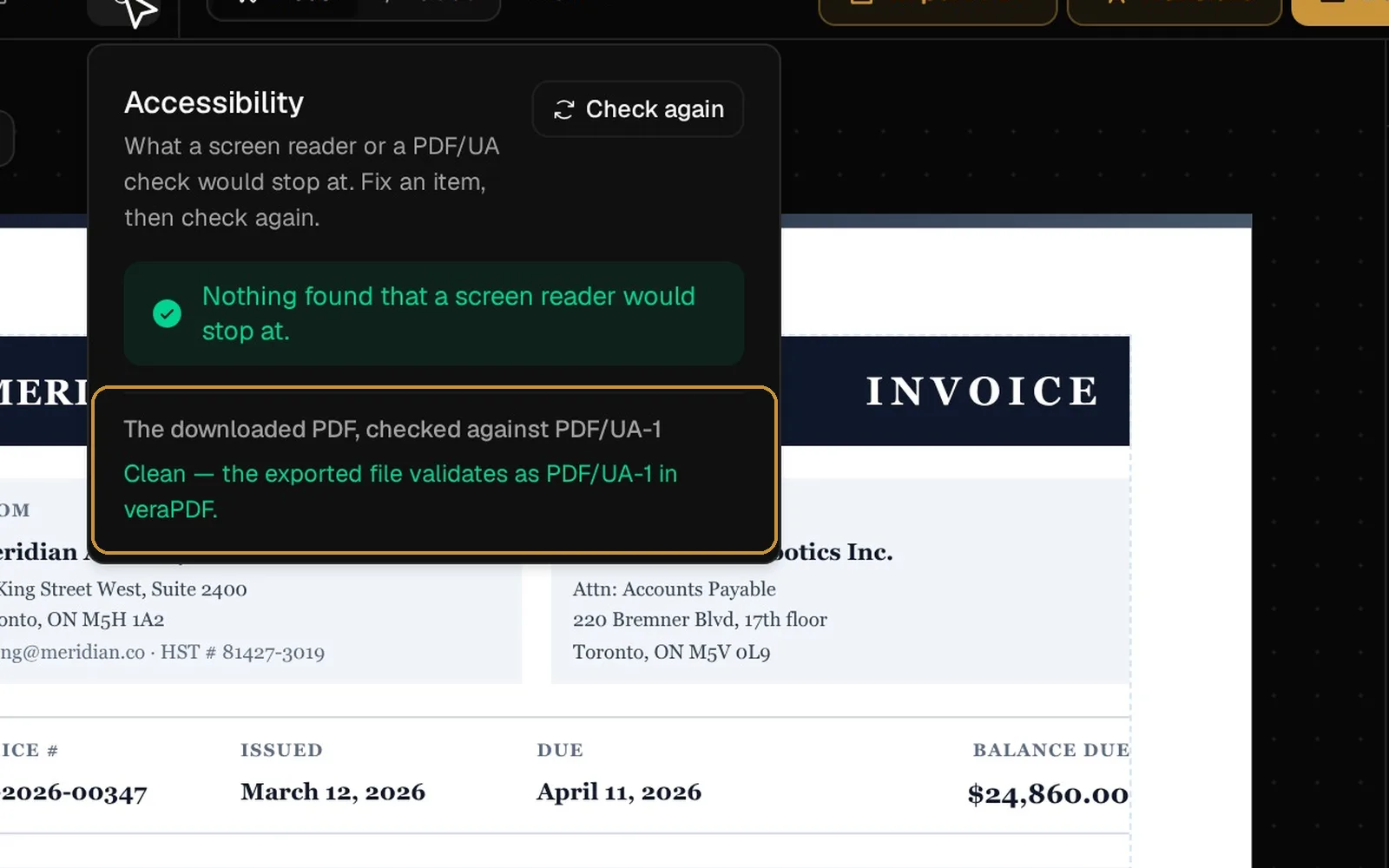
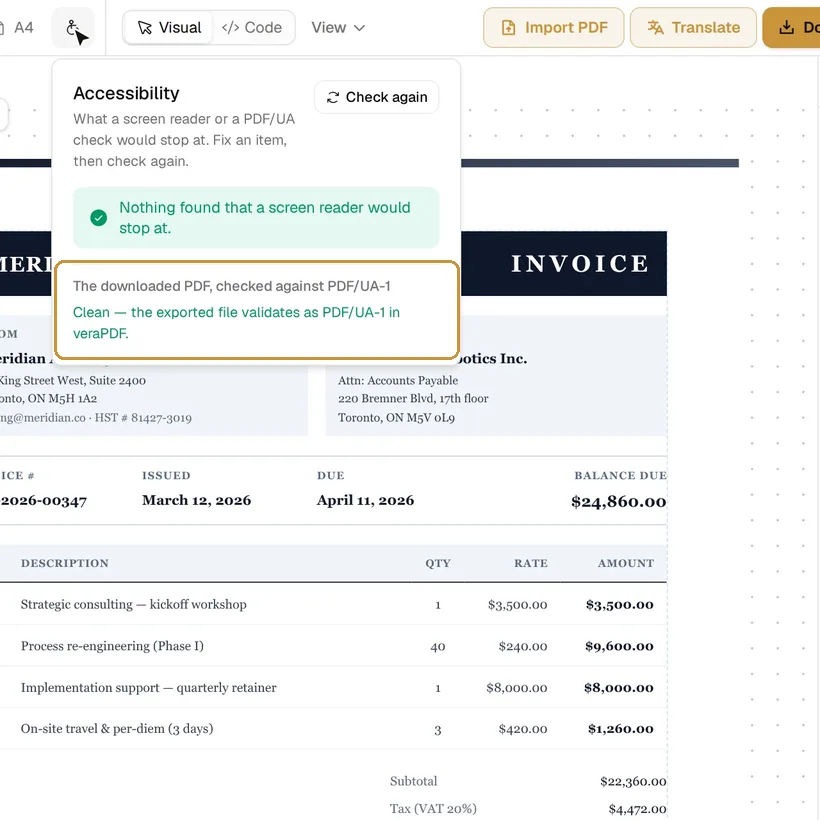
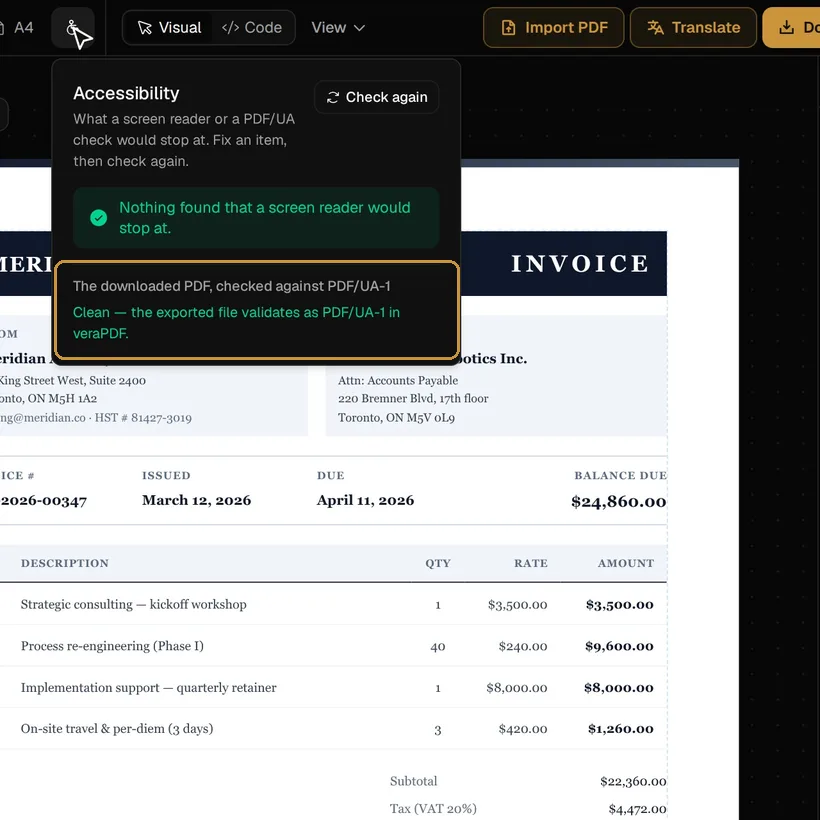
Accessibility, in the toolbar, lists what a screen reader or a PDF/UA check would stop at. Click a finding to select the block it is about; fix it and press Check again.
The document
- Pictures without alternative text, or with a file name or the caption as their text.
- Headings that skip a level, are empty or look like body text; a document without headings or without a title or language.
- Tables without header cells, form fields without a label, links without text or that say only “click here”.
- A reading order that does not match the layout.
The colours, as the pages are laid out
- Low text contrast: text below 4.5:1 against what is behind it, or 3:1 for large text (WCAG 1.4.3).
- Form field hard to see: a field whose border is below 3:1 against the page (WCAG 1.4.11).
- Link distinguished by colour only: a link in running text with no underline (WCAG 1.4.1).
The file
On Pro and Max, the check also makes the PDF as a download would and validates it with veraPDF, the reference validator, against PDF/UA-1 or PDF/UA-2. Its findings are about the file, so they have no block to select.