Edit a letter PDF
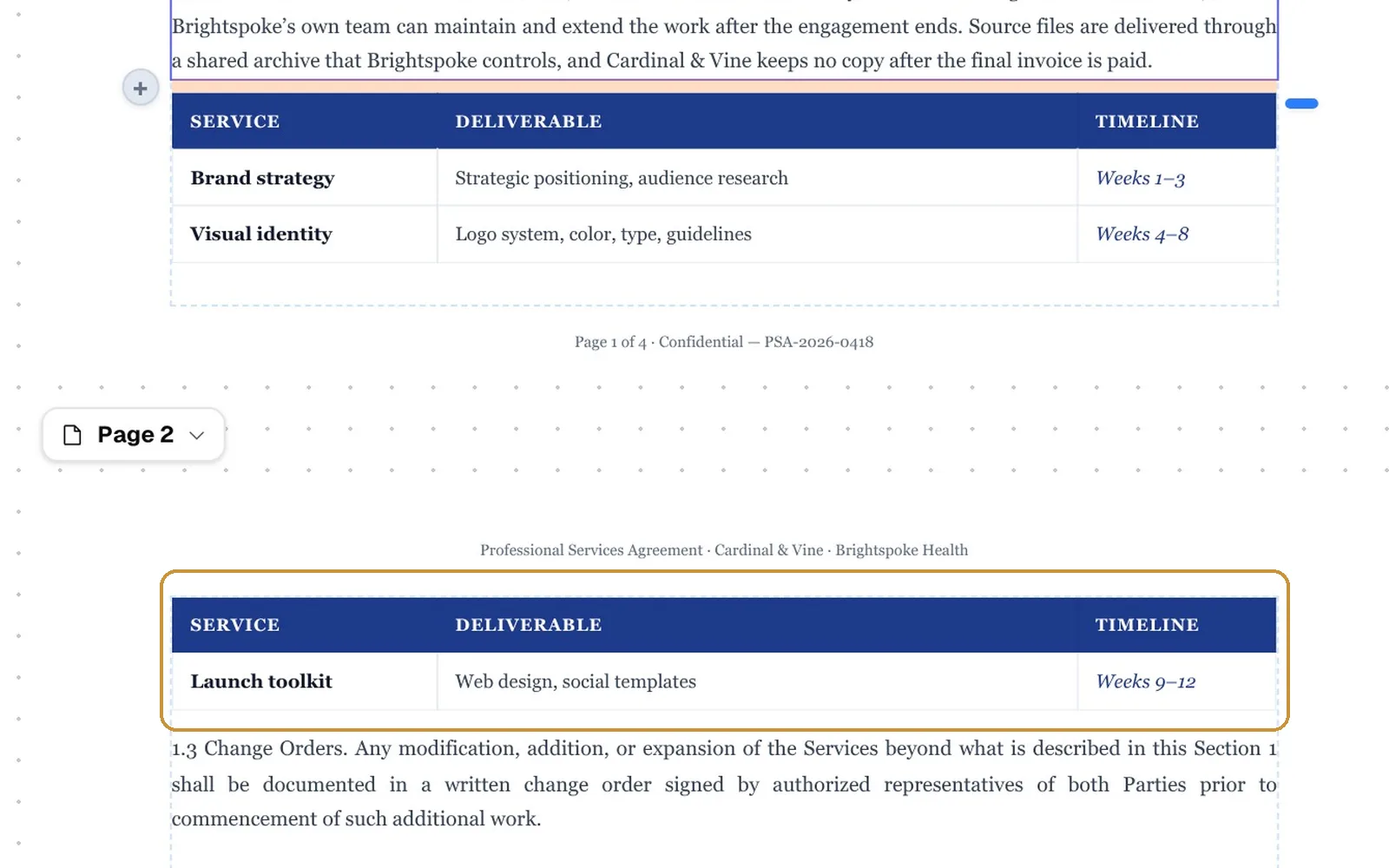
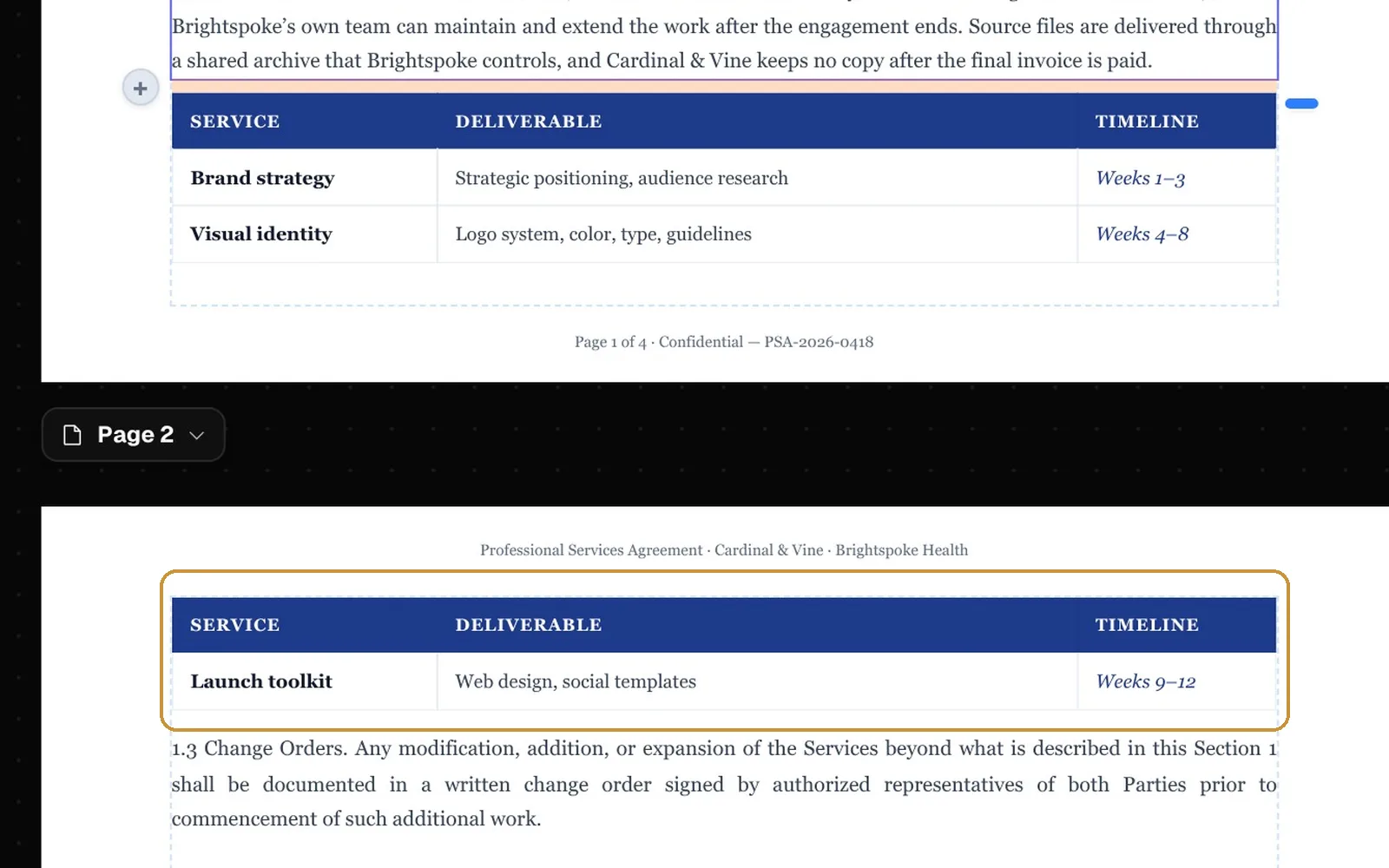
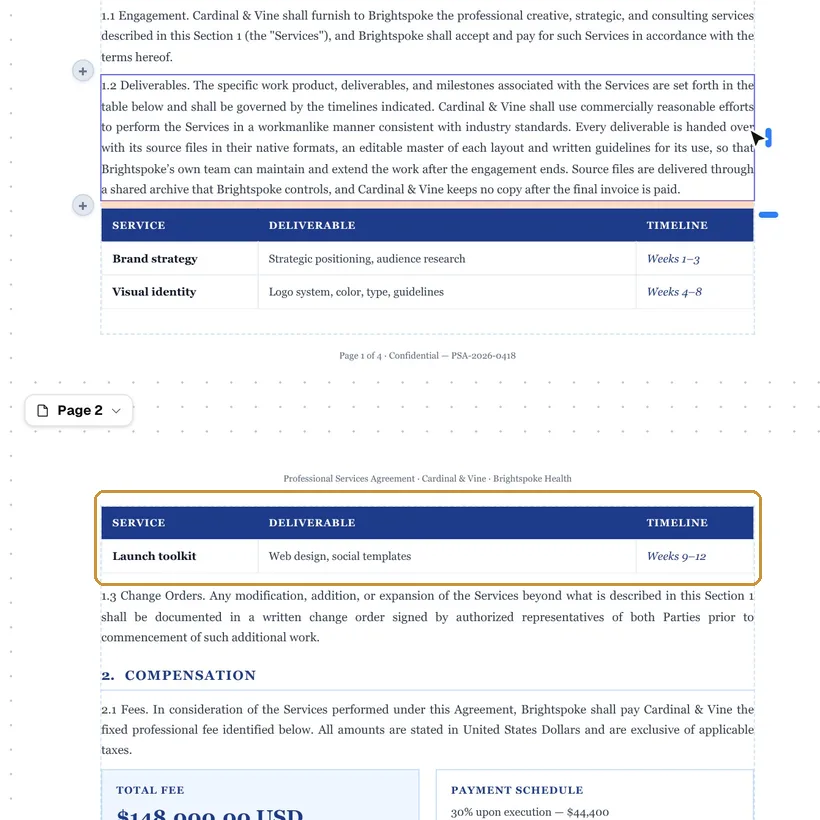
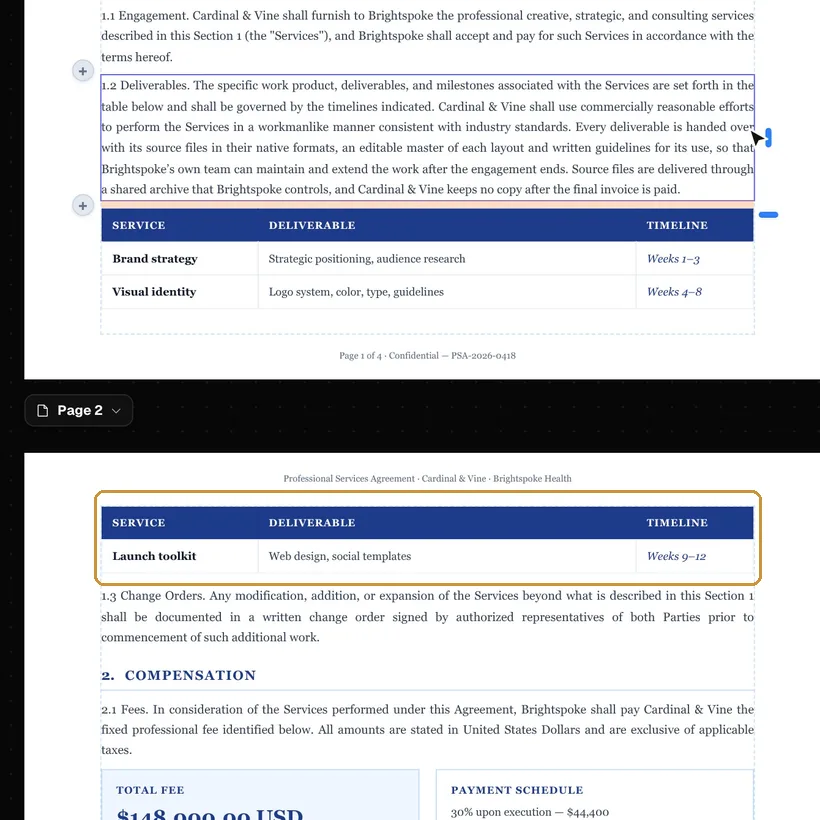
Rewrite a paragraph and the rest of the letter moves down. In the templates, a letter that runs onto a second page takes its last paragraph there with the sign-off and the signature, so the signature never starts a page alone.
The editor and its templates open without an account; importing a PDF takes a free one.
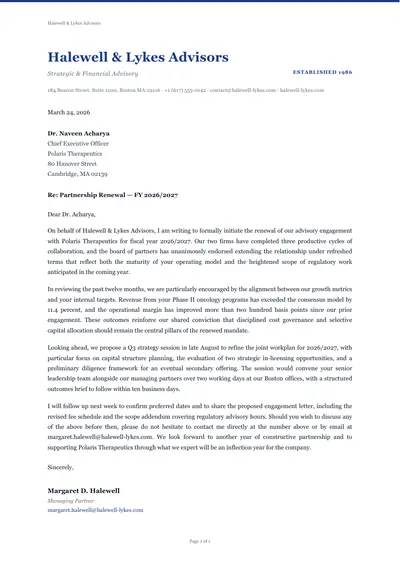
Templates
Five letters open without an account: a complaint, a cover letter, a formal business letter, a recommendation and a thank-you after an interview.
To edit a letter you have as a PDF, import it: it takes a free account and one AI page per page of the PDF (10 a month on the free plan).
The letterhead on every page
The templates put the letterhead at the top of the first page only. To repeat it on every page:
- 1. Select it
- Click the letterhead’s text and press Esc until its whole box is selected: each Esc selects the block around the one before.
- 2. Repeat it
- In Properties, open More layout and, under Repeat, switch Enabled on and choose Header left. The places of the header row share its width, so a wide letterhead in Header center leaves those beside it almost no room.
- 3. Make room
- A header place is as tall as the page’s top margin: in Page settings, set the top margin to about 40 mm for the Formal Business Letter’s letterhead.
The next letter
Signed in, the letter is kept in your Library: duplicate it for the next one. A PDF downloaded with “Keep the PDF editable” switched on also opens again in the editor as it was.
More templates to start from
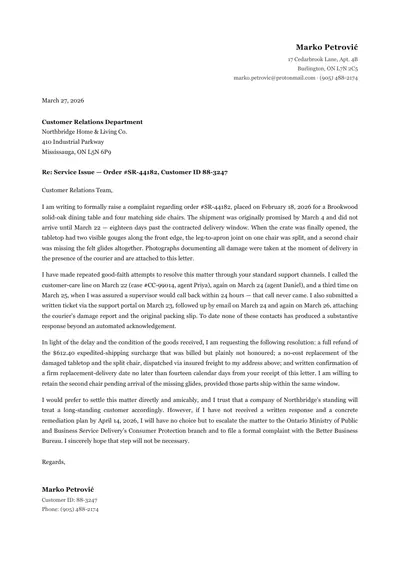
Complaint Letter
A late, damaged order: what went wrong, what was tried, what you ask for
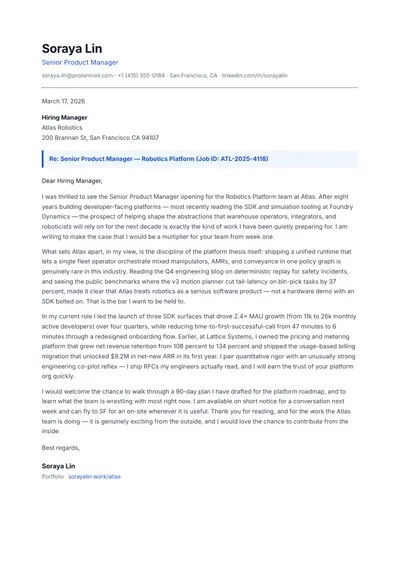
Cover Letter
One page for a product manager role, with a line naming the job
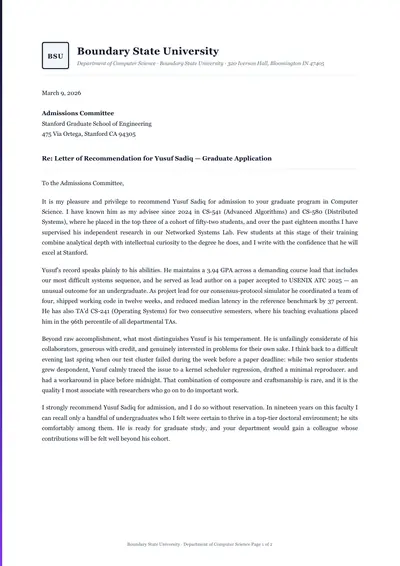
Letter of Recommendation
A recommendation for a student or colleague
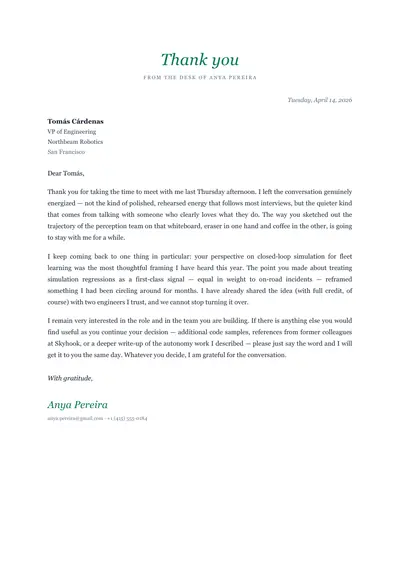
Thank-You Letter
A thank-you after an interview
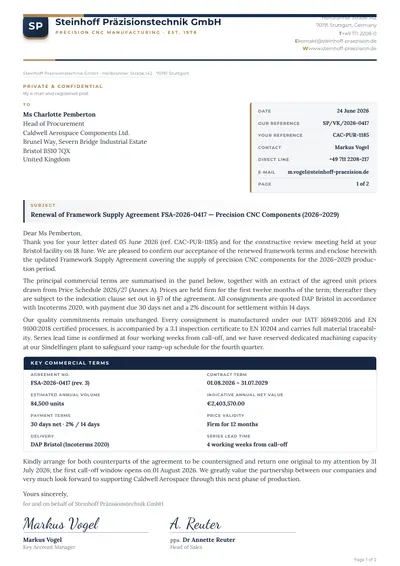
Letter with Reference Panel
A letter on company paper with its references in a panel
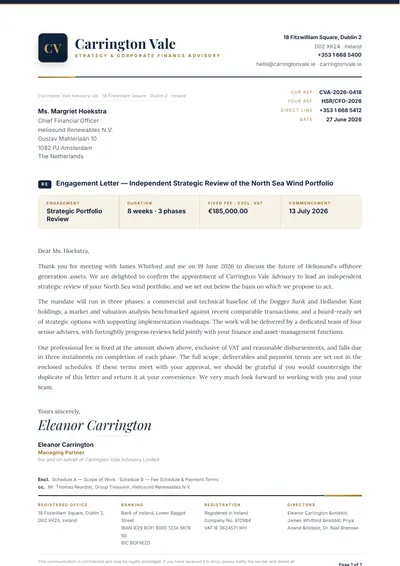
Letterhead
Company paper with a monogram, for any letter
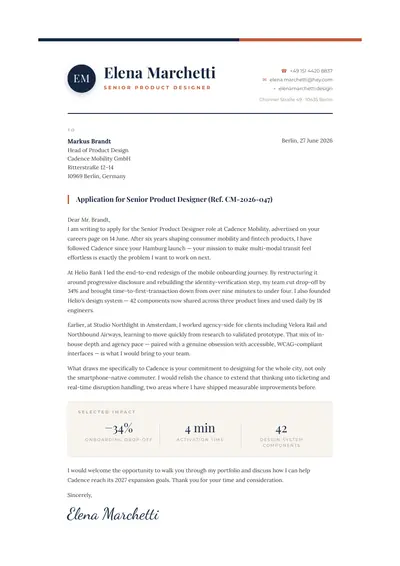
Monogram Cover Letter
A job application under a monogram, with three results in figures
Questions
- How do I put the letterhead on every page?
- Select the letterhead: click its text and press Esc until its whole box is selected. In Properties, open More layout and, under Repeat, switch Enabled on and choose Header left; a wide letterhead in Header center leaves the places beside it almost no room. A header place is as tall as the page’s top margin, so in Page settings set the top margin to about 40 mm for the Formal Business Letter’s letterhead. A letterhead of text only can also be typed into the header in Page settings, under Headers & footers.
- Can I sign the letter?
- Add a Signature from Blocks and sign it in the editor, typed or drawn; by default it carries a stamp of who signed and when. It is an electronic signature, not a certificate-based digital one.
Bring the PDF you have.
Importing a PDF takes a free account and uses AI pages. The editor and its templates open without one.