Formal letter template
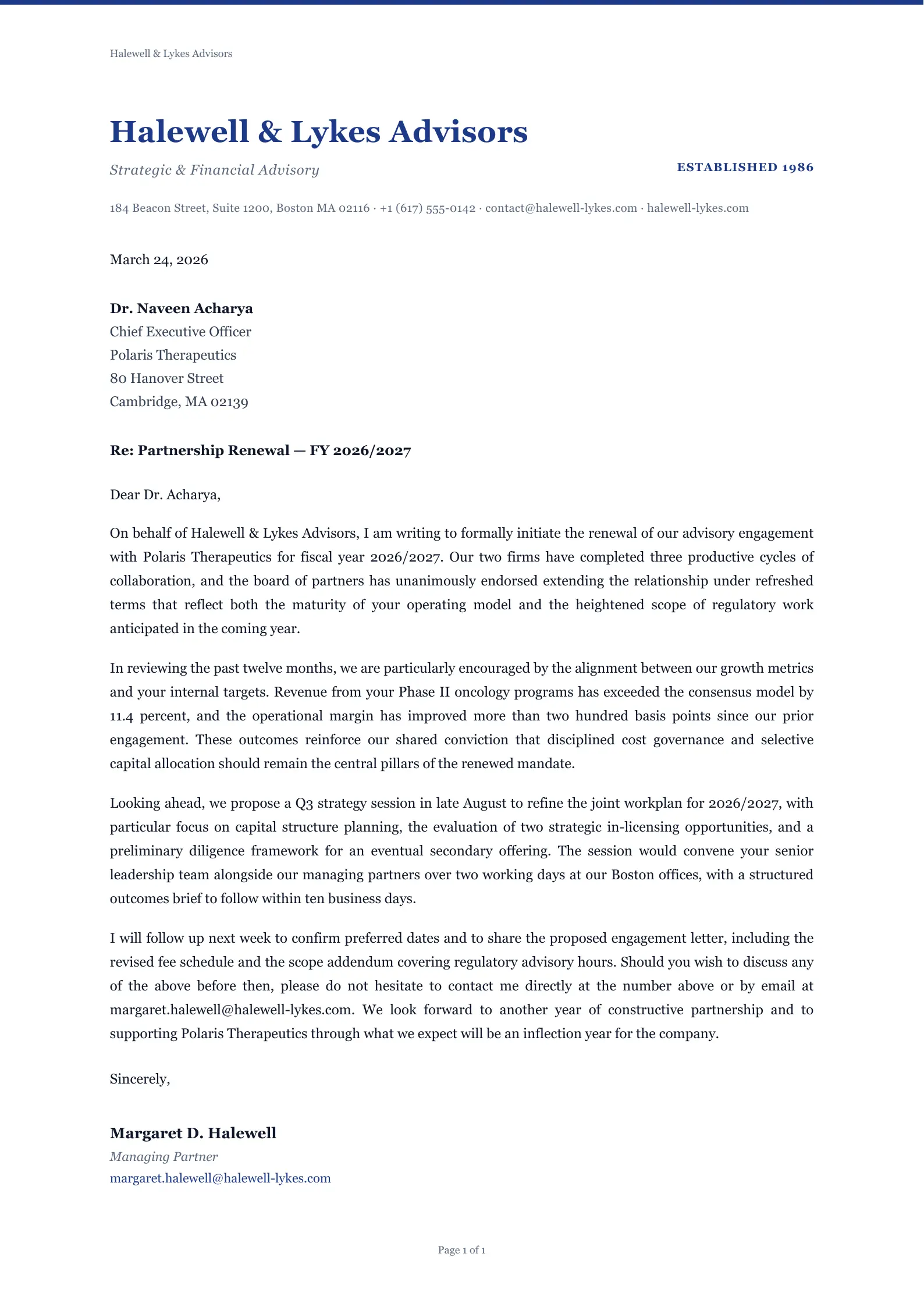
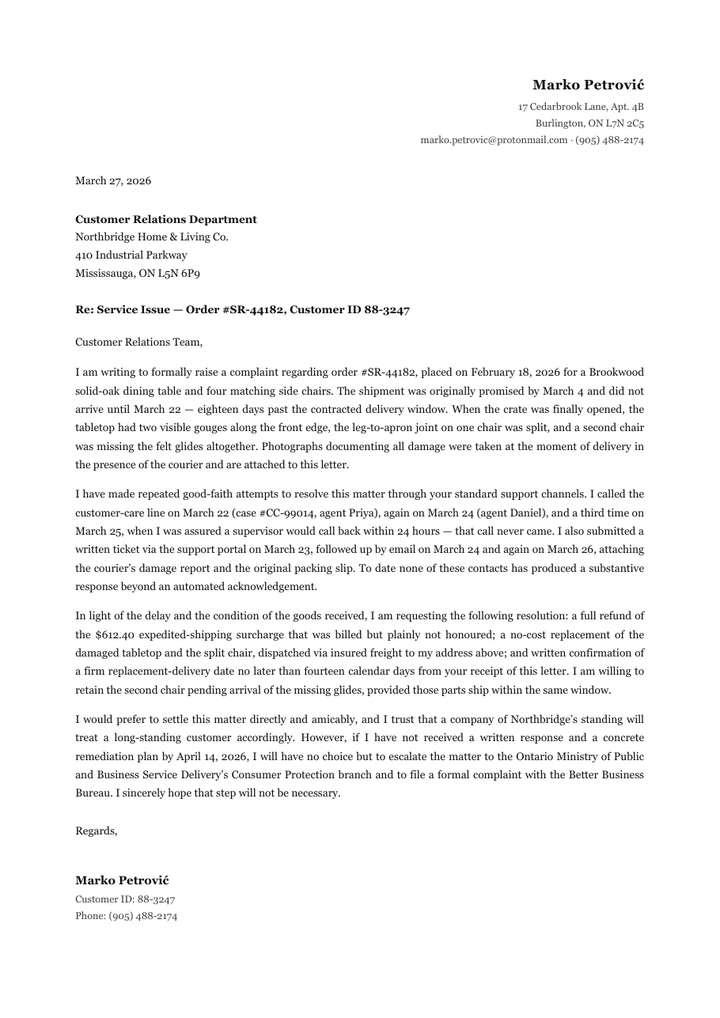
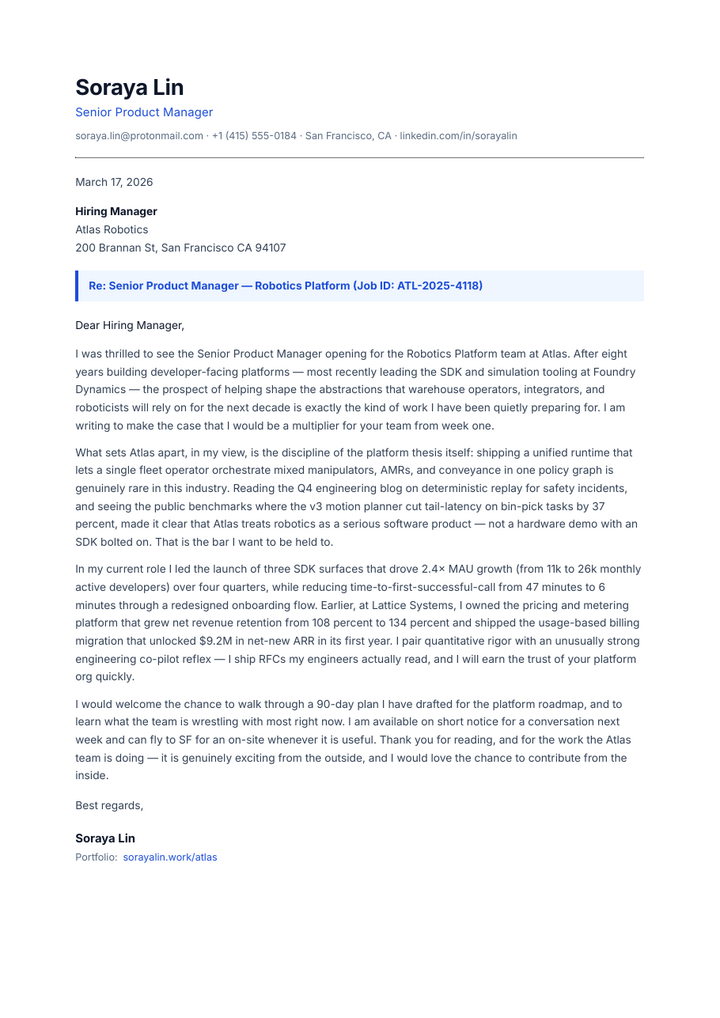
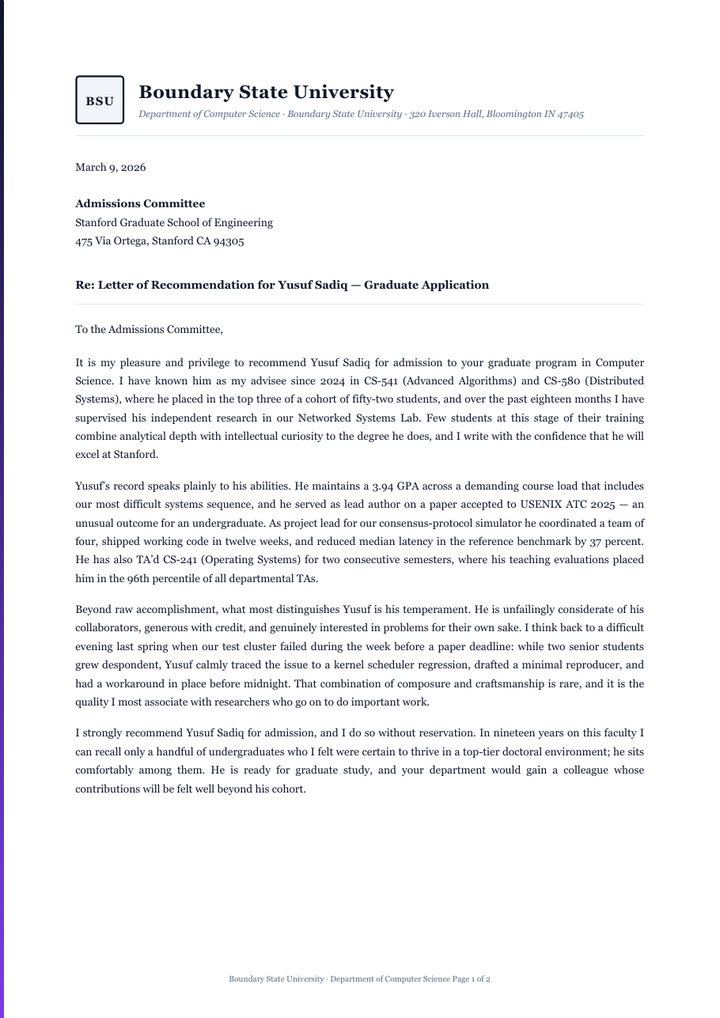
A formal business letter from an advisory firm to a client’s chief executive about renewing their engagement, on the firm’s letterhead. It follows the block format: date, the recipient’s name, title and address, a reference line, the salutation, four paragraphs, and the signature with name and title.
It opens without an account. This PDF was downloaded from the editor; without an account, each page you download carries a small mark.
What is in it
- A letterhead with the firm’s name, description, year of founding, address and contacts
- The date and the recipient’s name, title and address
- A “Re:” line
- Four paragraphs in block format
- A closing, name and title
1 page, tagged PDF/UA-1
Editing it
Click a paragraph and type; what follows moves down. If the letter runs onto a second page, its last paragraph goes there with the closing and signature.
Its colours, default font and paper size are in Page settings, and its HTML and CSS in the Code view. When it is done, download the PDF.
Questions
- How do I put the letterhead on every page of a longer letter?
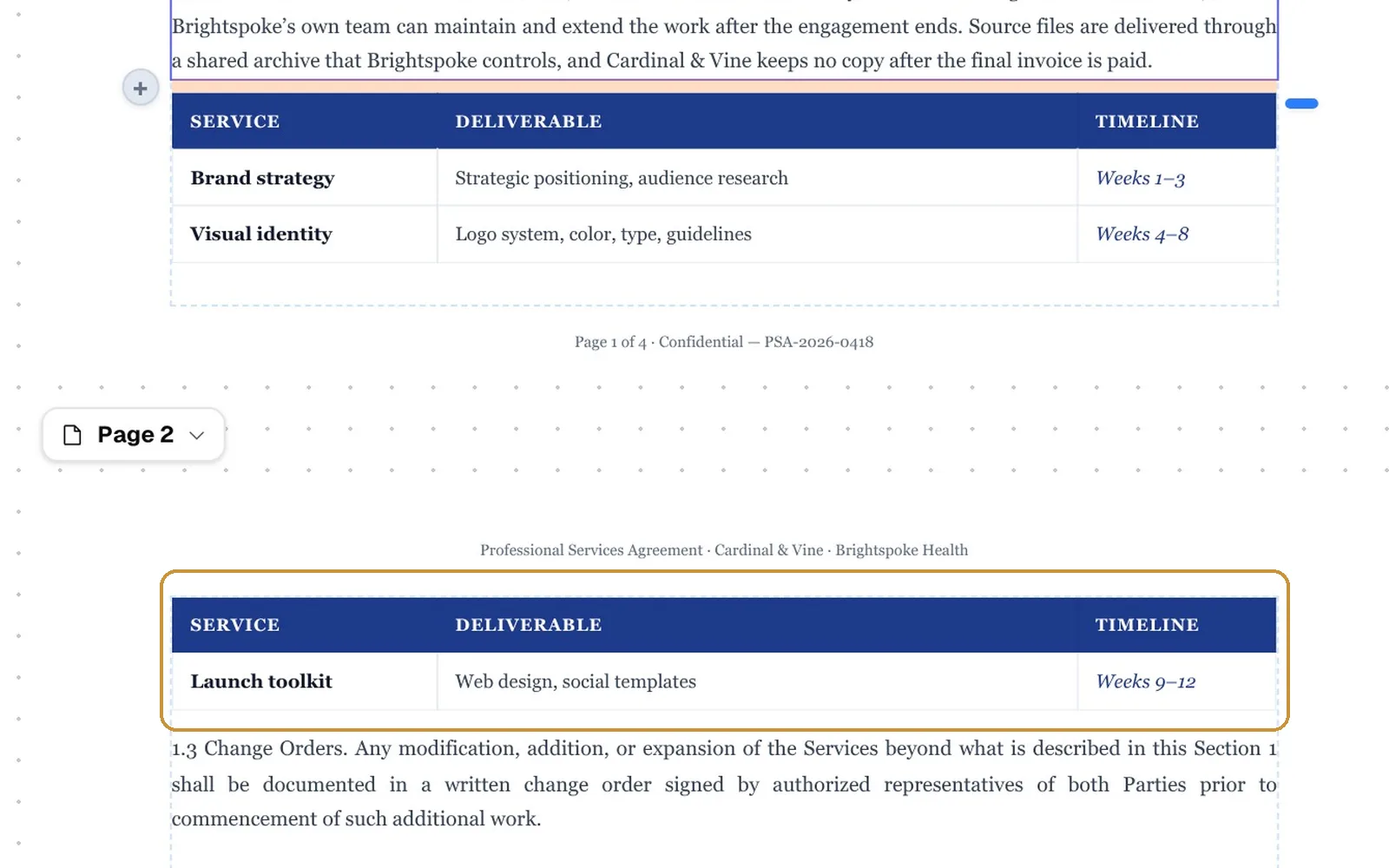
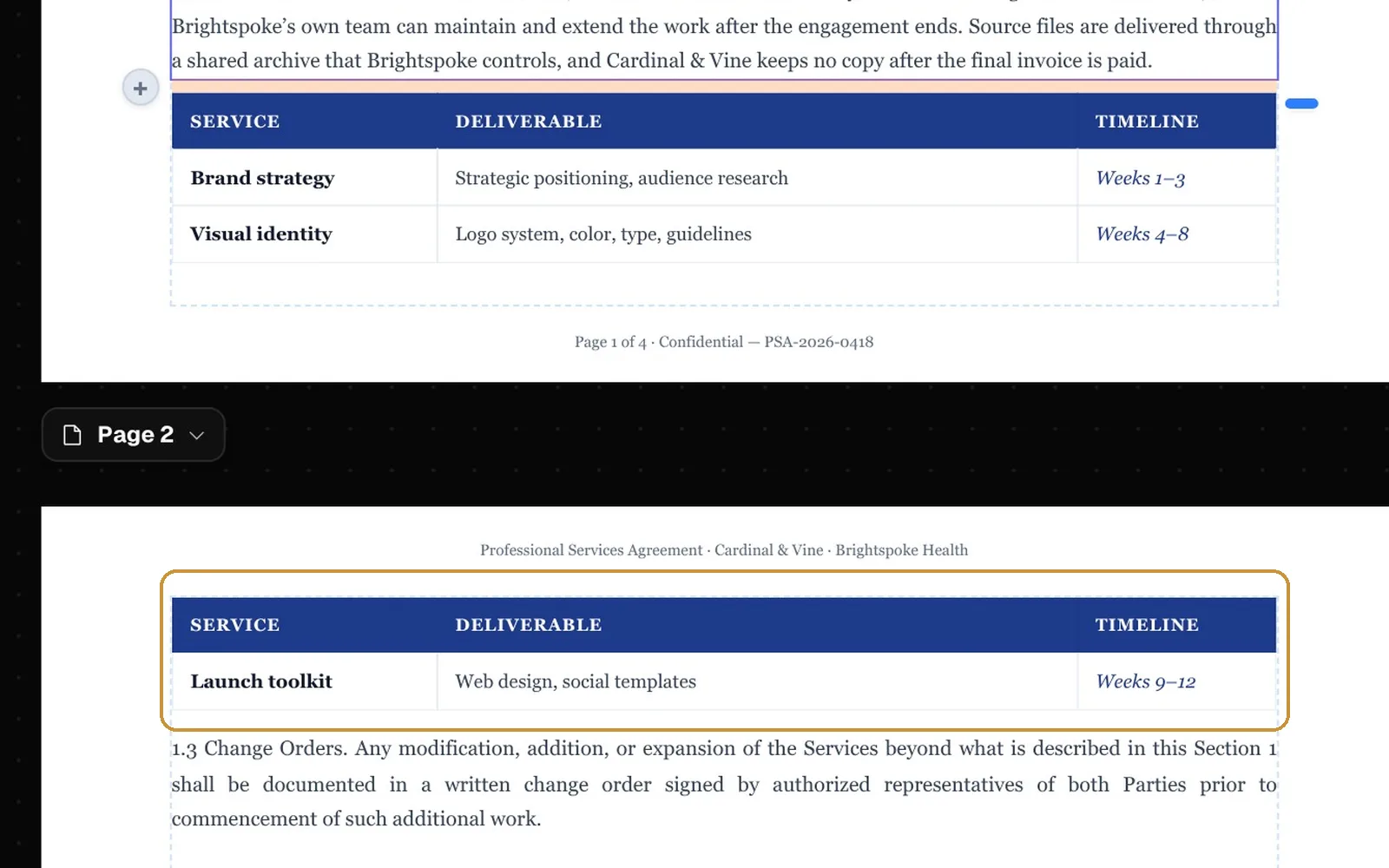
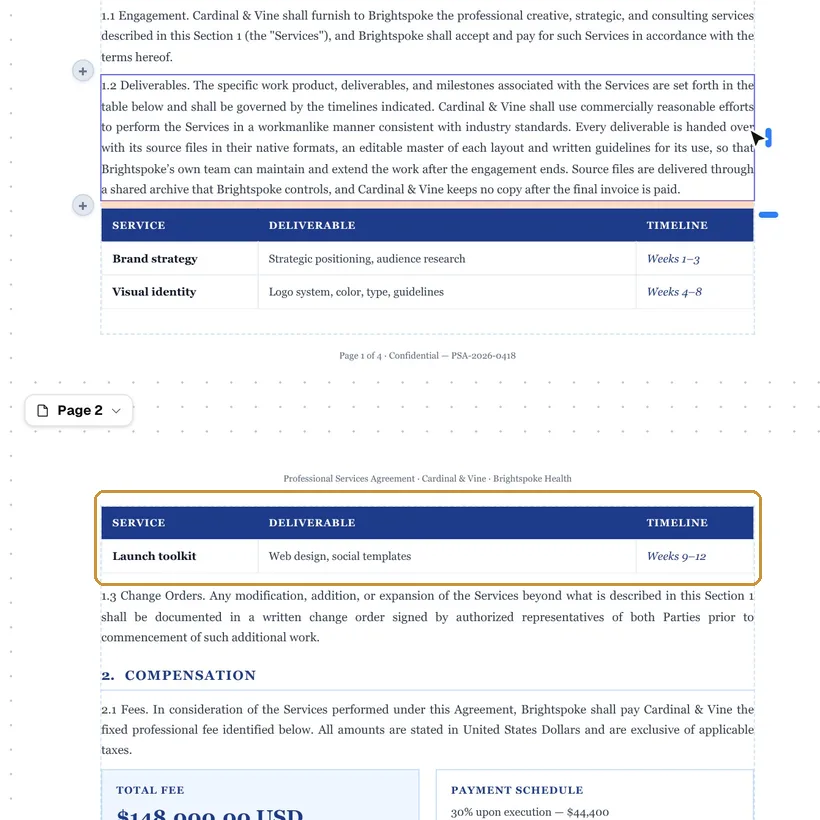
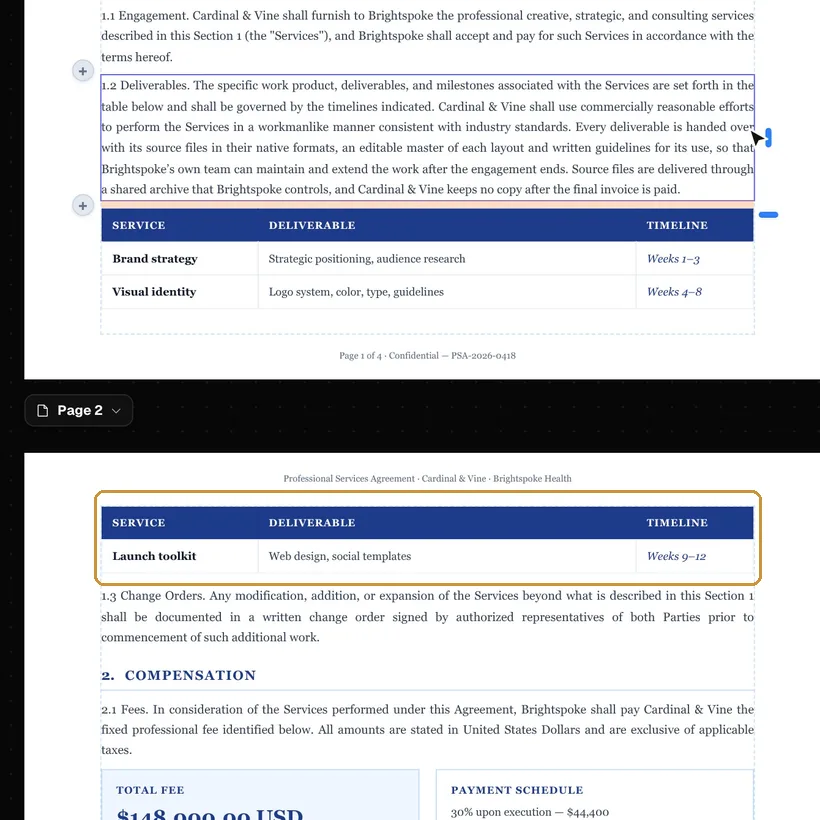
- Select the letterhead: click its text and press Esc until its whole box is selected. In Properties, open More layout and, under Repeat, switch Enabled on and choose Header left; a wide letterhead in Header center leaves the places beside it almost no room. A header place is as tall as the page’s top margin, so in Page settings set the top margin to about 40 mm for the Formal Business Letter’s letterhead. A letterhead of text only can also be typed into the header in Page settings, under Headers & footers. In this template the letterhead sits at the top of the first page only.
- Can I change the fonts and colours?
- Yes. In Page settings each colour changes everywhere it is used, and the default font changes for text that has no font of its own; a block’s own font and colours are in the panel on the right when it is selected.
- Do I need an account?
- No. The template opens in the editor without one, and you can download the PDF; without an account every page carries a small mark in the corner. A free account gives 50 pages a month without it.
- Can I open the PDF again later and keep editing?
- Yes, if you download it with “Keep the PDF editable” switched on: the document travels inside the PDF, and imported into the editor again it comes back as it was, without AI. The switch is off by default. With an account, the document is also kept in your Library.
- Is the PDF accessible?
- By default it is tagged for screen readers as PDF/UA-1: headings, lists, tables with their header cells, the language and the title. The editor points out what only you can fix, such as an image without a description.
Open it and type.
The template opens in the editor in your browser, without an account. Change the words, add rows and pages, and download the PDF.