Sales proposal template
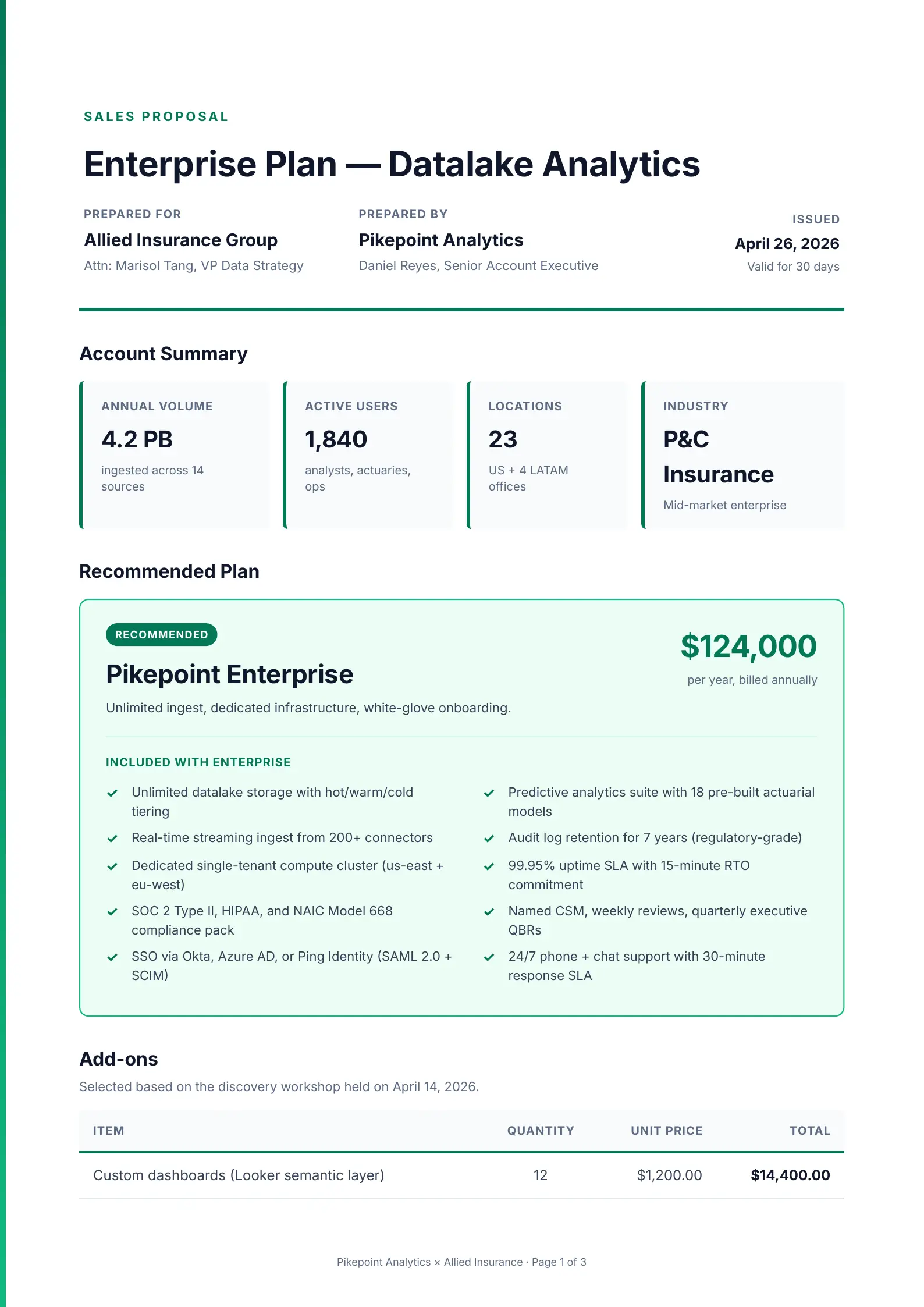
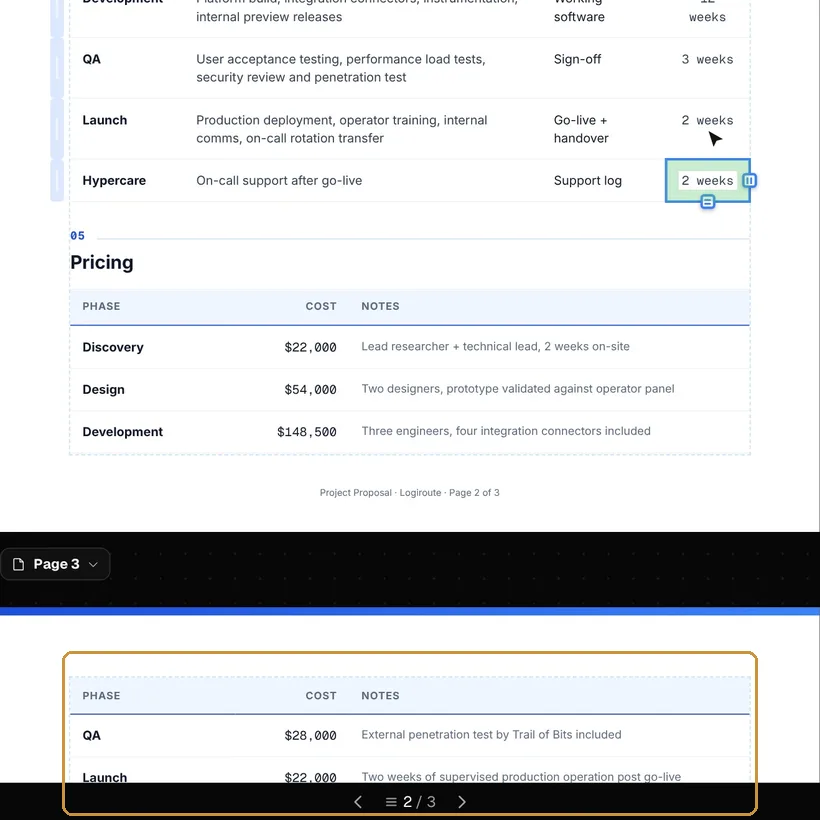
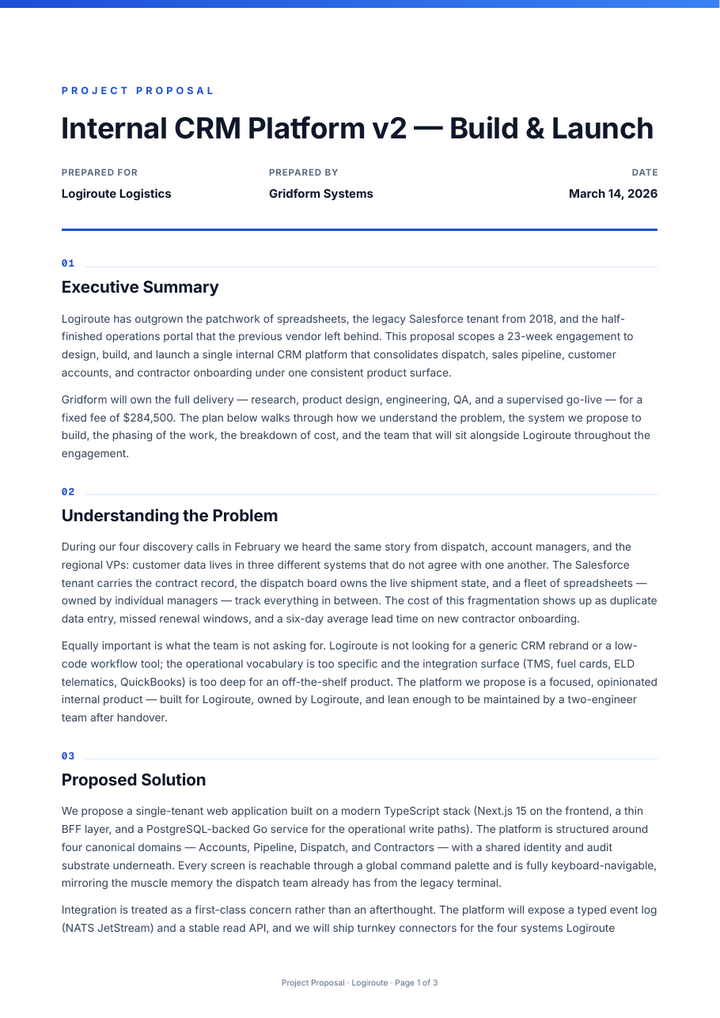
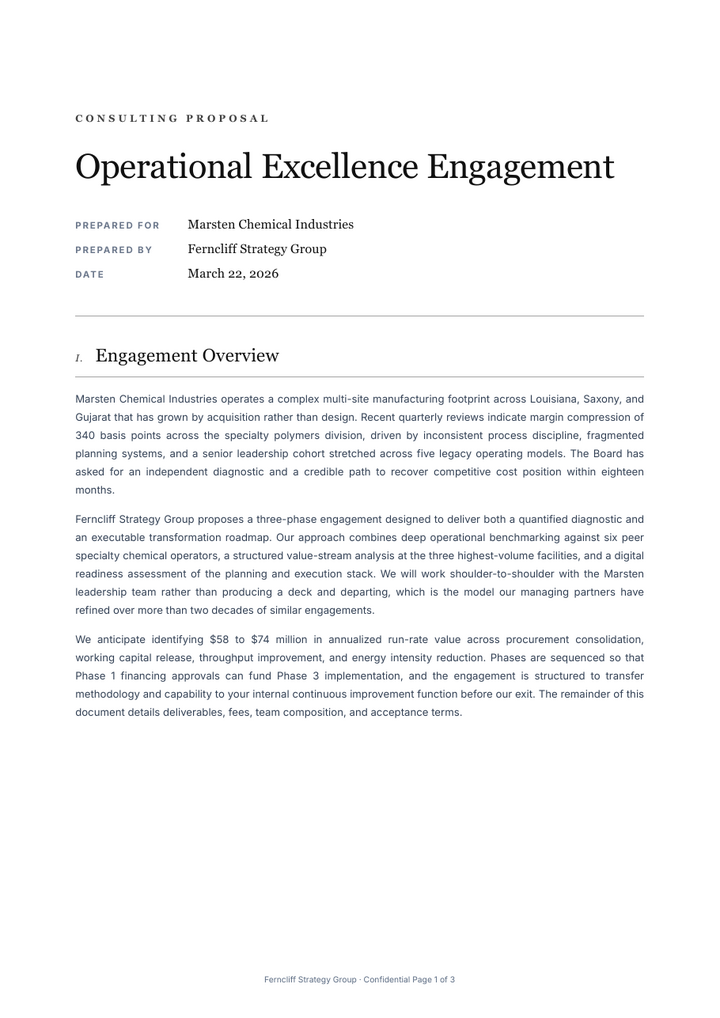
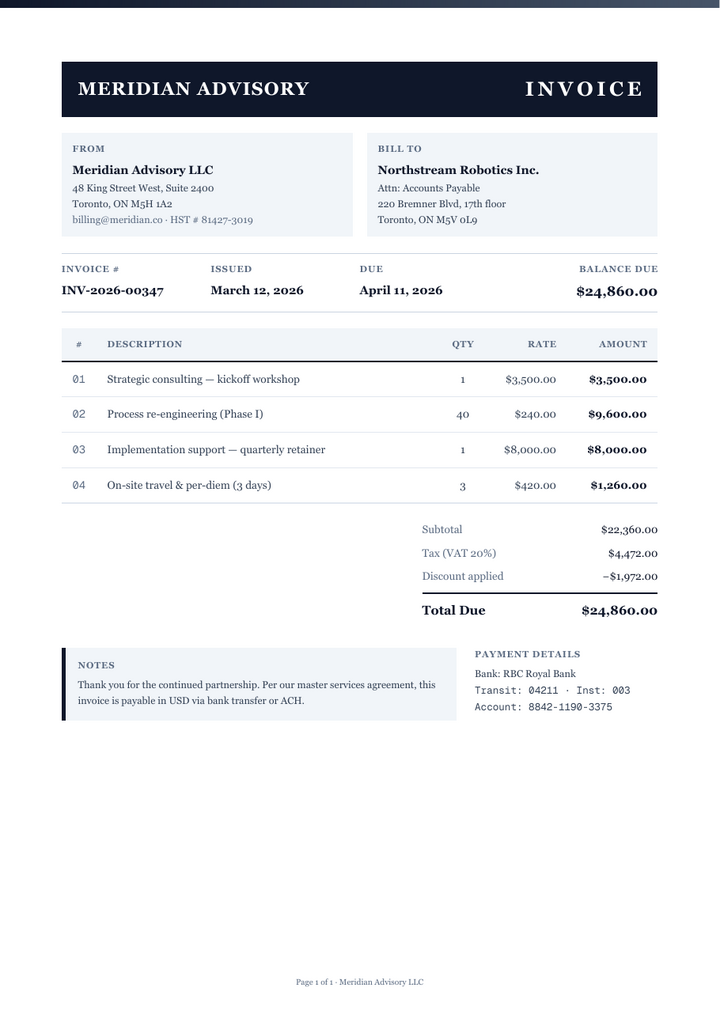
A proposal from an analytics vendor’s account executive to an insurance group, over three pages: an account summary in figures, the recommended plan and what it includes, a table of add-ons chosen in a discovery workshop, and the volume discount tier the account qualifies for. The add-ons table runs across a page break and repeats its header row.
It opens without an account. This PDF was downloaded from the editor; without an account, each page you download carries a small mark.
What is in it
- Prepared for and prepared by, with names and titles
- An account summary: volume, users, locations and industry
- The recommended plan, marked as recommended, with what it includes
- An add-ons table with quantity, unit price and amount
- The volume discount tier
3 pages, tagged PDF/UA-1
Editing it
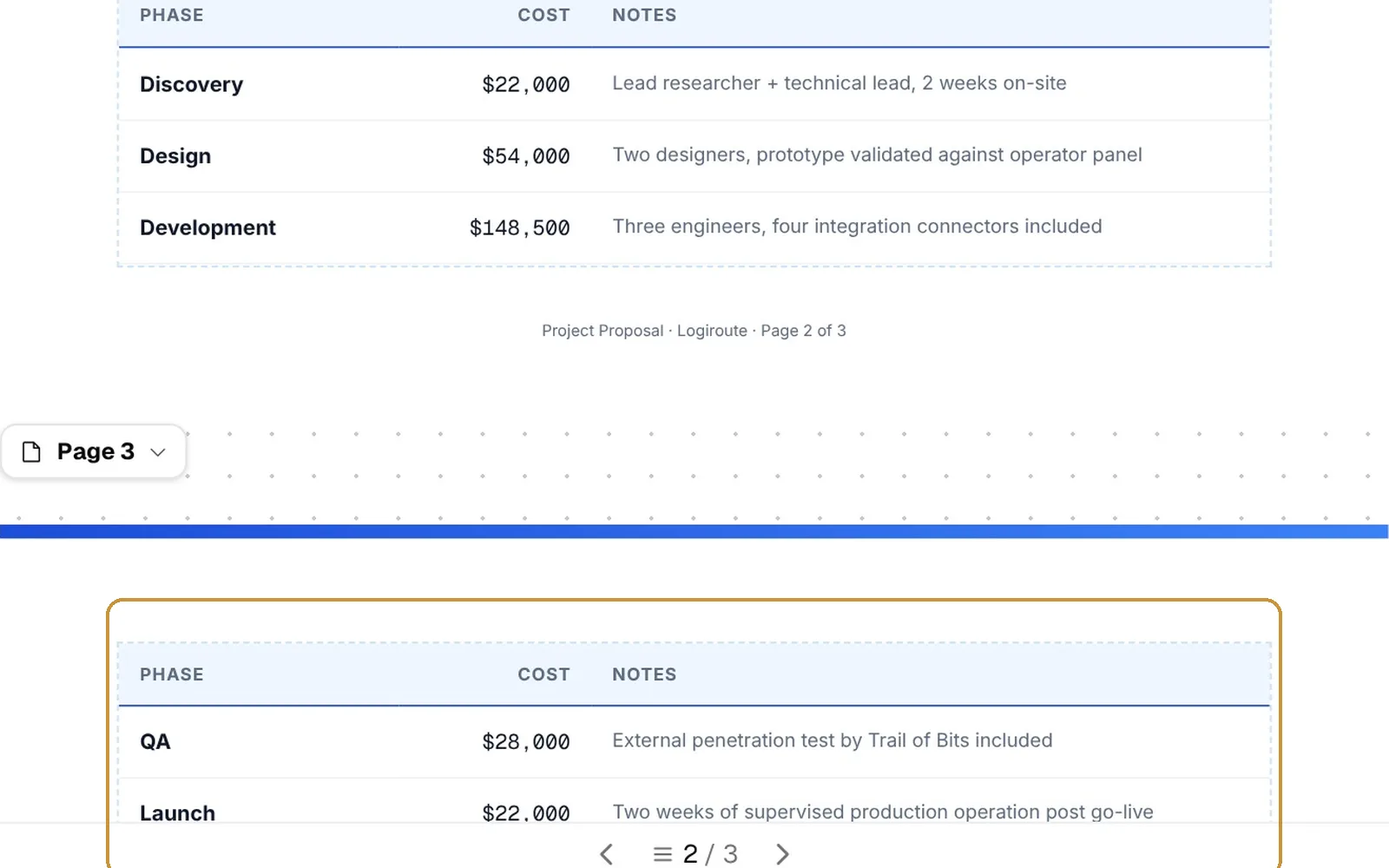
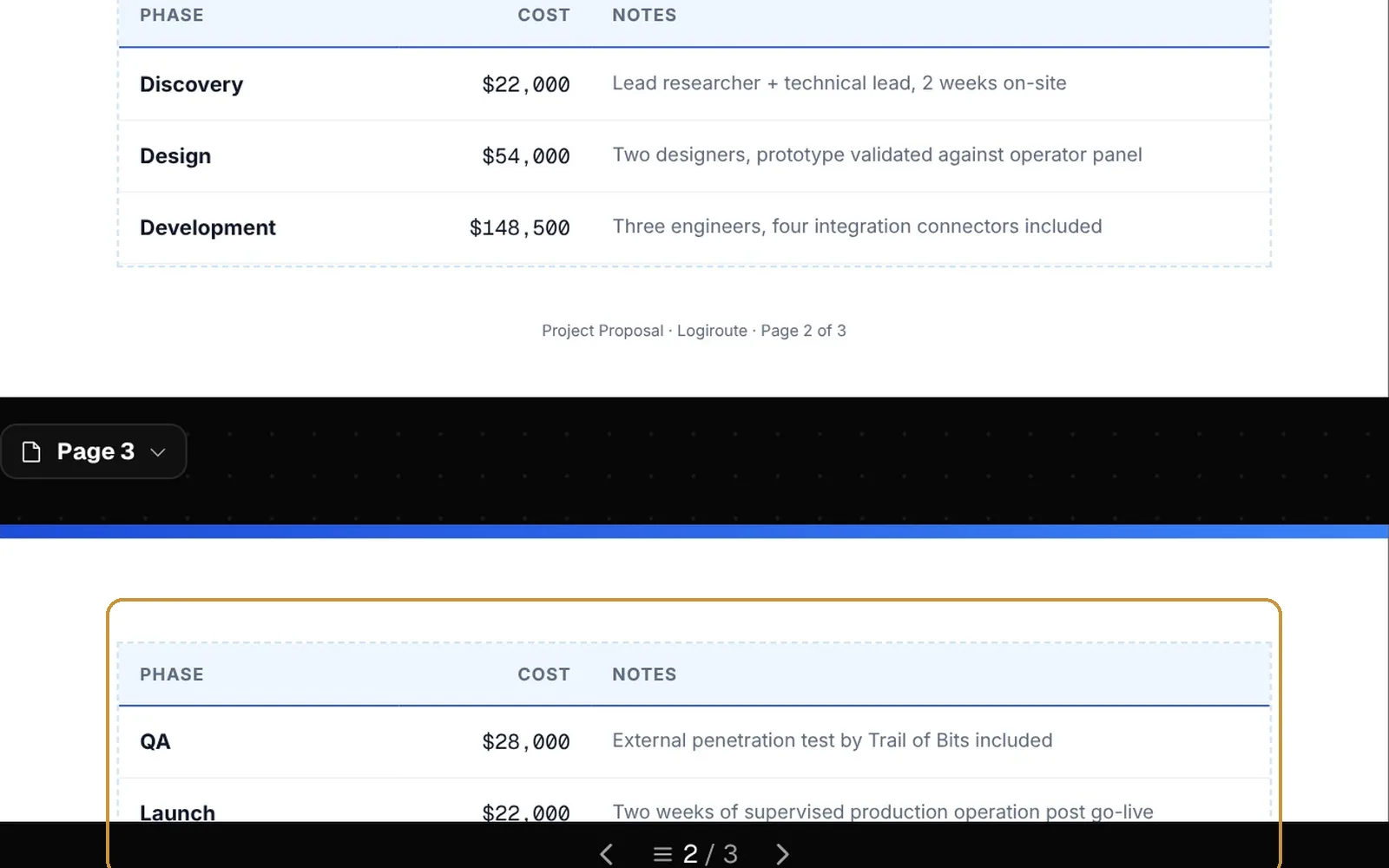
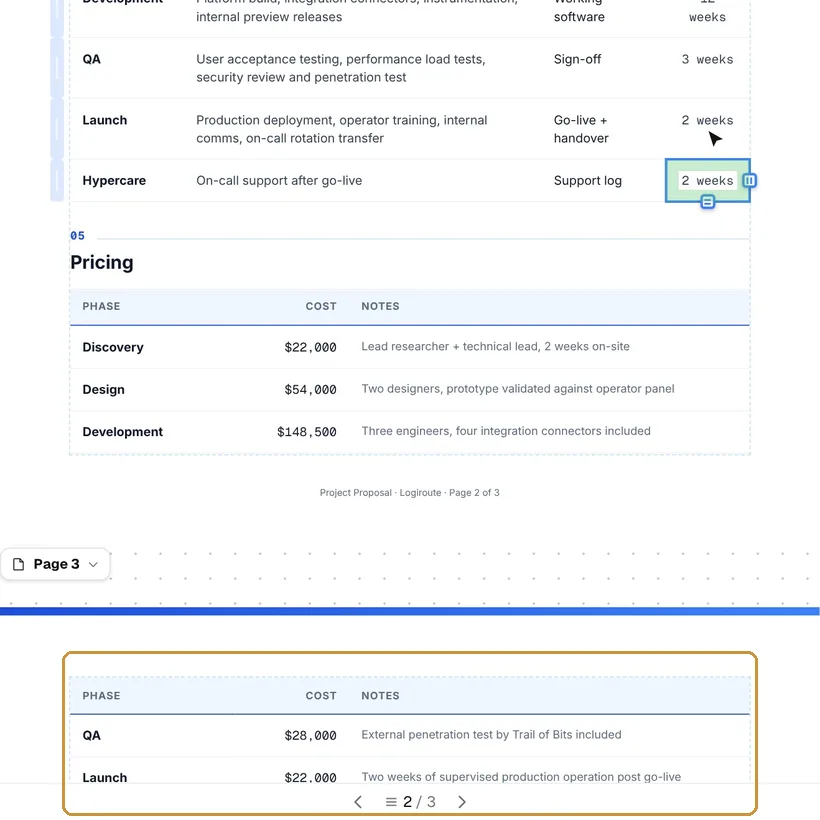
Tab in the last cell of the add-ons table adds an add-on; the volume discount table and the signatures after it move down, and a table that continues on the next page repeats its header row.
Its colours, default font and paper size are in Page settings, and its HTML and CSS in the Code view. When it is done, download the PDF.
Questions
- Does the add-ons table add up?
- No. Quantities and prices are typed: change the amounts and the totals yourself.
- Can I add another plan to compare?
- Duplicate the plan’s block (right-click, then Duplicate) and change its name, price and inclusions.
- Do I need an account?
- No. The template opens in the editor without one, and you can download the PDF; without an account every page carries a small mark in the corner. A free account gives 50 pages a month without it.
- Can I open the PDF again later and keep editing?
- Yes, if you download it with “Keep the PDF editable” switched on: the document travels inside the PDF, and imported into the editor again it comes back as it was, without AI. The switch is off by default. With an account, the document is also kept in your Library.
- Is the PDF accessible?
- By default it is tagged for screen readers as PDF/UA-1: headings, lists, tables with their header cells, the language and the title. The editor points out what only you can fix, such as an image without a description.
Open it and type.
The template opens in the editor in your browser, without an account. Change the words, add rows and pages, and download the PDF.