width
matches Chrome on some values: 7 of 11 examples match Chrome
css-sizing-3
Some of the examples match Chrome and some do not: the count says how many, and the values that differ are listed first, each with its difference map.
The 4 that do not: width:stretch, width:50%, width:40%, width:calc(40% + 20px). They come first below, each with its difference map.
What the specification says
| Initial value | auto |
|---|---|
| Applies to | all elements except non-replaced inlines |
| Inherited | no |
| Percentages | relative to width/height of containing block |
| Computed value | as specified, with <length-percentage> values computed |
| Syntax | auto | <length-percentage [0,∞]> | min-content | max-content | fit-content(<length-percentage [0,∞]>) | <calc-size()> | <anchor-size()> | stretch | fit-content | contain |
The measurements
11 examples: four render differently and come first and seven match Chrome. Each is one declaration on a small page, drawn by Chrome and by our engine. Drag on a picture to move the line between them.
width:stretch
renders differently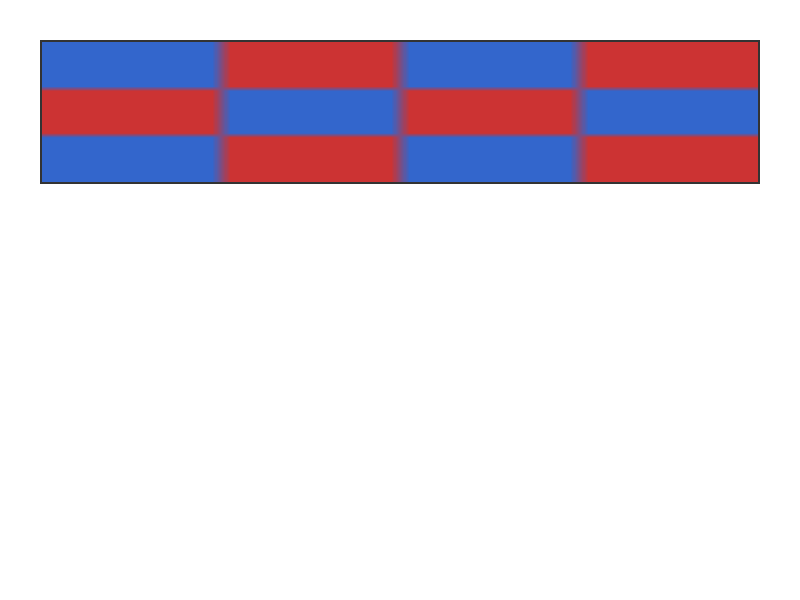
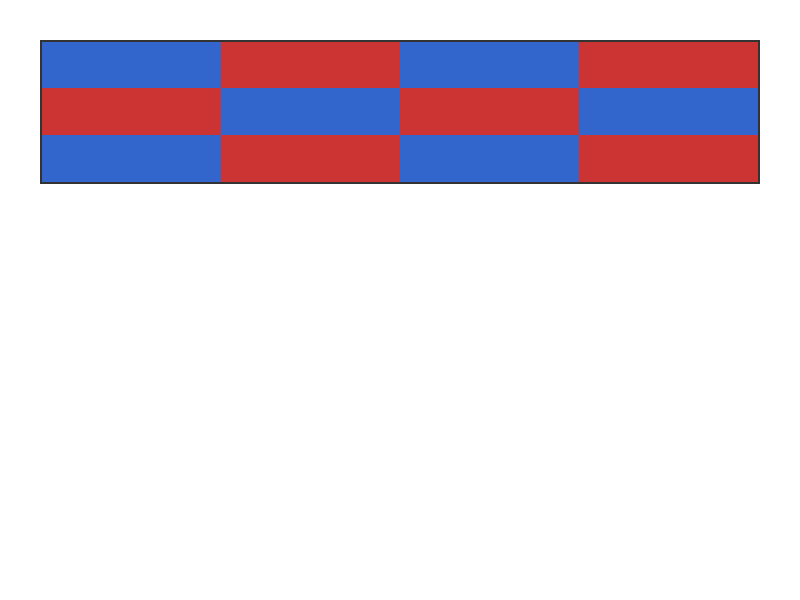
| Pixels that differ from Chrome | 12,454 |
|---|---|
| The same, on the page without the declaration | 3,734 |
| Largest difference on one colour channel | 87 of 255 |
| The same, on the page without the declaration | 87 of 255 |
The declaration takes effect differently from Chrome: the difference map shows where.
width:50%
renders differently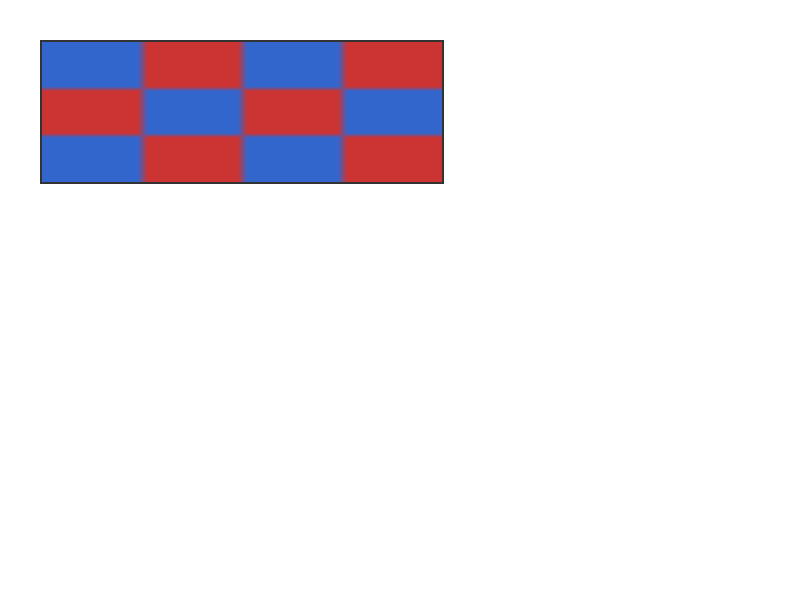
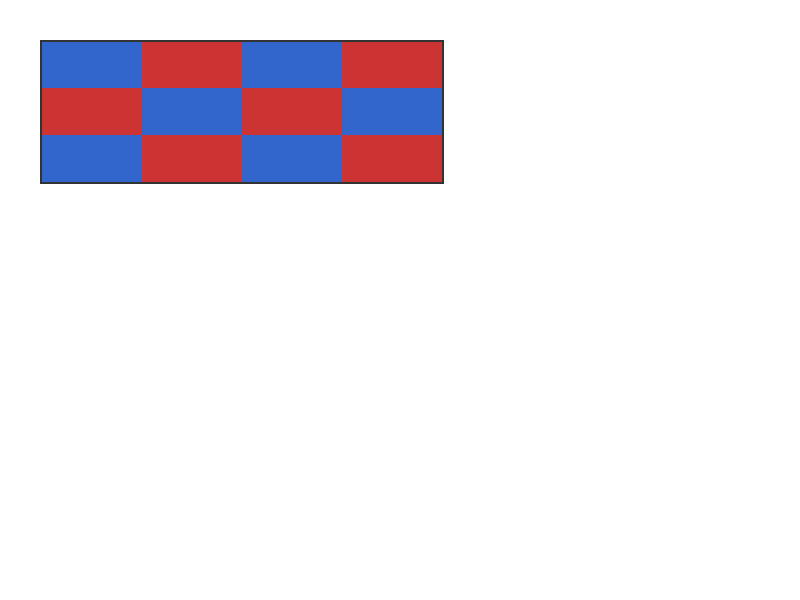
| Pixels that differ from Chrome | 6,758 |
|---|---|
| The same, on the page without the declaration | 3,734 |
| Largest difference on one colour channel | 87 of 255 |
| The same, on the page without the declaration | 87 of 255 |
The declaration takes effect differently from Chrome: the difference map shows where.
width:40%
renders differently
| Pixels that differ from Chrome | 5,722 |
|---|---|
| The same, on the page without the declaration | 3,734 |
| Largest difference on one colour channel | 87 of 255 |
| The same, on the page without the declaration | 87 of 255 |
The declaration takes effect differently from Chrome: the difference map shows where.
width:calc(40% + 20px)
renders differently
| Pixels that differ from Chrome | 5,882 |
|---|---|
| The same, on the page without the declaration | 3,734 |
| Largest difference on one colour channel | 87 of 255 |
| The same, on the page without the declaration | 87 of 255 |
The declaration takes effect differently from Chrome: the difference map shows where.
width:20px
same effect as Chrome

| Pixels that differ from Chrome | 142 |
|---|---|
| The same, on the page without the declaration | 3,734 |
| Largest difference on one colour channel | 87 of 255 |
| The same, on the page without the declaration | 87 of 255 |
The pages differ by 142 pixels with the declaration and by 3,734 without it: what differs is there before the property (mostly the fonts), and the declaration does not add to it.
width:min-content, width:max-content, width:fit-content, width:auto
same effect as Chrome
| Pixels that differ from Chrome | 3,204 |
|---|---|
| The same, on the page without the declaration | 3,734 |
| Largest difference on one colour channel | 87 of 255 |
| The same, on the page without the declaration | 87 of 255 |
The pages differ by 3,204 pixels with the declaration and by 3,734 without it: what differs is there before the property (mostly the fonts), and the declaration does not add to it.
width:4px
same effect as Chrome

| Pixels that differ from Chrome | 544 |
|---|---|
| The same, on the page without the declaration | 3,734 |
| Largest difference on one colour channel | 87 of 255 |
| The same, on the page without the declaration | 87 of 255 |
The pages differ by 544 pixels with the declaration and by 3,734 without it: what differs is there before the property (mostly the fonts), and the declaration does not add to it.
width:calc(20px + 4px)
same effect as Chrome

| Pixels that differ from Chrome | 174 |
|---|---|
| The same, on the page without the declaration | 3,734 |
| Largest difference on one colour channel | 87 of 255 |
| The same, on the page without the declaration | 87 of 255 |
The pages differ by 174 pixels with the declaration and by 3,734 without it: what differs is there before the property (mostly the fonts), and the declaration does not add to it.
Which values were measured
A match on one example means a match at the value tried. The property’s grammar has 8 branches, and 7 of them carry a measurement.
| Value | Measured |
|---|---|
20px4pxcalc(20px + 4px) | same effect as Chrome same effect as Chrome same effect as Chrome |
50%40%calc(40% + 20px) | renders differently renders differently renders differently |
min-content | same effect as Chrome |
max-content | same effect as Chrome |
stretch | renders differently |
fit-content | same effect as Chrome |
contain | not measured |
auto | same effect as Chrome |
Tests that name this property
1 web-platform-test links to this property’s definition. Few tests carry such a link, so a short list says little about the property.
Measured against Chrome 148.0.7778.96 on 5 November 2026, with up to 40 candidate values tried per property. How it was measured