text-decoration-skip-ink
same effect as Chrome
css-text-decor-4
The declaration changes our page the way it changes Chrome’s. What still differs between the two renderings was there before the declaration too, on the same page without it (mostly the fonts): no larger with it, or in the same places and no stronger.
What the specification says
| Initial value | auto |
|---|---|
| Applies to | all elements |
| Inherited | yes |
| Percentages | N/A |
| Computed value | specified keyword |
| Syntax | auto | none | all |
The measurements
One example. Each is one declaration on a small page, drawn by Chrome and by our engine. Drag on a picture to move the line between them.
text-decoration-skip-ink:none
same effect as Chrome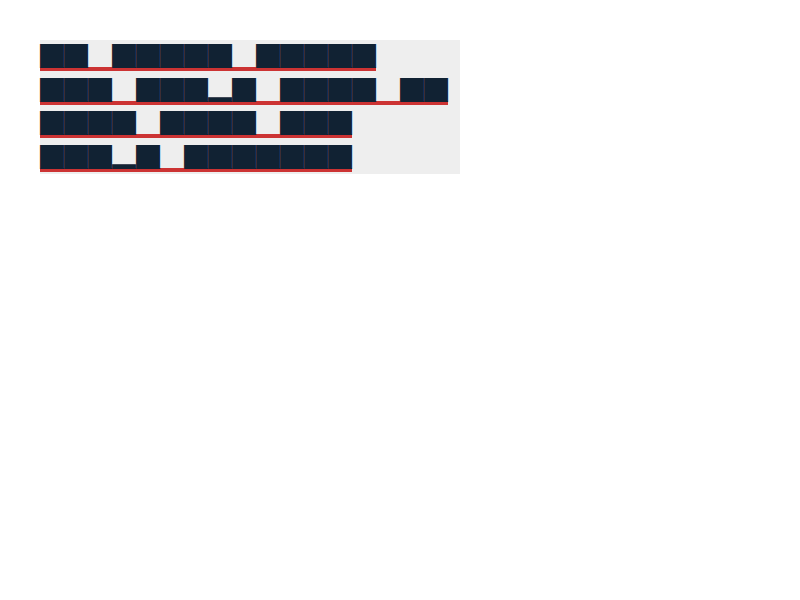
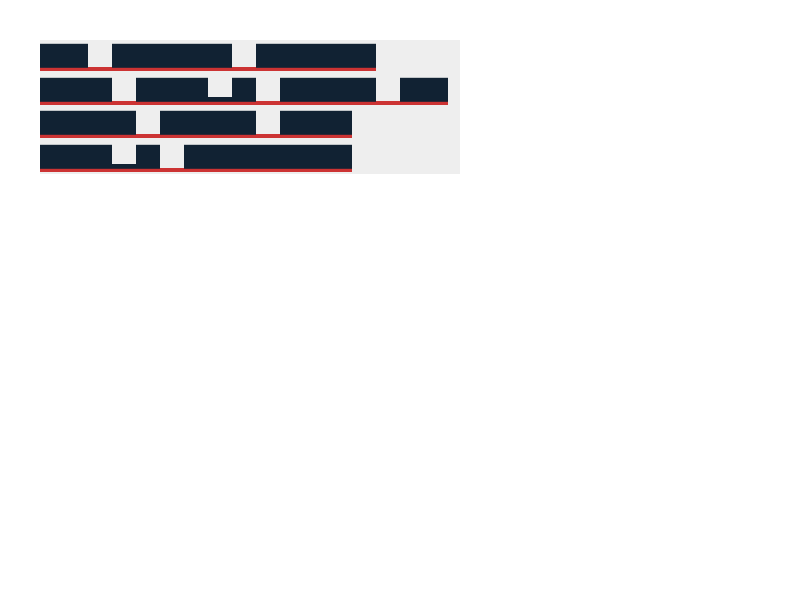
| Pixels that differ from Chrome | 1,476 |
|---|---|
| The same, on the page without the declaration | 1,402 |
| Largest difference on one colour channel | 45 of 255 |
| The same, on the page without the declaration | 45 of 255 |
The pages differ by 1,476 pixels with the declaration and by 1,402 without it: more pixels, but each within a pixel of a difference at least as strong on the page without the declaration.
Which values were measured
A match on one example means a match at the value tried. The property’s grammar has 3 branches, and 1 of them carries a measurement.
| Value | Measured |
|---|---|
all | not measured |
auto | not measured |
none | same effect as Chrome |
Tests that name this property
14 web-platform-tests link to this property’s definition. Few tests carry such a link, so a short list says little about the property.
- Failscss/css-text-decor/text-decoration-skip-ink-001.html
- Passescss/css-text-decor/text-decoration-skip-ink-002.html
- Passescss/css-text-decor/text-decoration-skip-ink-003.html
- Failscss/css-text-decor/text-decoration-skip-ink-004.html
- Failscss/css-text-decor/text-decoration-skip-ink-005.html
- Failscss/css-text-decor/text-decoration-skip-ink-sidewayslr-001.html
- Passescss/css-text-decor/text-decoration-skip-ink-sidewayslr-002.html
- Failscss/css-text-decor/text-decoration-skip-ink-sidewaysrl-001.html
- Passescss/css-text-decor/text-decoration-skip-ink-sidewaysrl-002.html
- Failscss/css-text-decor/text-decoration-skip-ink-upright-001.html
- Failscss/css-text-decor/text-decoration-skip-ink-upright-002.html
- Failscss/css-text-decor/text-decoration-skip-ink-vertical-001.html
And 2 more.
Measured against Chrome 148.0.7778.96 on 5 November 2026, with up to 40 candidate values tried per property. How it was measured